More resume templates
Browse allAbout the Left Rule template
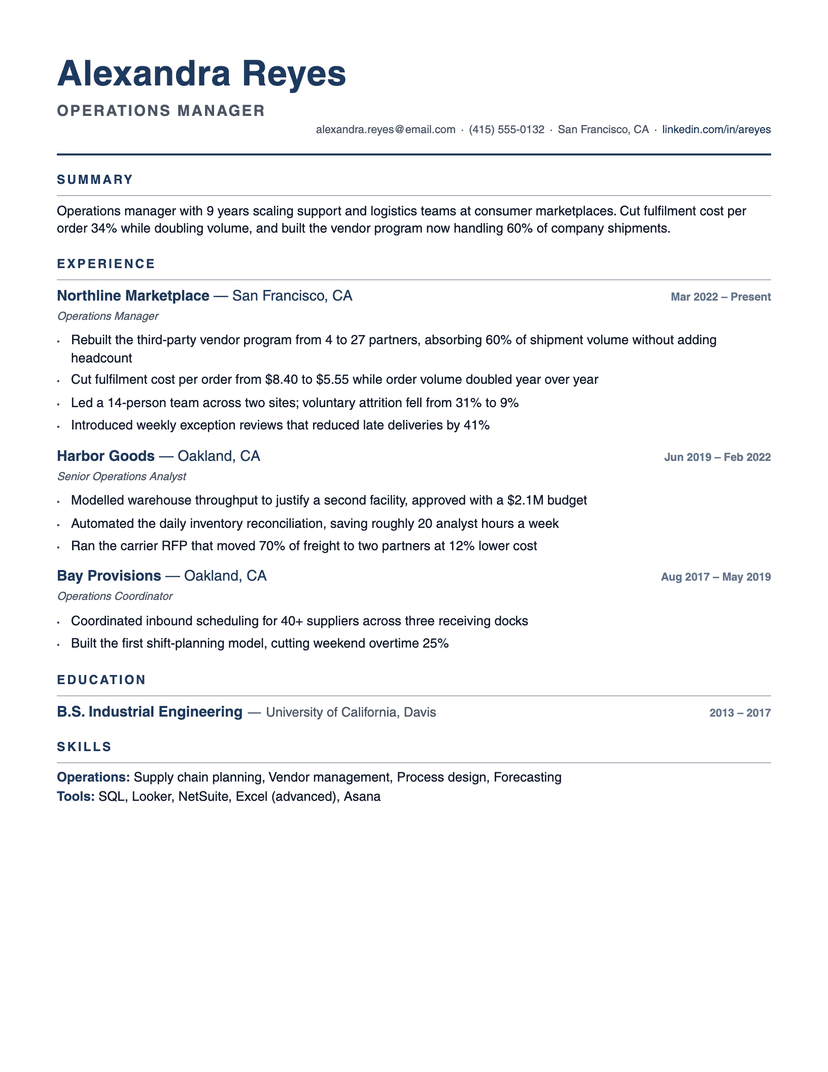
One rule, doing all the structural work
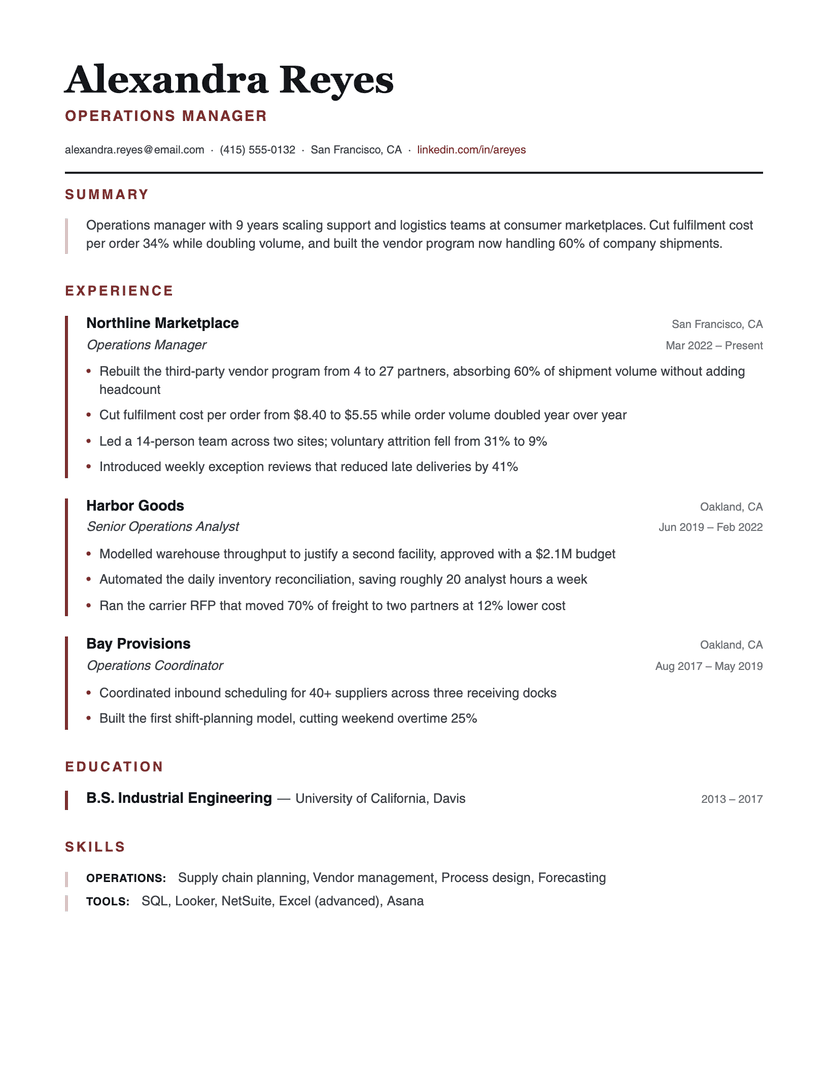
Most resumes separate sections with horizontal rules, which cut the page into strips and burn vertical space you do not have. Left Rule turns the line ninety degrees: a 3px accent border runs down each entry, so grouping is shown by what shares a spine rather than by what sits between two lines. Nothing is spent on separator height, and a long experience section still reads as one column of related blocks.
The section titles sit outside the rail — flush left, uppercase, widely letterspaced, in the accent. That one indent difference is what makes the device read as a margin rail instead of a quote block, and it gives the eye a reliable place to find the next heading while scanning.
The summary and skills carry the same rule in a dusty, tinted version of the accent. Prose gets a softer mark than a dated entry, so the page has two levels of emphasis without introducing a second color.
Where Left Rule is the wrong choice
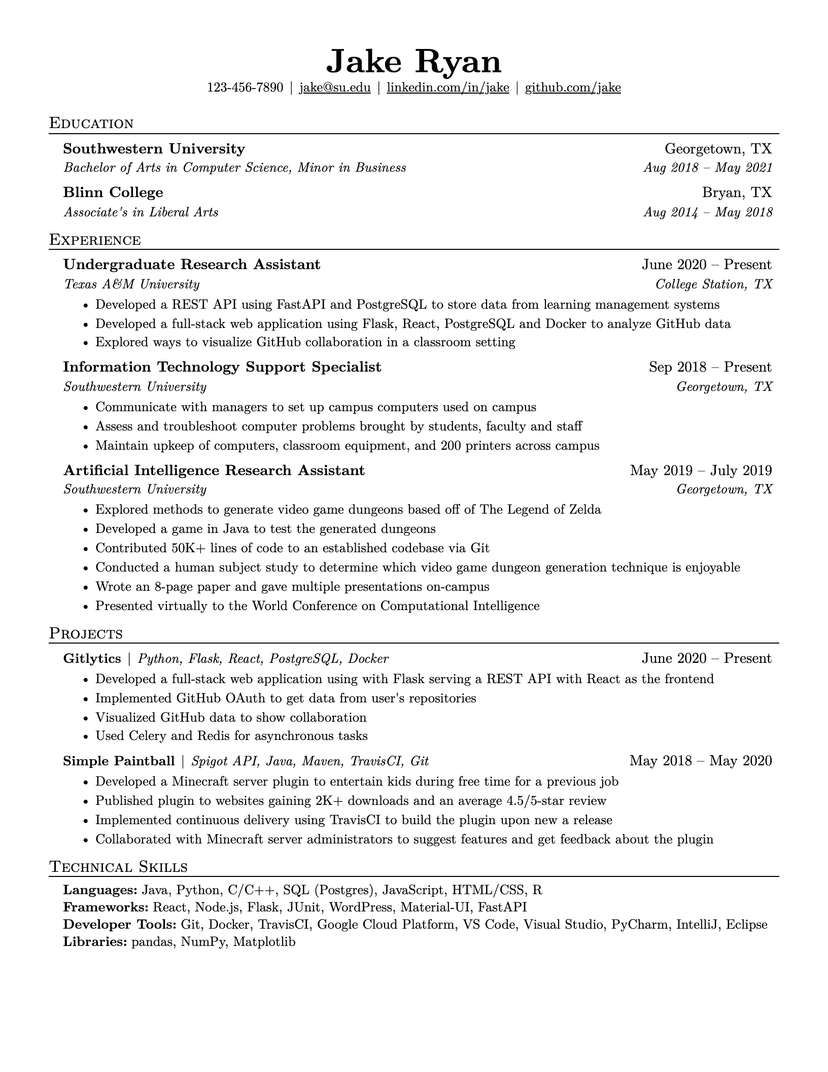
The spine costs about 21px of horizontal room on every line, so a resume already fighting for space loses roughly one word per bullet — Jake's or Compact fit more. And because the rail is drawn per block, a Word download shows it as a mark on each entry's first line rather than one unbroken rule: if the exact look matters to you, send the PDF.
Who the Left Rule template is for
Great fit
- Operations, program and people managers with many dated, structured entries
- Anyone who wants visible structure without horizontal rules eating the page
- Candidates who like a serif name over a sans body — a slightly formal register
Look elsewhere if
- Content-dense one-pagers where 21px of indent per line matters (use Jake's)
- Anyone who needs the Word file to look identical to the PDF
Already have a resume? See exactly what an ATS parses out of it.
Run the free ATS checker