
Editable Word Resume Templates (.docx)
Real .docx files, built the way Word is meant to be used: true heading styles, real bullet lists, tab-stop date alignment, and not a single floating text box. That is what lets you edit the file freely without quietly breaking it — add a role, change a font, and the structure holds. Download instantly, no sign-up, then follow the editing rules below.
18 templates
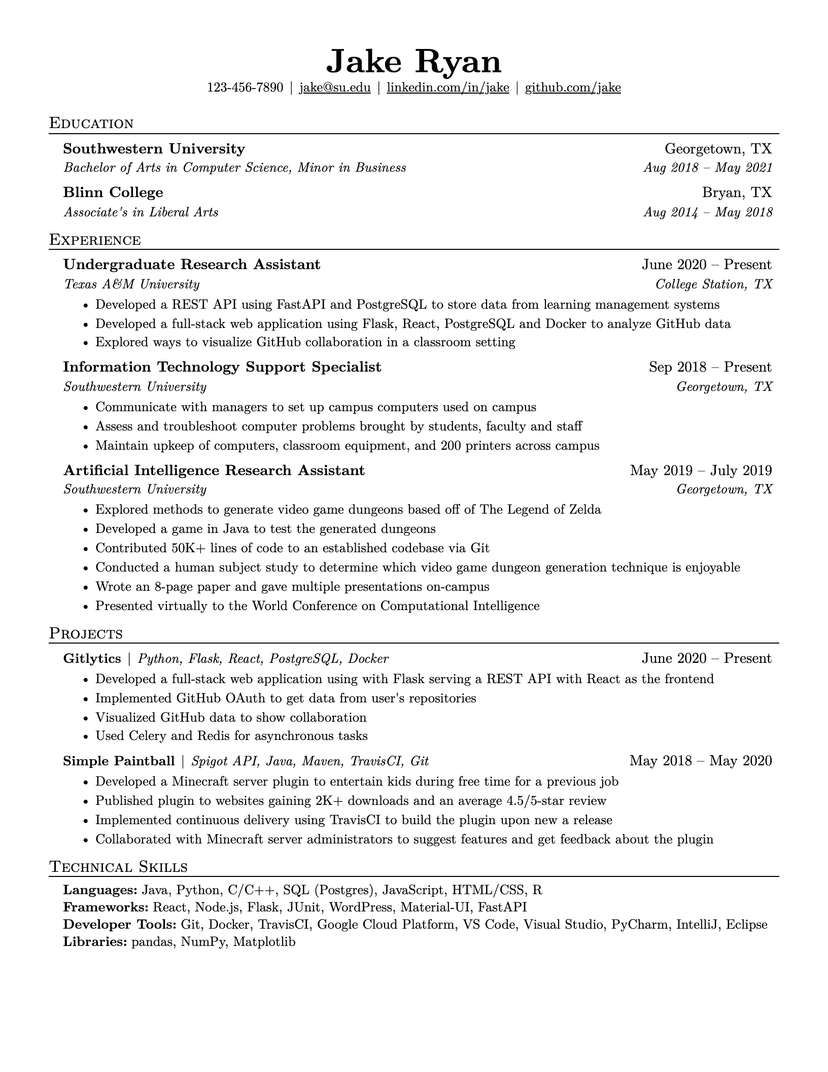
Jake's Resume
- Word
- Google Docs
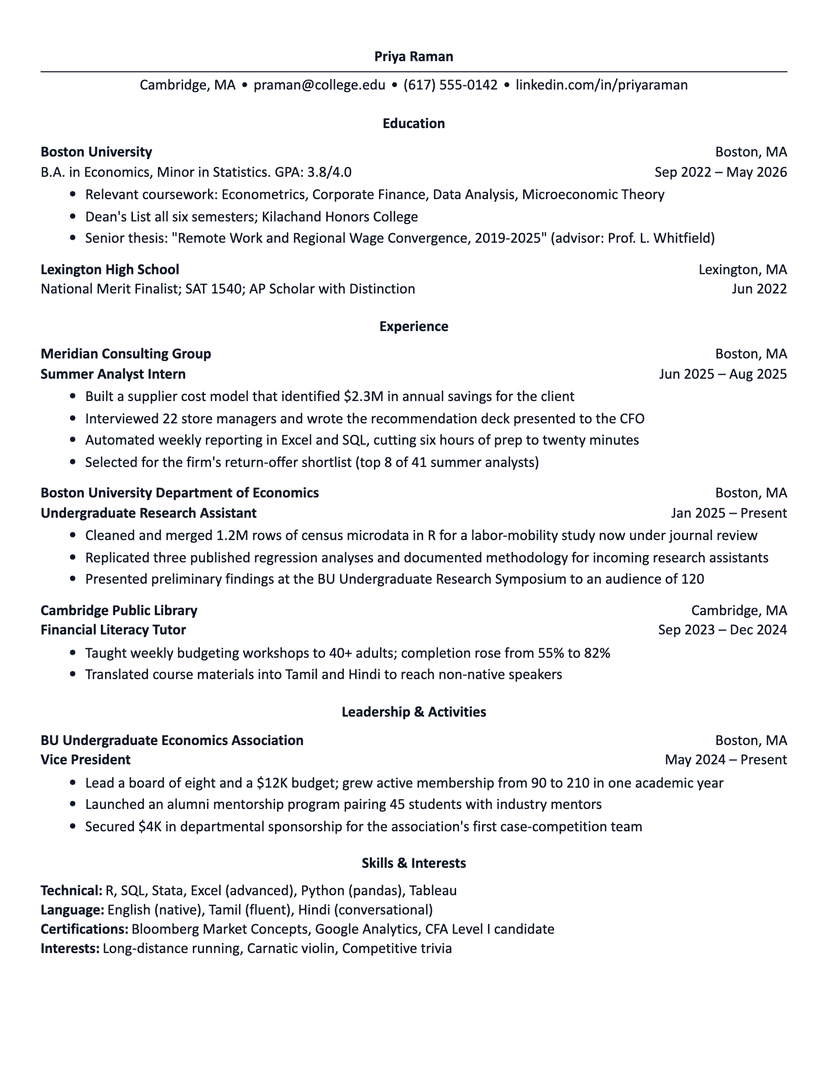
Harvard
- Word
- Google Docs
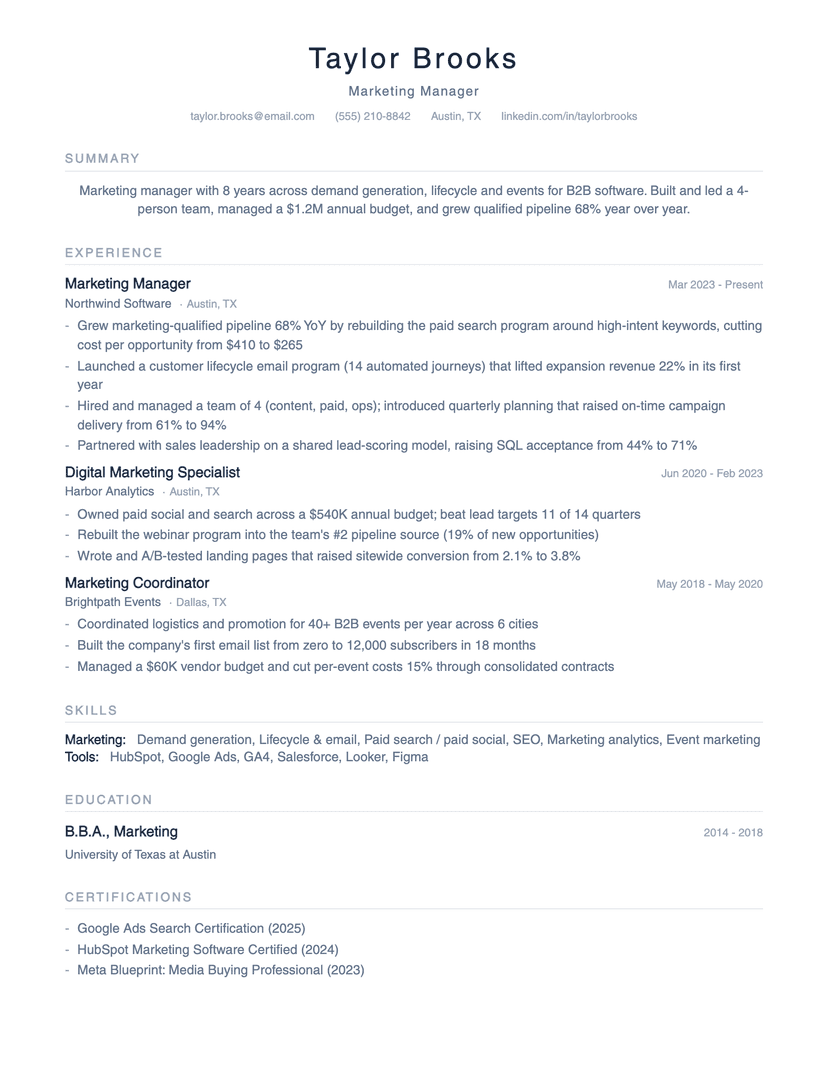
Minimalist
- Word
- Google Docs
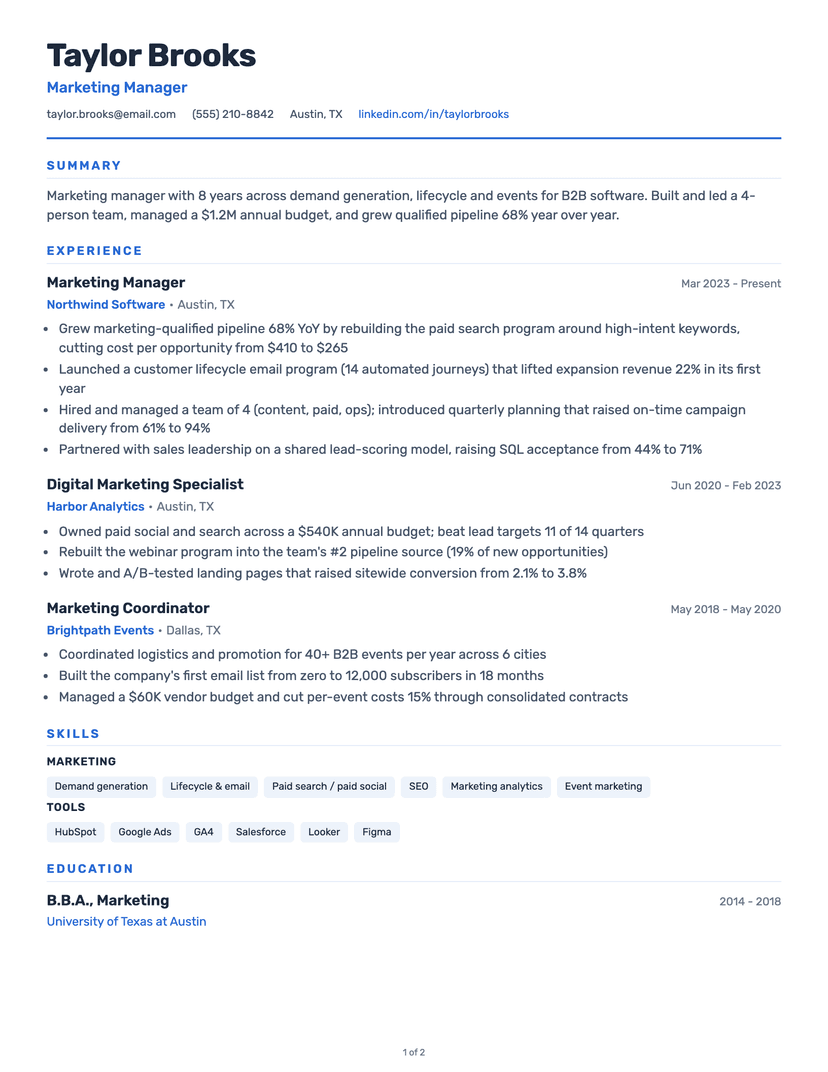
Classic
- Word
- Google Docs
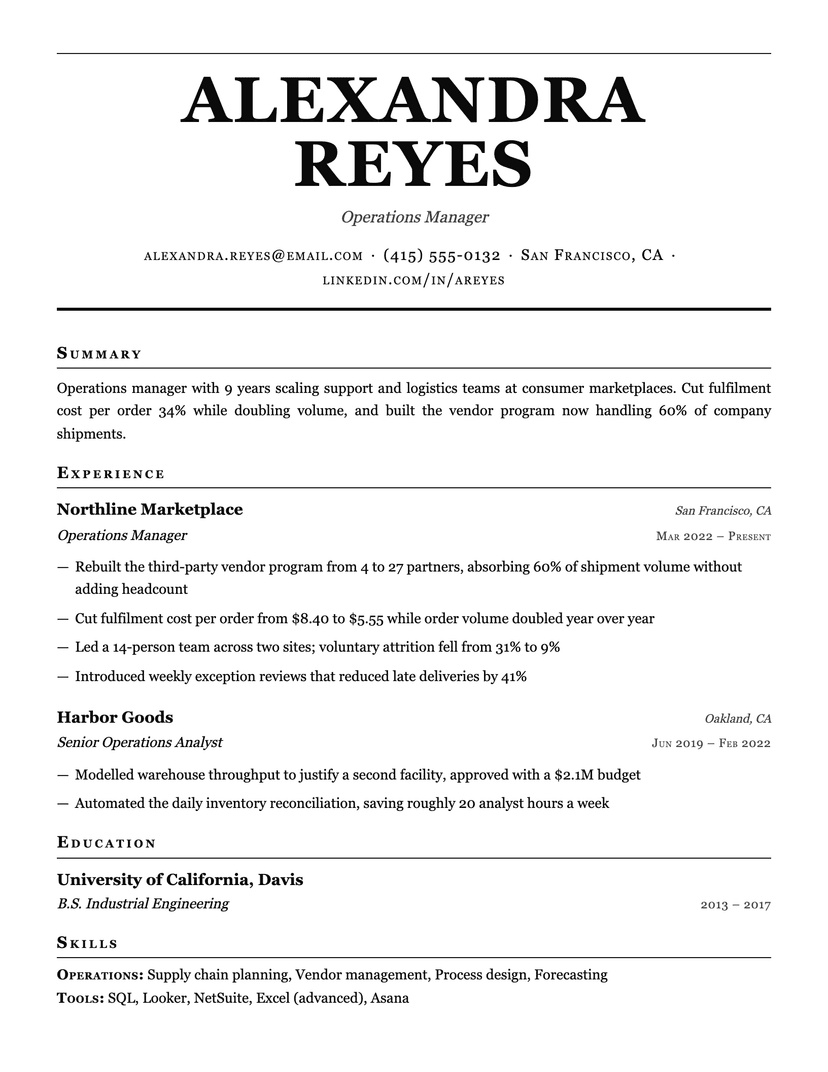
Broadsheet
- Word
- Google Docs
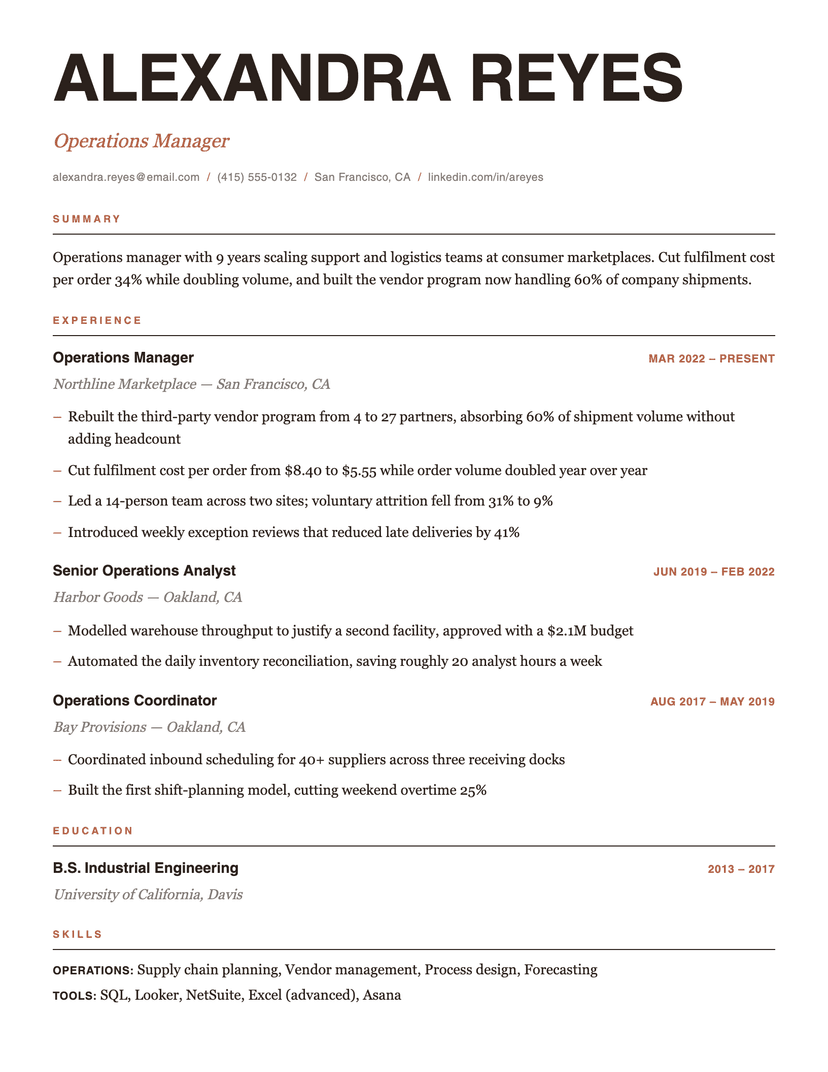
Editorial
- Word
- Google Docs
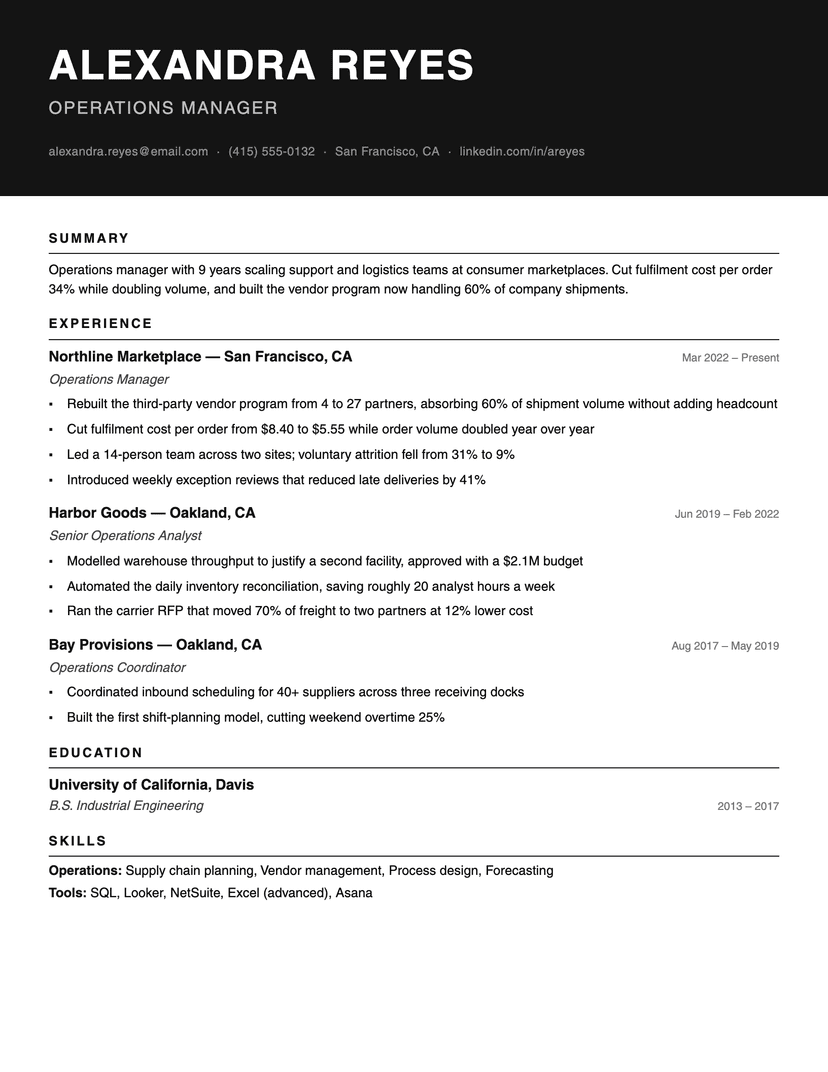
Ink Block
- Word
- Google Docs
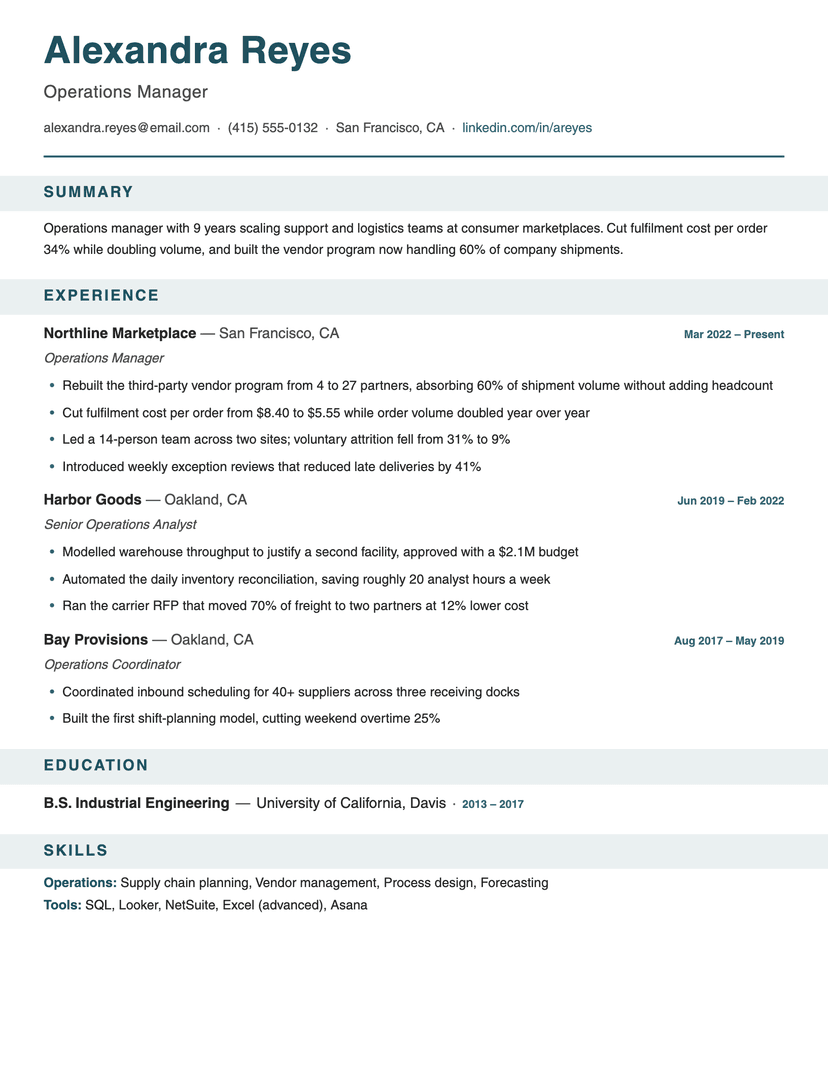
Banner
- Word
- Google Docs
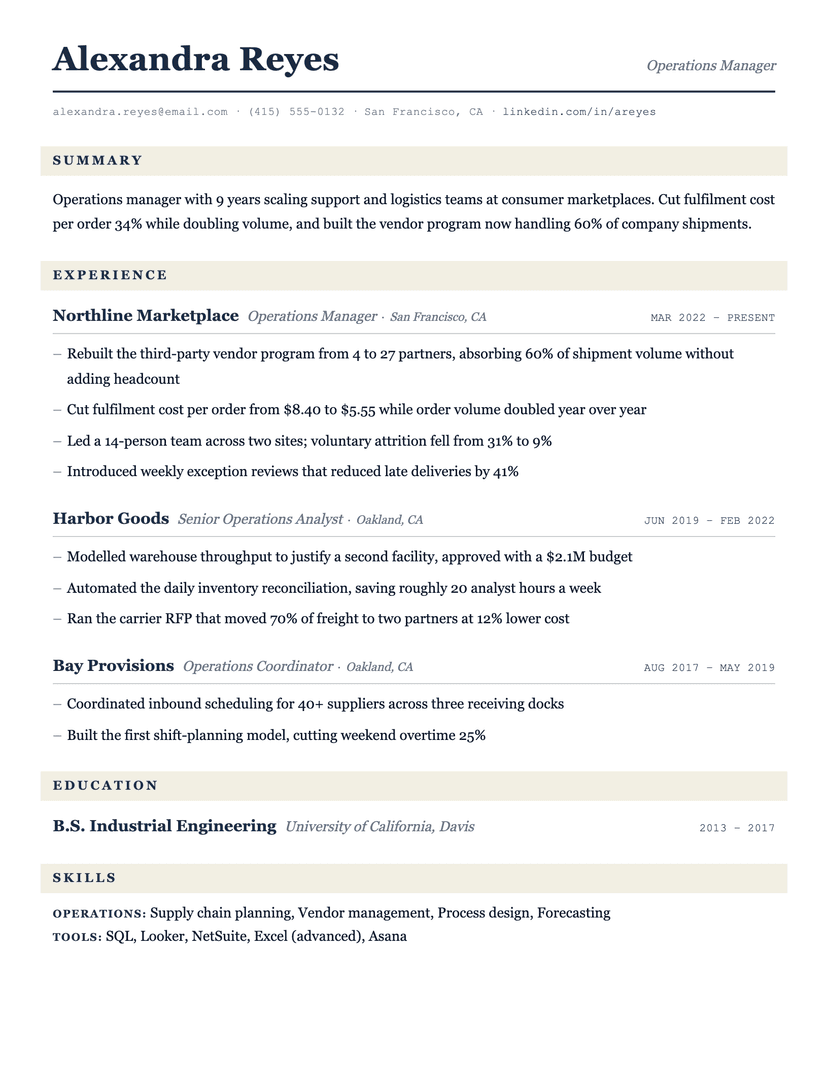
Ledger
- Word
- Google Docs
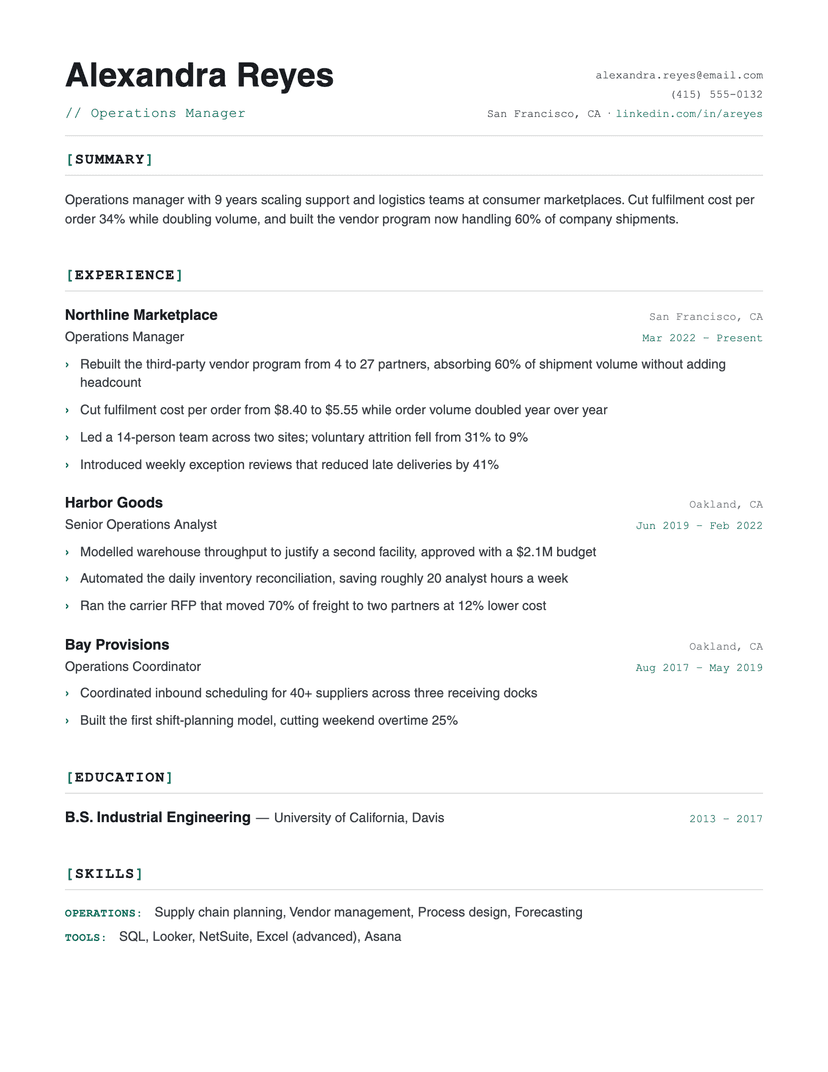
Bracket
- Word
- Google Docs
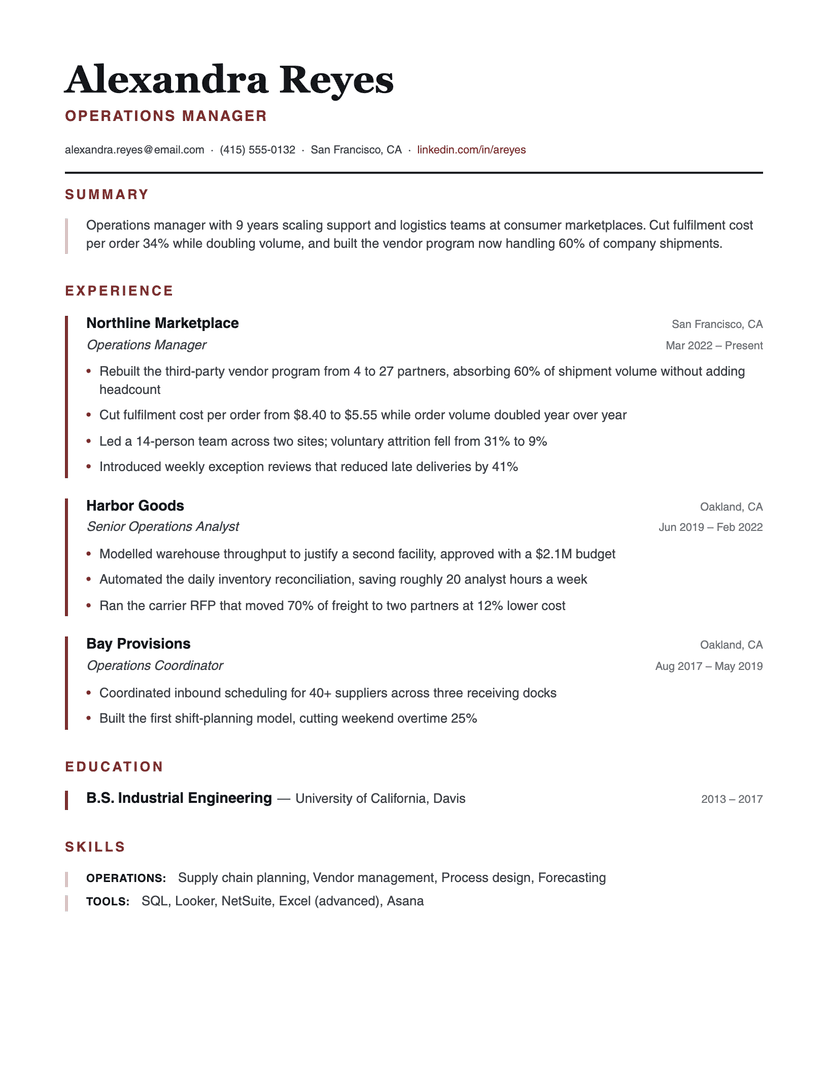
Left Rule
- Word
- Google Docs
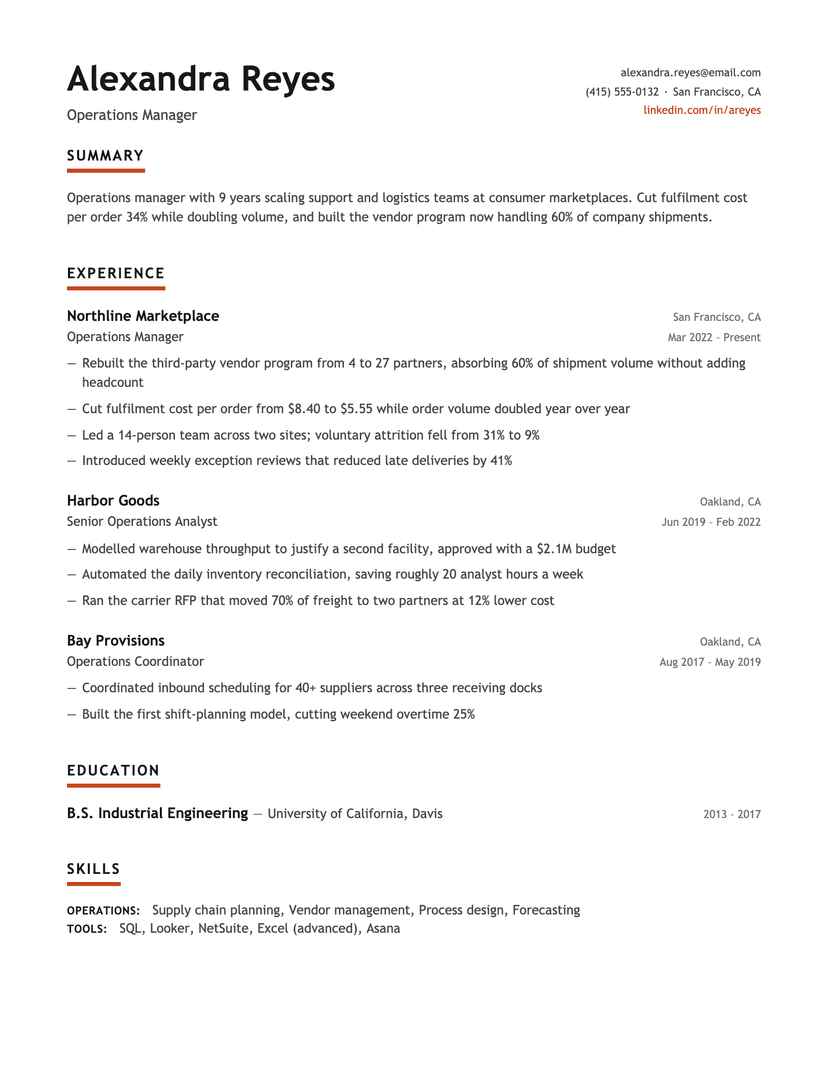
Underline Accent
- Word
- Google Docs
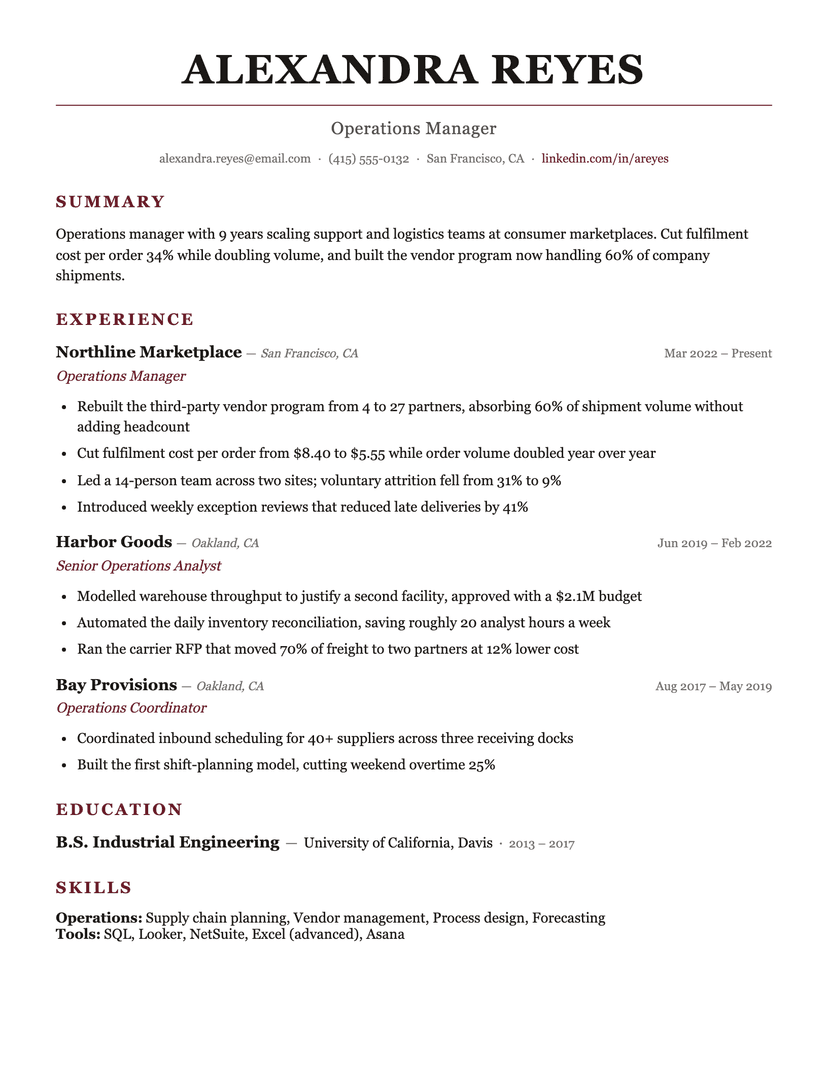
Burgundy
- Word
- Google Docs
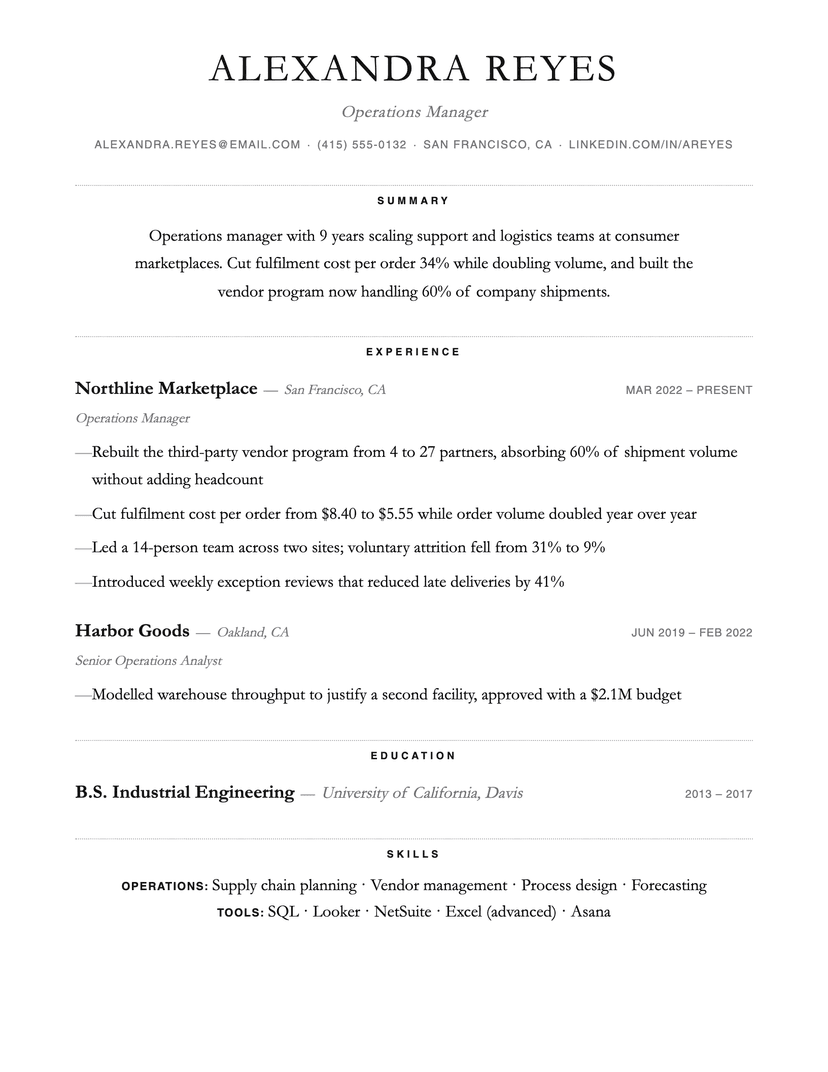
Dotted
- Word
- Google Docs
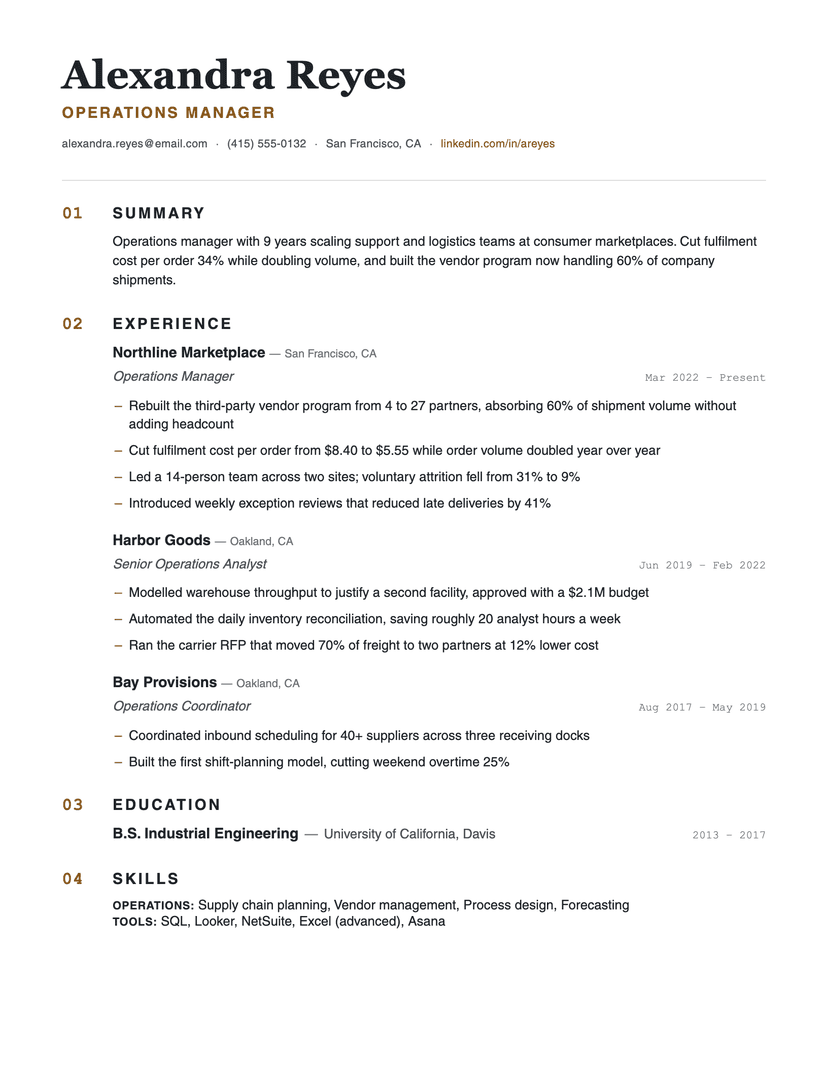
Numbered
- Word
- Google Docs
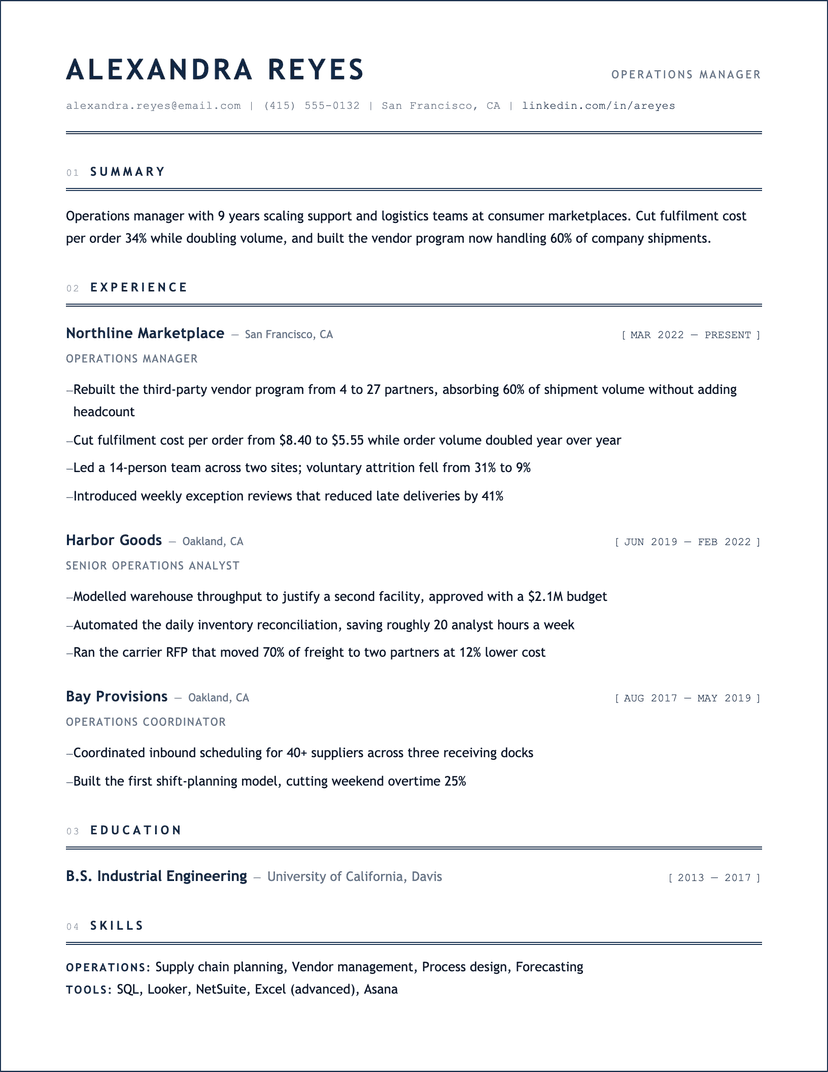
Blueprint
- Word
- Google Docs
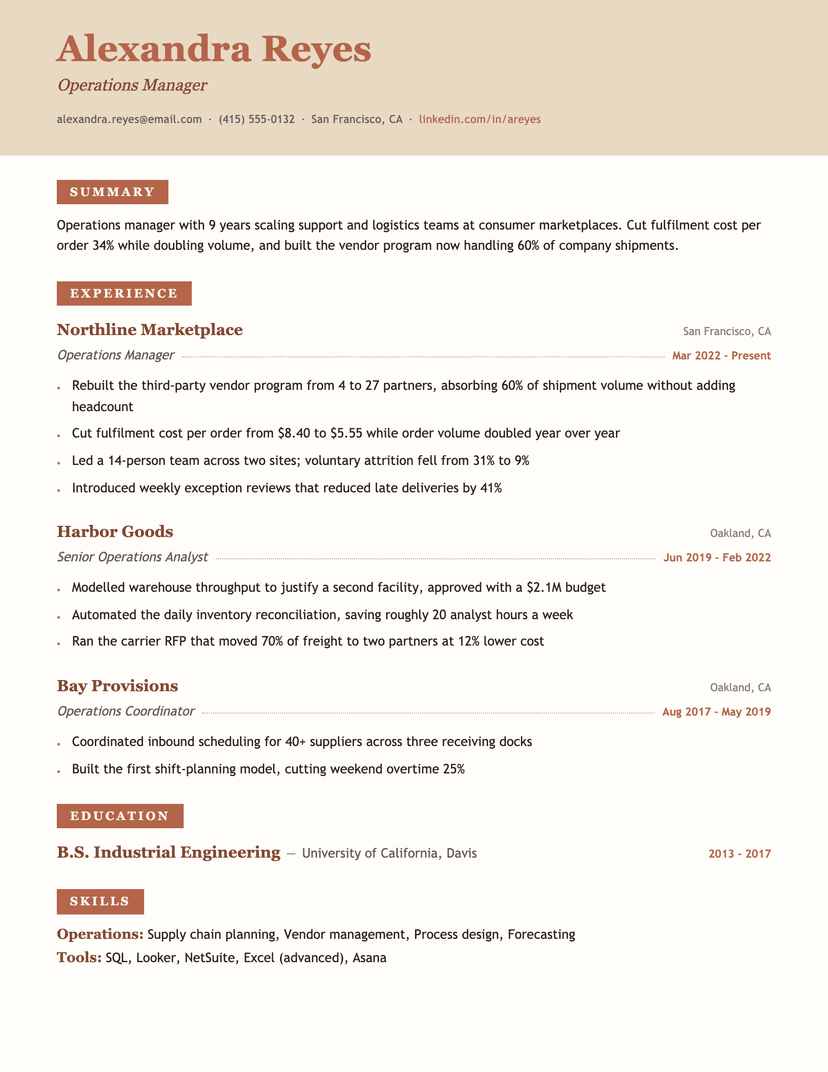
Terracotta
- Word
- Google Docs
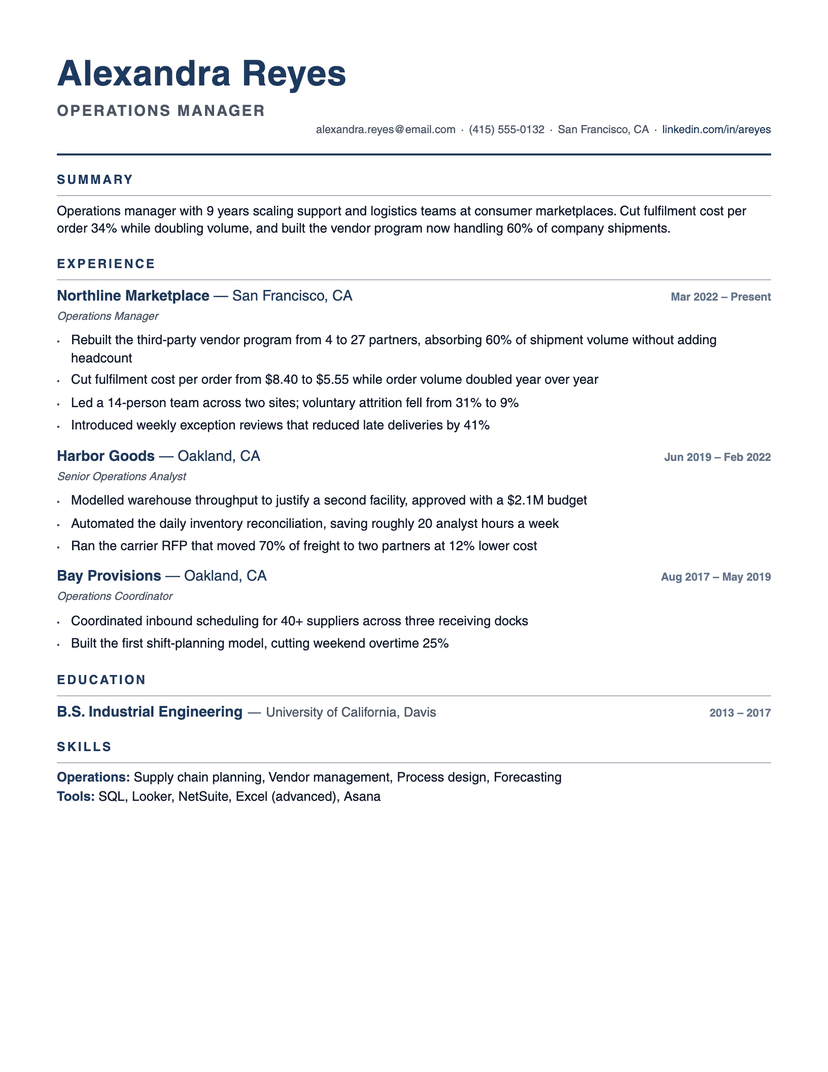
Compact Pro
- Word
- Google Docs
Why four templates instead of a 5,000-template gallery
Big Word-template galleries compete on count, and count is the wrong metric: most of those files are built from text boxes, layout tables and sidebar columns — structures that survive visually but parse as scrambled fragments in Workday or Taleo. A Word resume template has one real job: carry your content through both a parser and a skim. Four structurally-sound layouts cover that job completely; the other 4,996 are variations of things that break it.
How to edit these in Word without breaking ATS parsing
The templates use Word's built-in structure, so safe editing means staying inside it: add roles by copying a whole entry block (heading line + bullets) rather than drawing new text boxes; keep section titles as real Heading styles (they're what parsers anchor on); and resist inserting tables for alignment — the date alignment is done with tab stops, which parse as plain text.
When you're done: File → Save As → PDF for portal uploads. Send the .docx itself only when a posting asks for Word — some older systems and most external recruiters do.
Frequently asked questions
Does Word have built-in resume templates?+
Yes — Word's template picker has dozens, and they're the templates recruiters see most often. Many use decorative sidebars and text boxes that ATS parsers misread. If you like a built-in design, sanity-check it by copy-pasting the finished PDF into a plain text editor: if the text comes out in the wrong order, so will your application.
Is there a free ATS-friendly resume template for Word?+
All four templates on this page — free .docx downloads with no sign-up, built single-column with real heading structure specifically so they parse cleanly.
Should I apply with a .docx or a PDF?+
PDF by default — it locks your formatting on every machine. Use the .docx when a posting explicitly requests Word, or when working with a recruiter who'll annotate and re-send your resume.
Other collections
By style
Free ATS-Friendly Resume Templates
Single-column layouts that parsers read correctly.
19 templates
Simple & Basic Resume Templates
Nothing decorative — just clean structure.
5 templates
Modern Resume Templates
Contemporary typography, no decoration to pay for.
14 templates
Executive Resume Templates
Senior histories, with room for scope and results.
12 templates
By situation
Student Resume Templates
Coursework and projects carry the page.
6 templates
Internship Resume Templates
Built for people applying with little history.
5 templates
Entry-Level Resume Templates
First real job, minimal experience.
6 templates
Resume With No Experience — What to Put, and Free Templates
Volunteering, clubs and projects as evidence.
5 templates