More resume templates
Browse allAbout the Ledger template
Why the dates get their own column
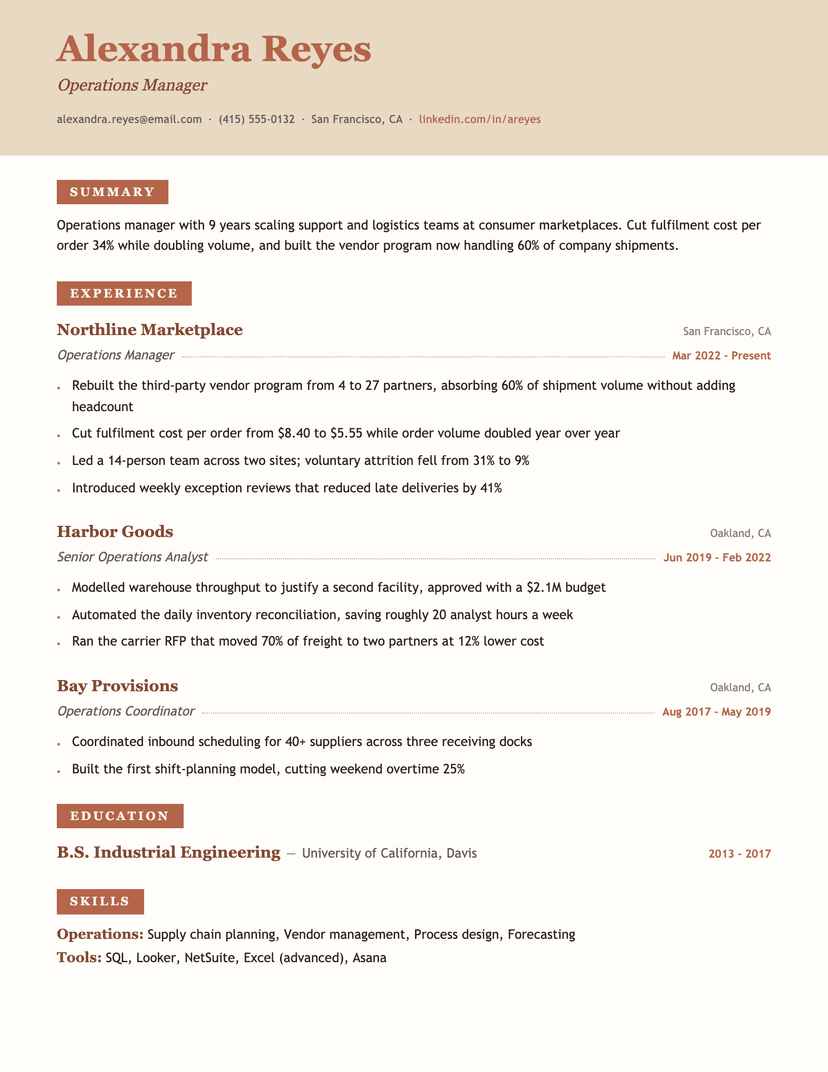
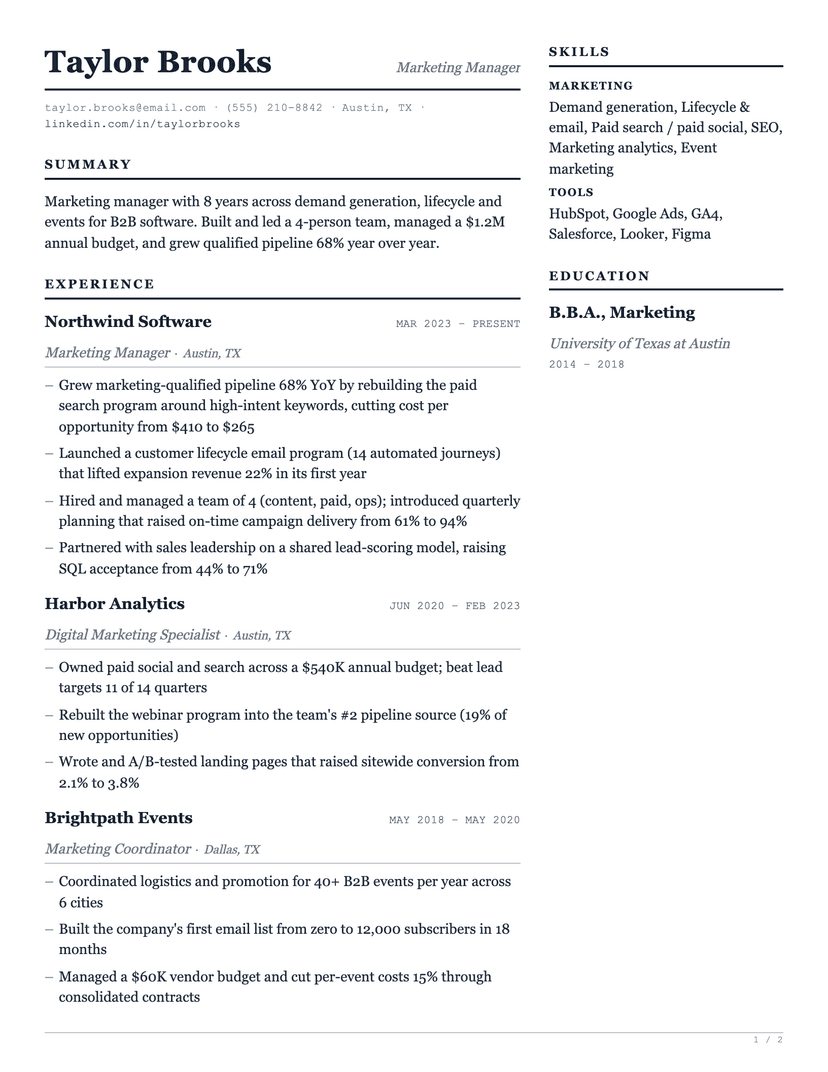
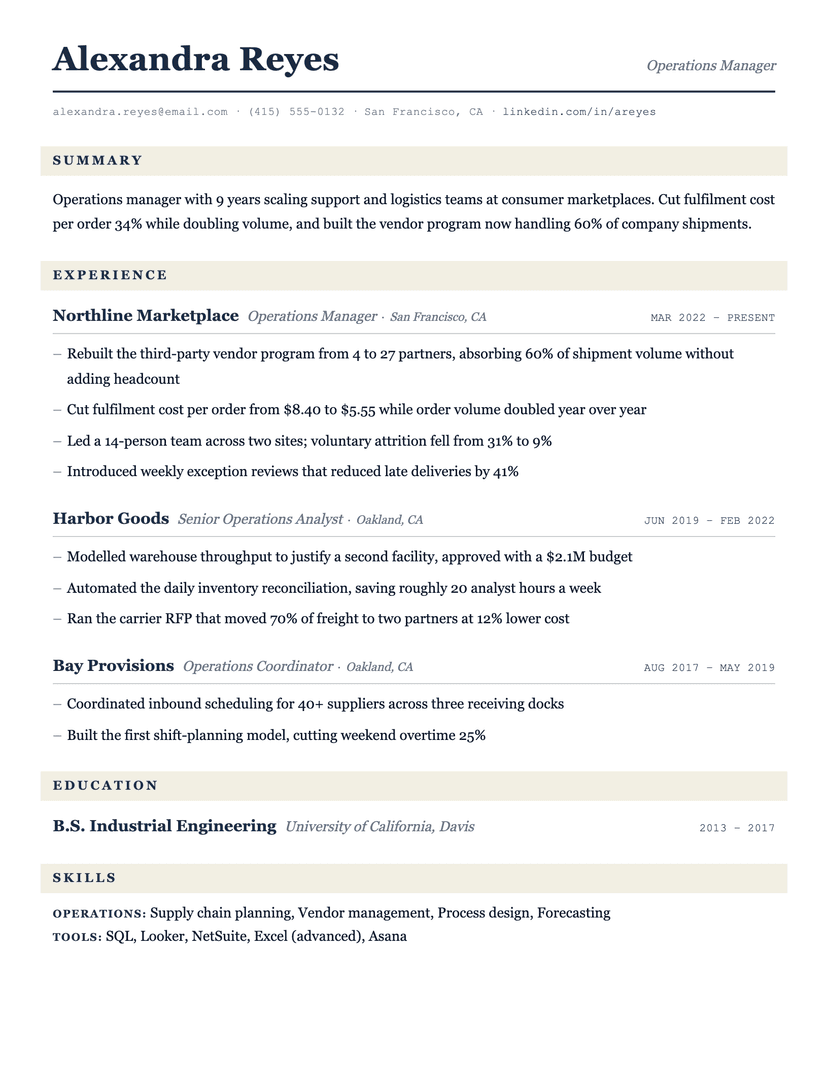
Most resumes set dates in the same proportional face as the text, which means every date has a different width and the right edge of the page ends up ragged. Ledger sets them in a typewriter face instead: every digit is the same width, so "Mar 2022 – Present" and "Jun 2019 – Feb 2022" line up character for character. A reader checking tenure can scan the column alone.
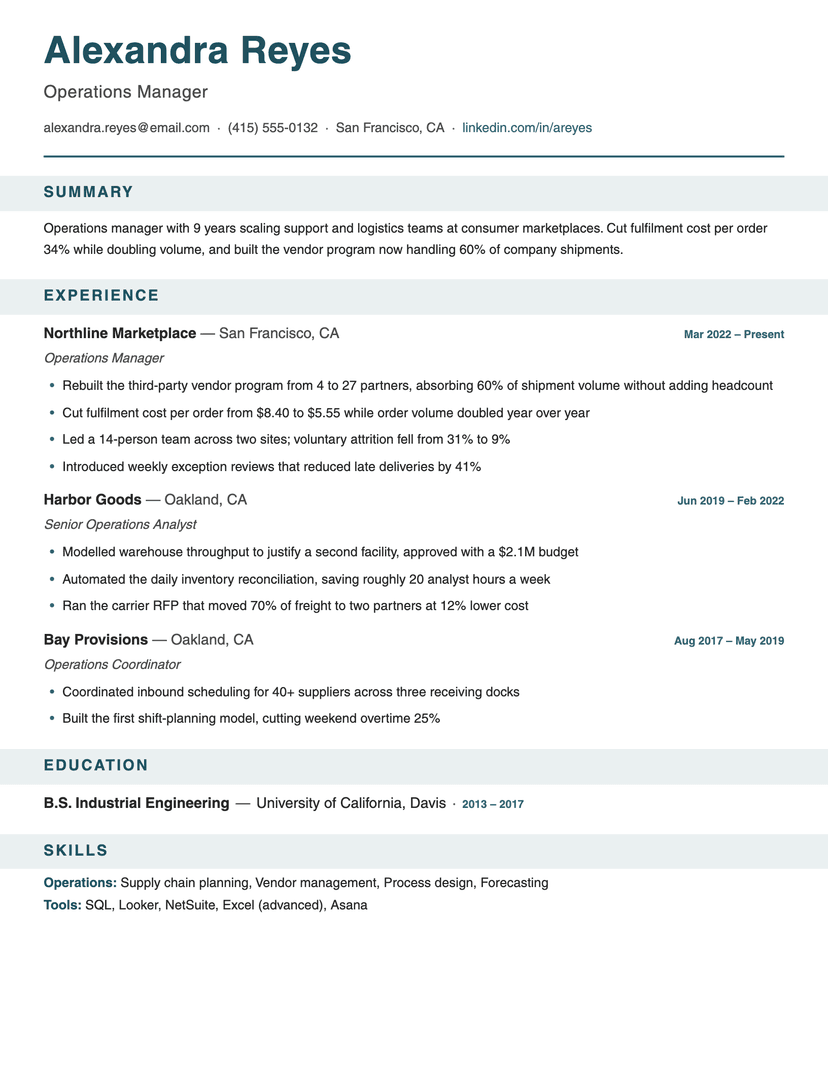
The cream bands do the other half of the work. They mark where one section stops and the next starts without a single extra rule, which keeps a page with six sections from turning into a stack of horizontal lines.
Where Ledger struggles
The tabular date column depends on dates being short. Entries with long date strings, or roles with no dates at all, leave the column looking half-built. And the paper tint is deliberate — if you print on an office laser that renders light fills as gray mud, use the PDF, which holds the tone properly, or pick a template with no fills at all.
Who the Ledger template is for
Great fit
- Operations, finance and supply-chain professionals whose tenure matters as much as the work
- Anyone with a long, unbroken employment history worth reading as a column
- Readers who want a serif page that still feels engineered rather than literary
Look elsewhere if
- Career-changers with gaps or overlapping dates, where a hard date column draws the eye to the wrong thing
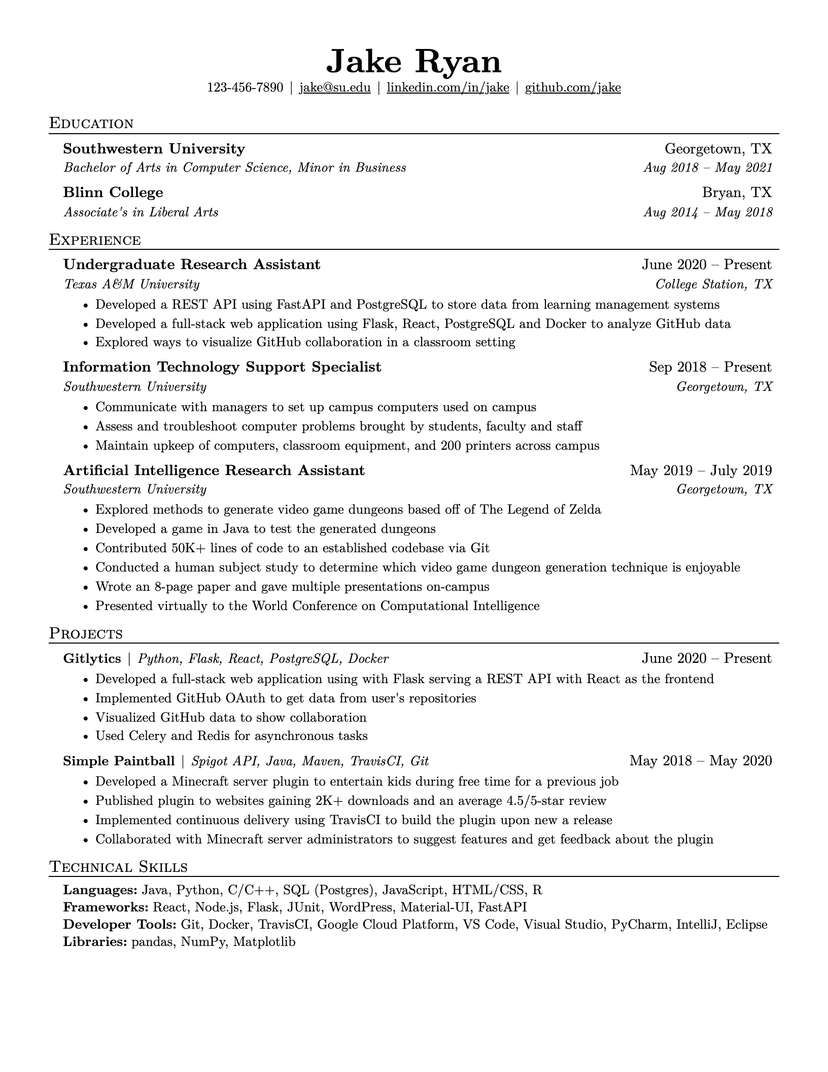
- Anyone who needs to fit maximum content on one page — the bands and leading cost room (use Jake's)
Already have a resume? See exactly what an ATS parses out of it.
Run the free ATS checker