
Free · No sign-up · Every format
Free resume templates
Simple, modern and executive designs. Upload your resume and get it back in any layout below, then download it as PDF, Word or Google Docs.
The whole collection
Same content, different typography. Switching later costs nothing — or narrow the list by collection below.
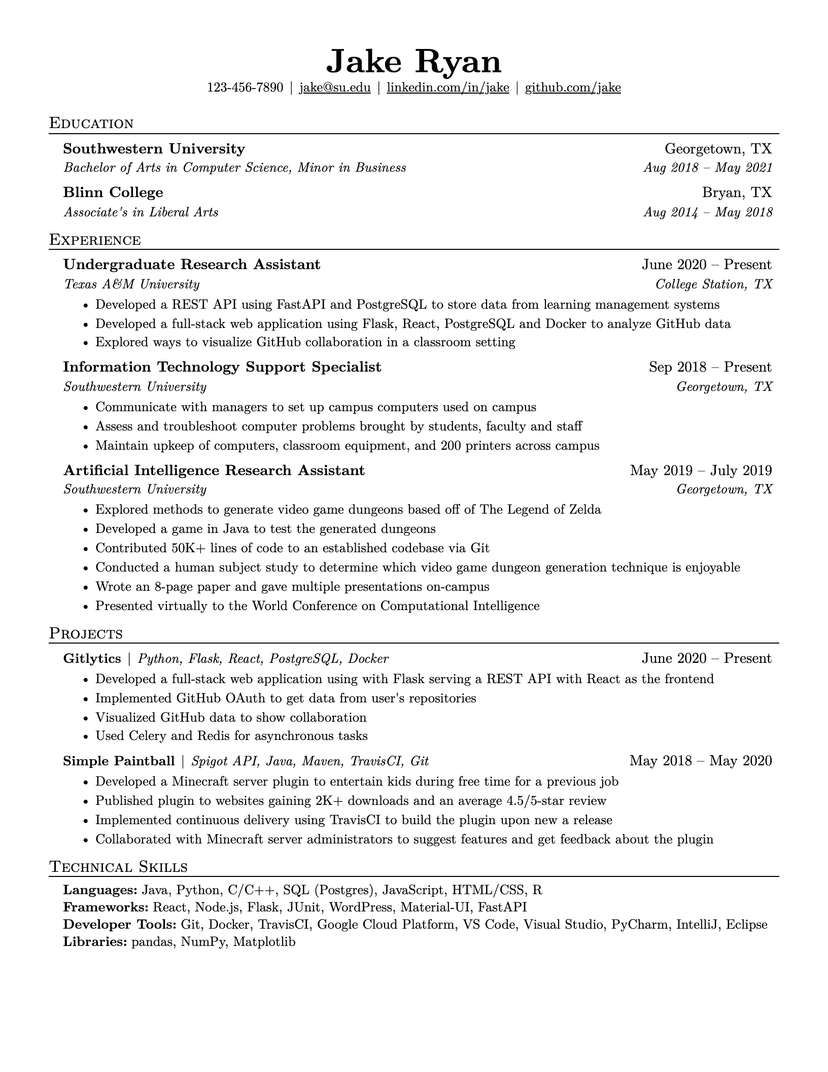
Jake's Resume
- Word
- Google Docs
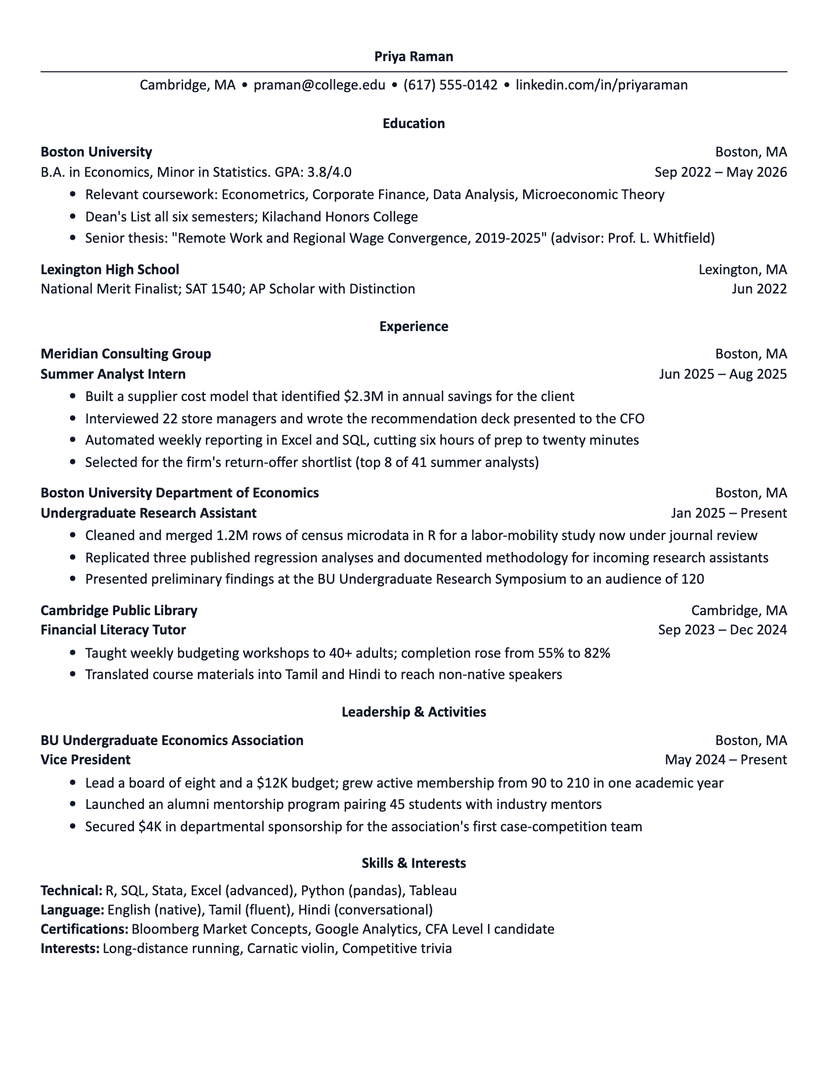
Harvard
- Word
- Google Docs
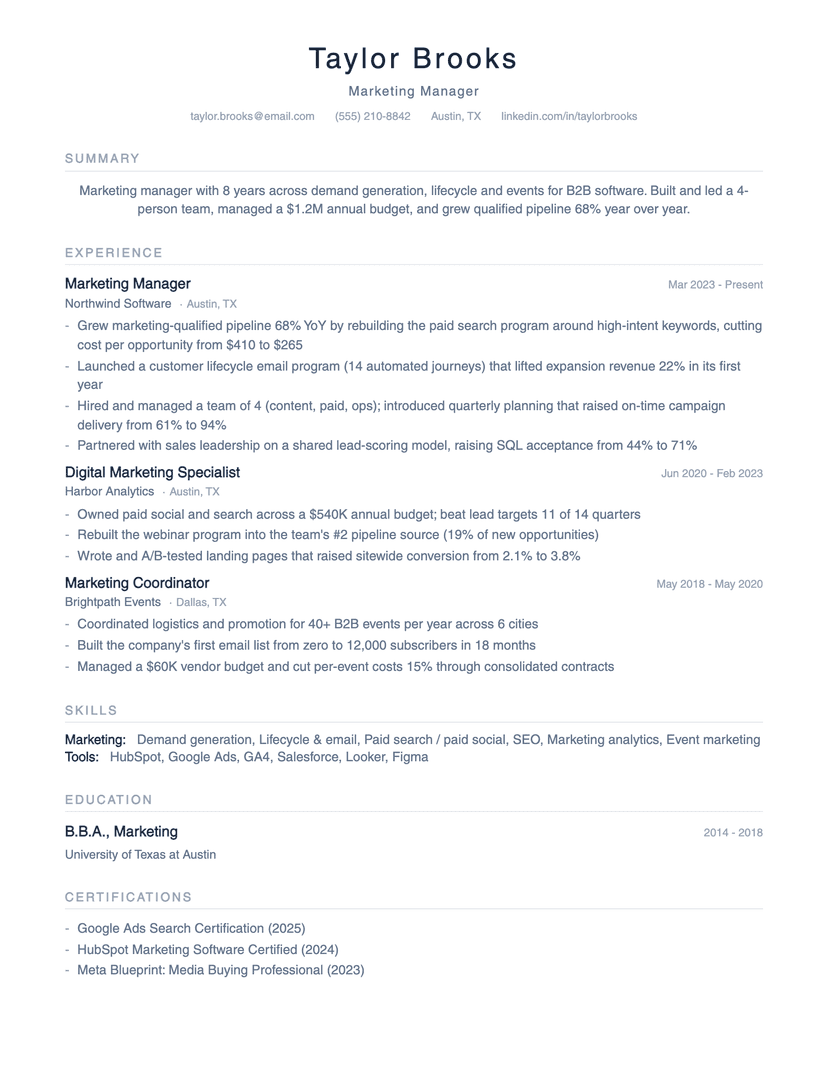
Minimalist
- Word
- Google Docs
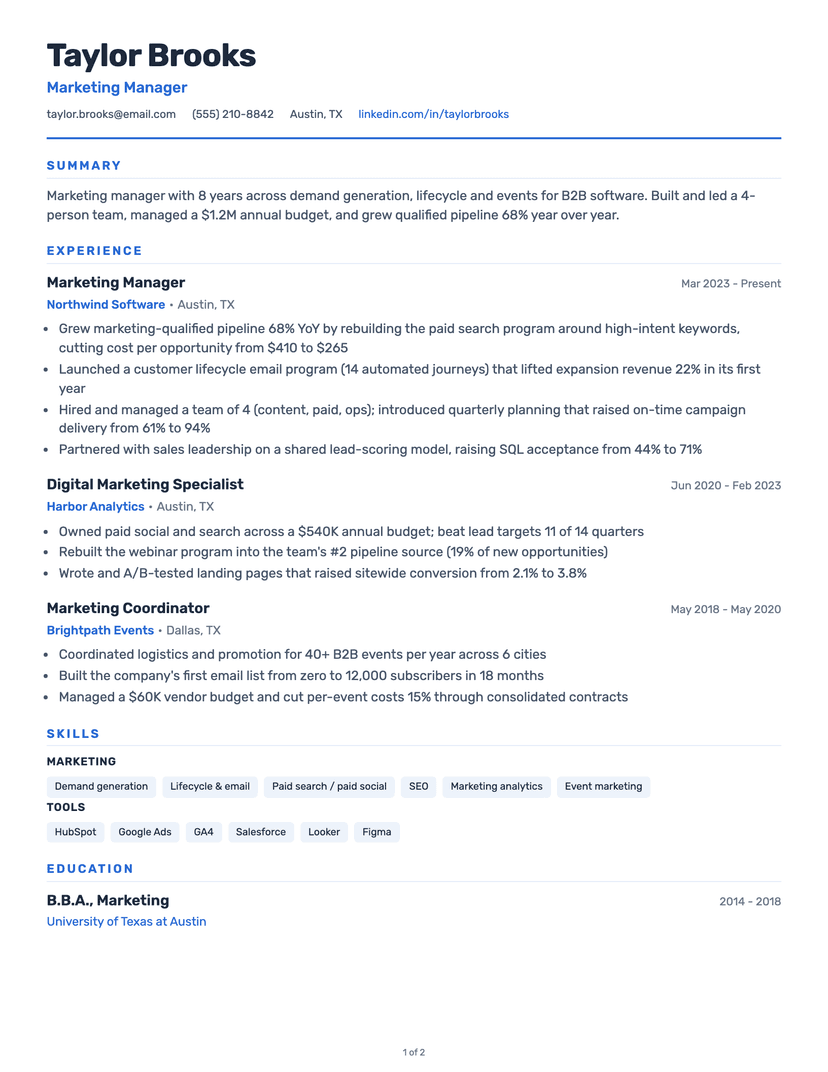
Classic
- Word
- Google Docs
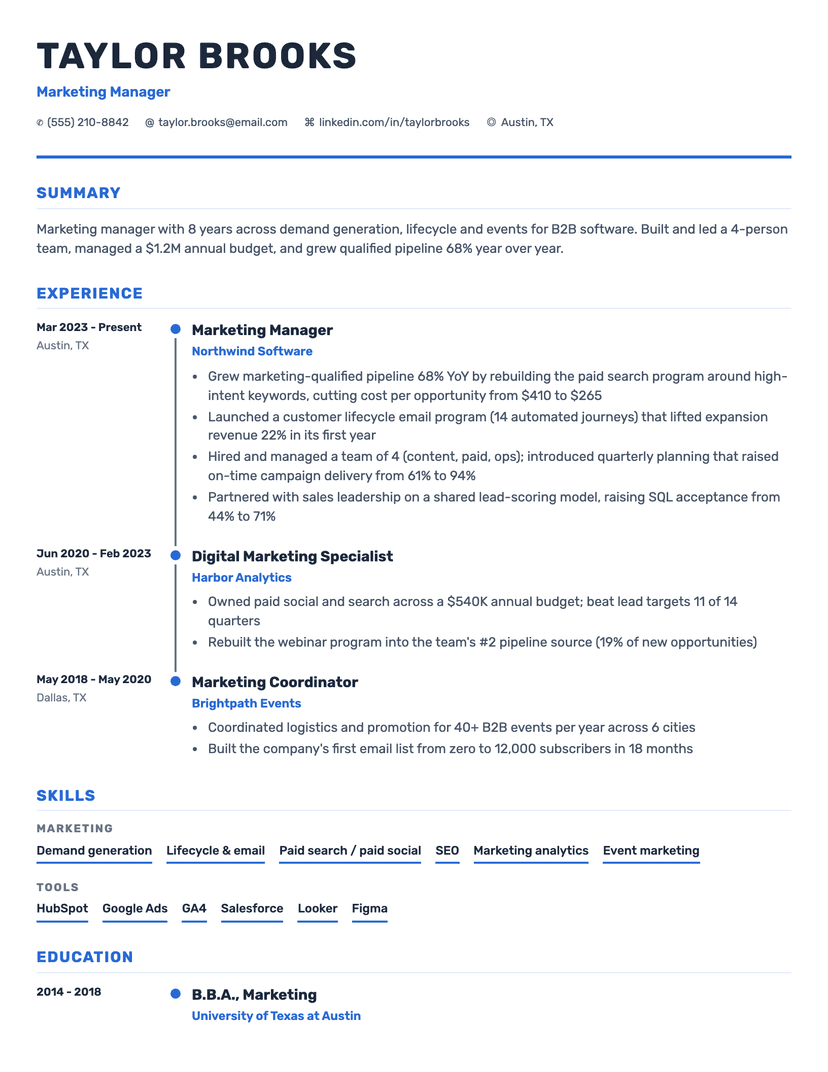
Timeline
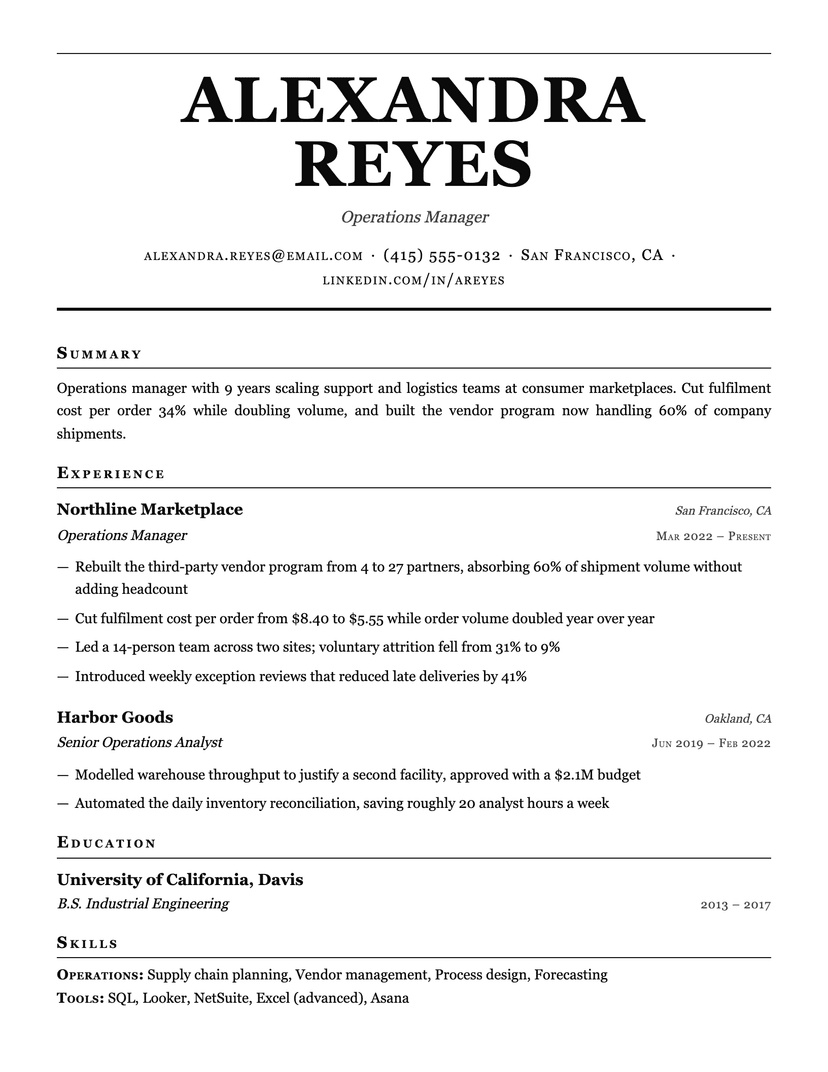
Broadsheet
- Word
- Google Docs
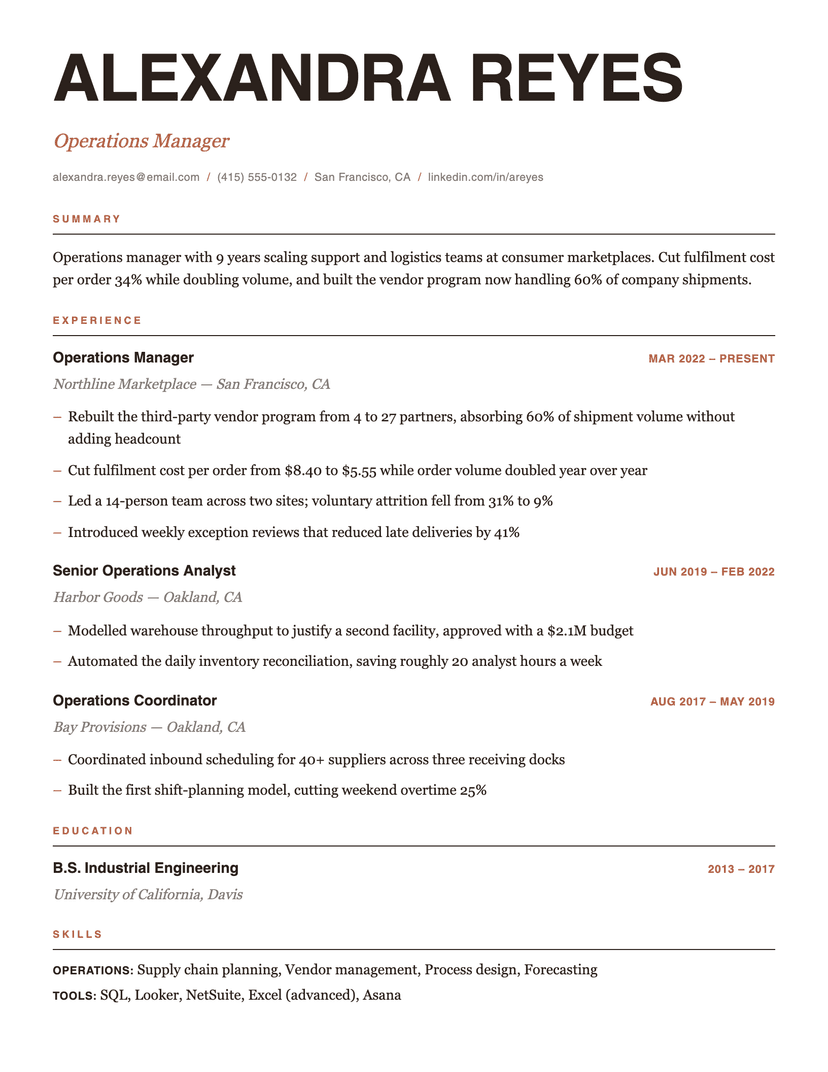
Editorial
- Word
- Google Docs
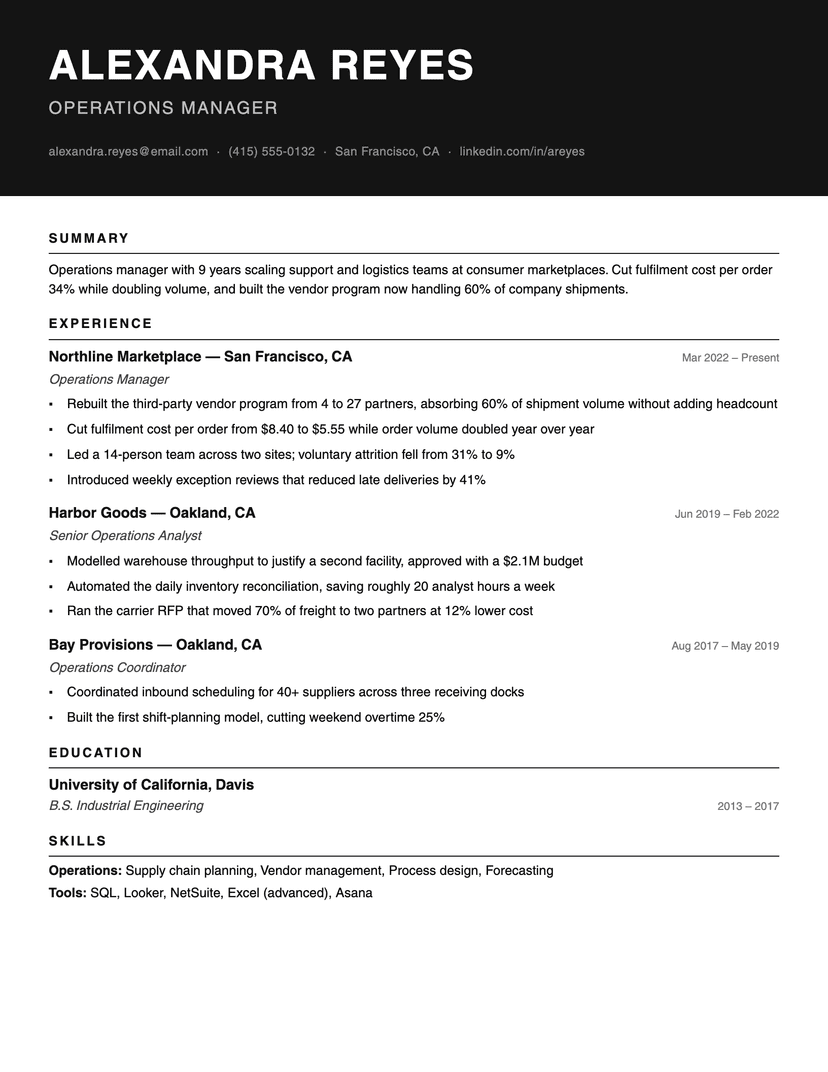
Ink Block
- Word
- Google Docs
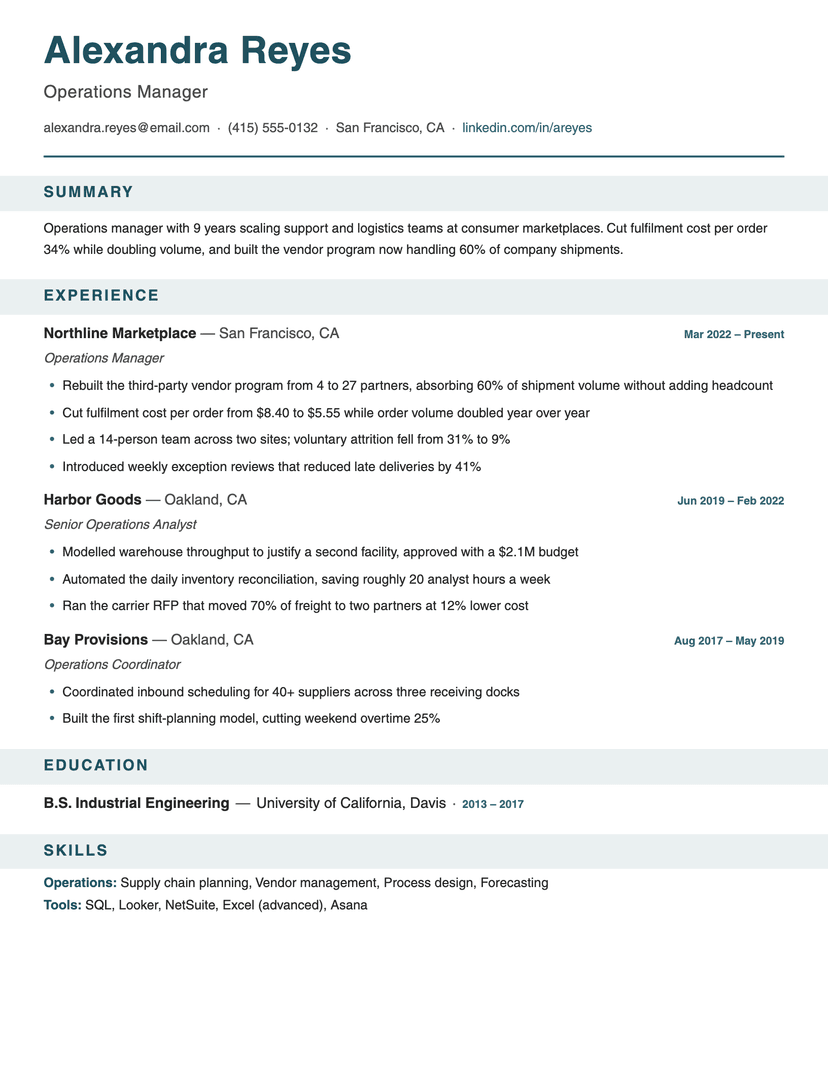
Banner
- Word
- Google Docs
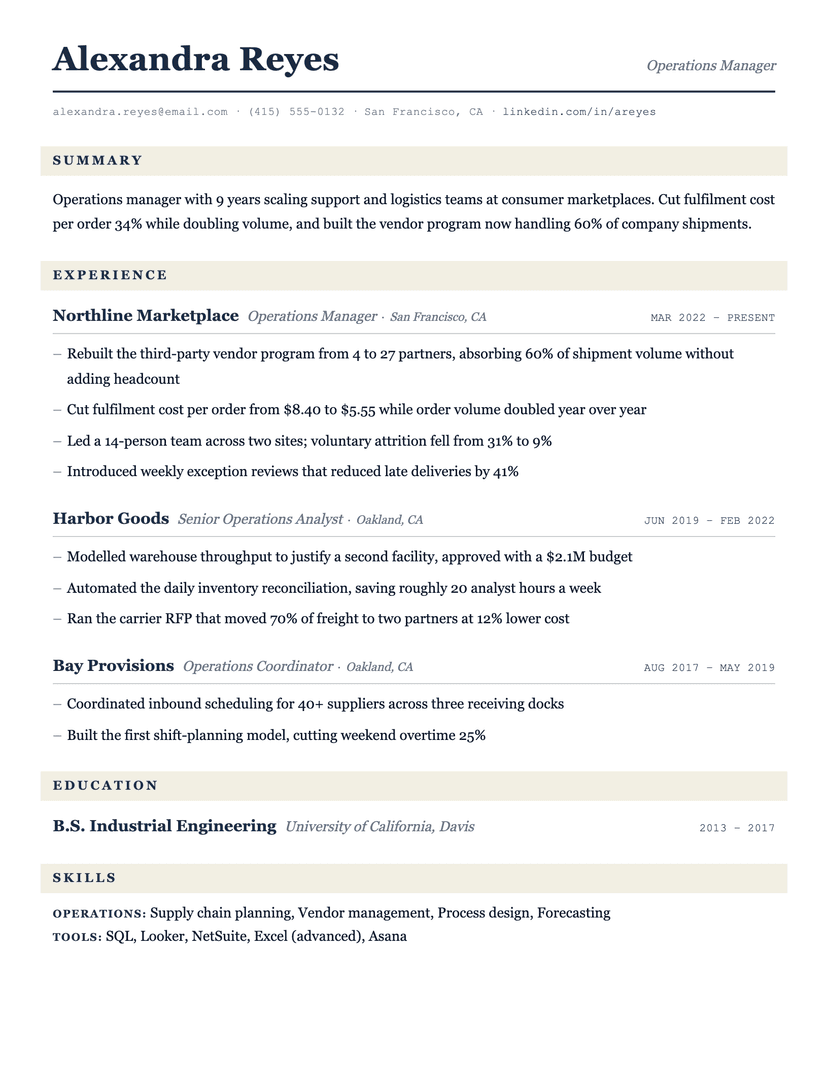
Ledger
- Word
- Google Docs
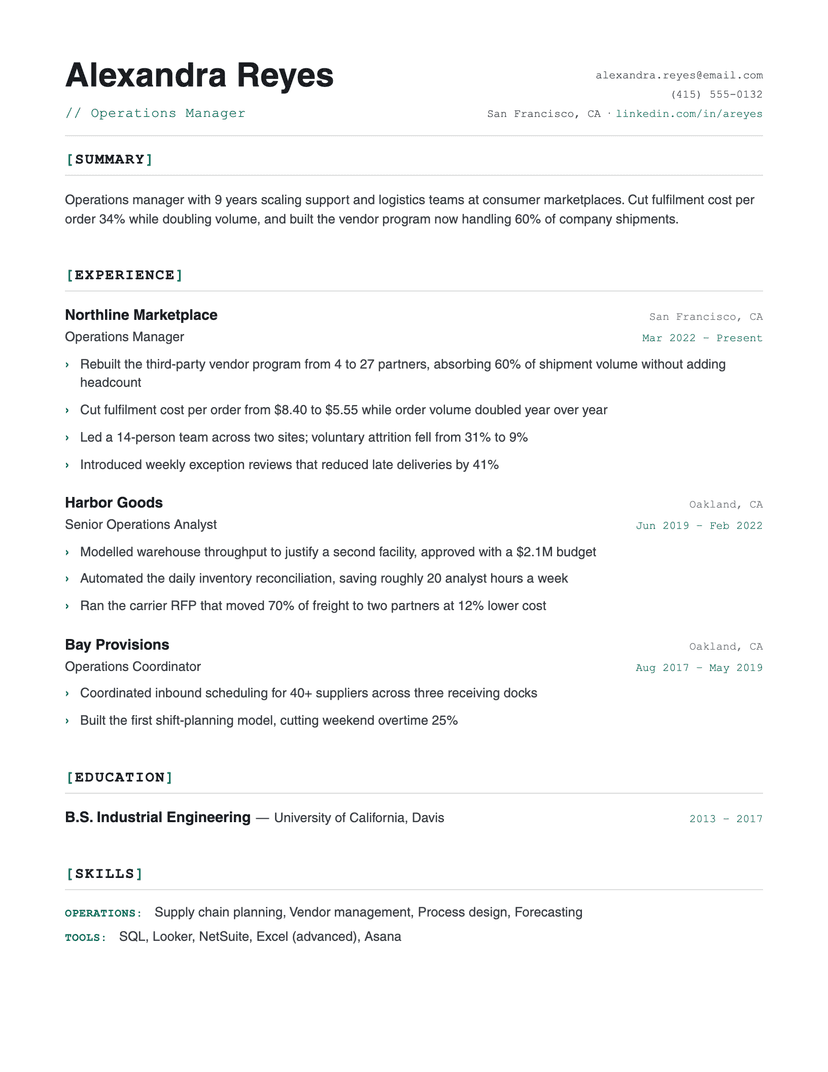
Bracket
- Word
- Google Docs
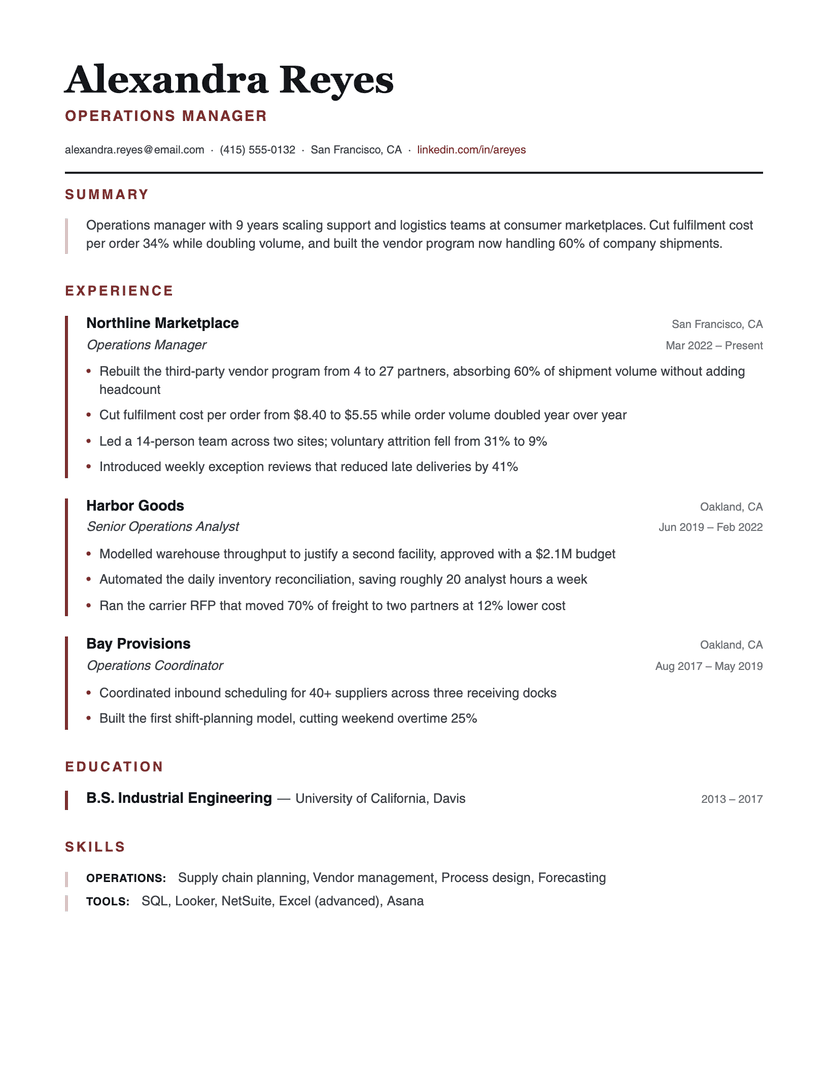
Left Rule
- Word
- Google Docs
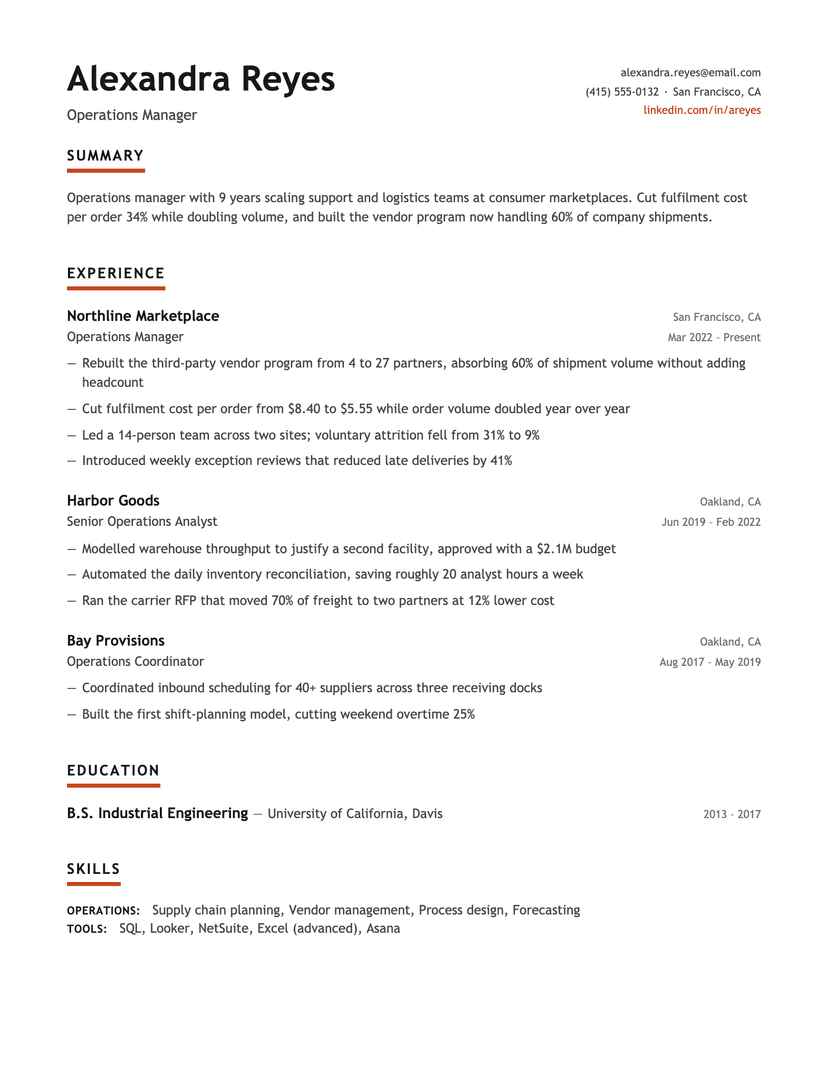
Underline Accent
- Word
- Google Docs
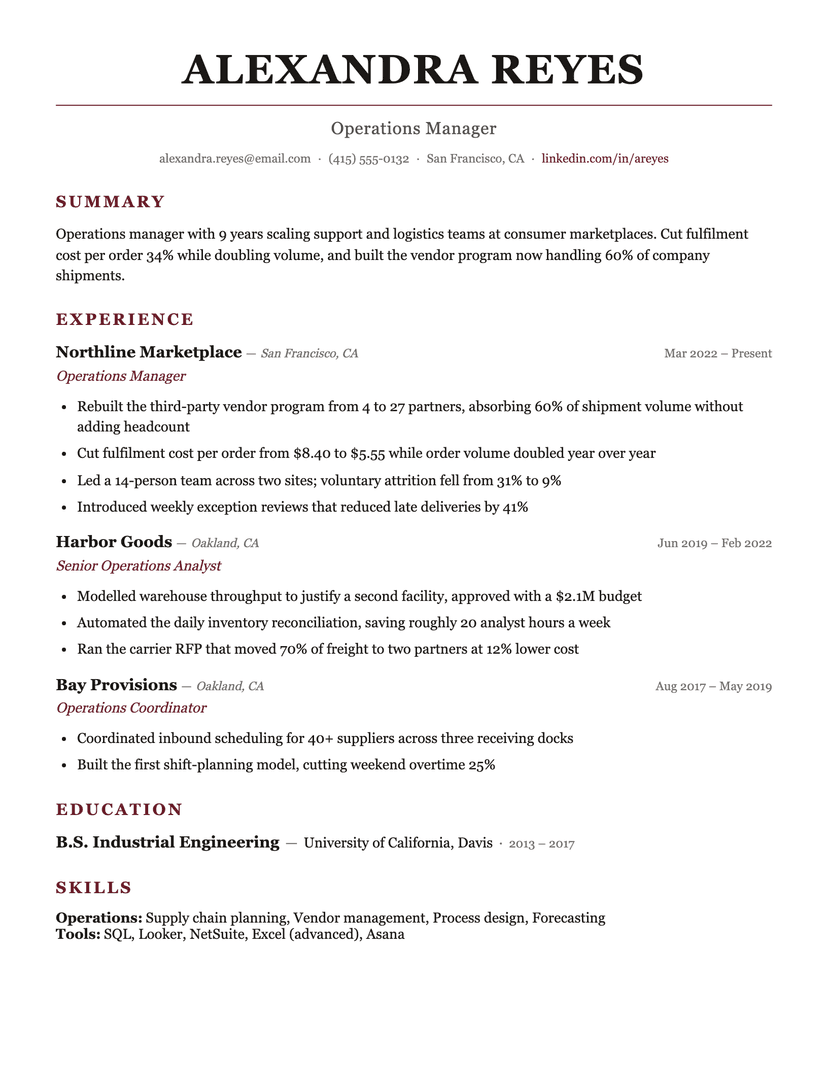
Burgundy
- Word
- Google Docs
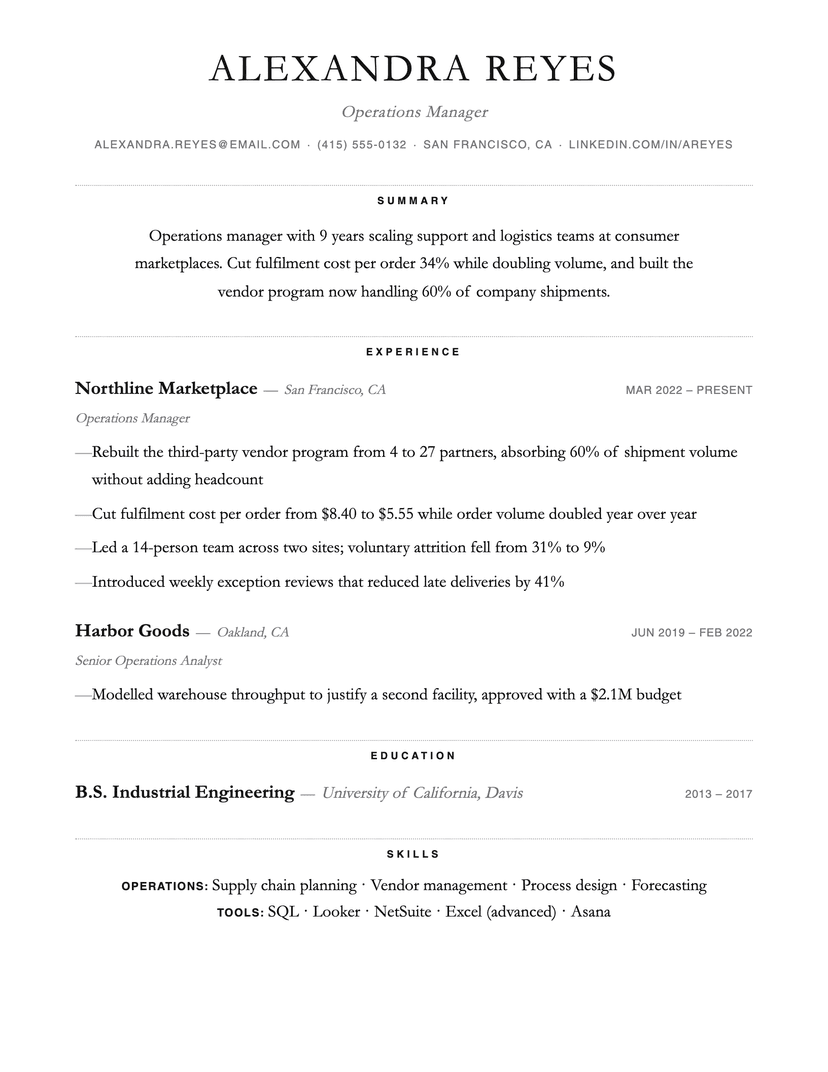
Dotted
- Word
- Google Docs
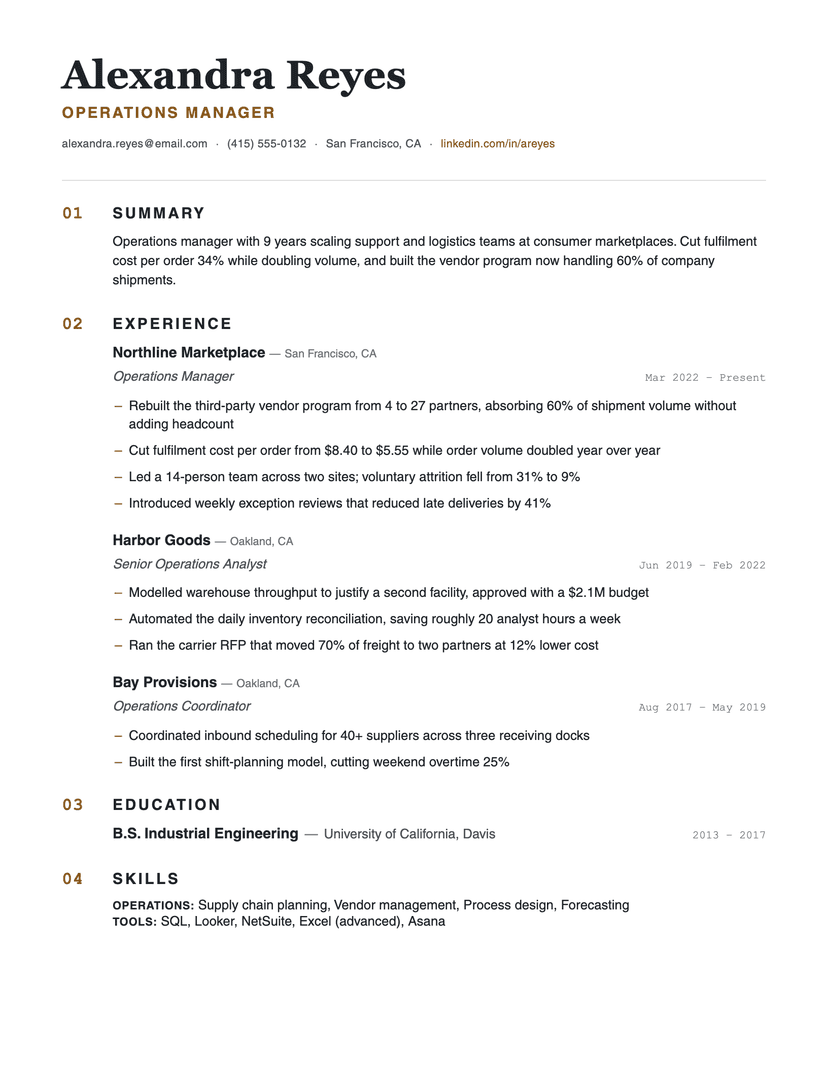
Numbered
- Word
- Google Docs
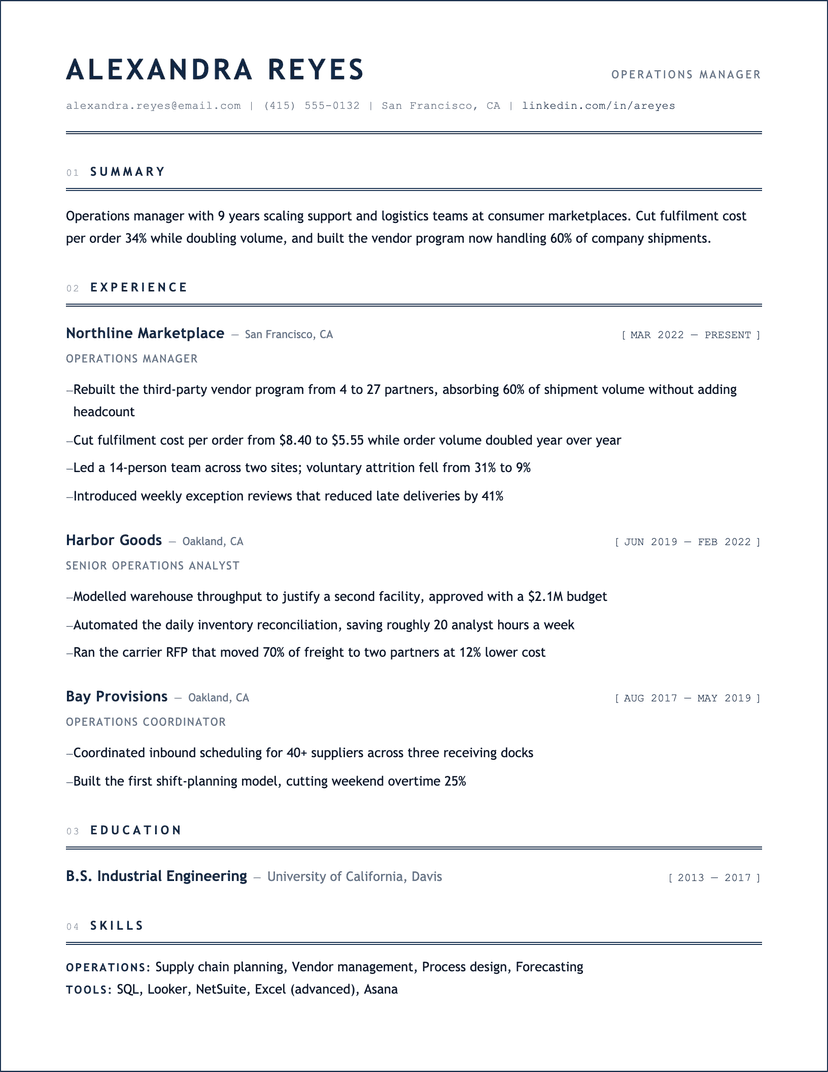
Blueprint
- Word
- Google Docs
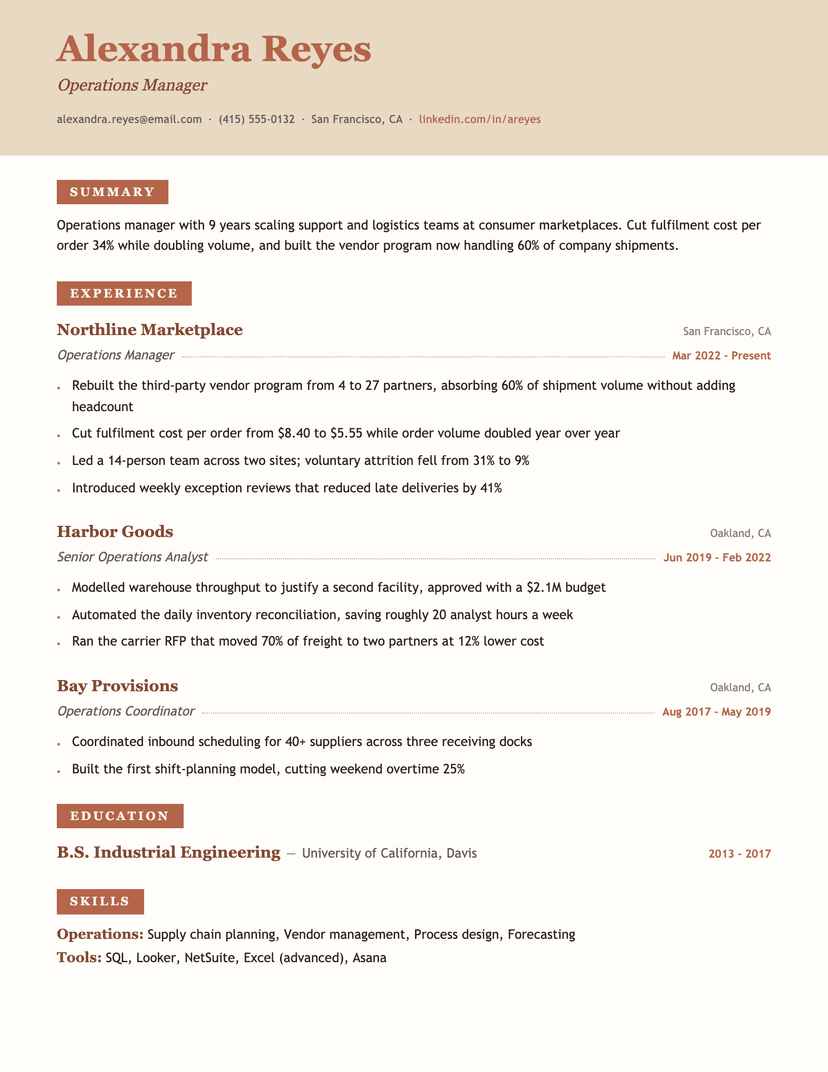
Terracotta
- Word
- Google Docs
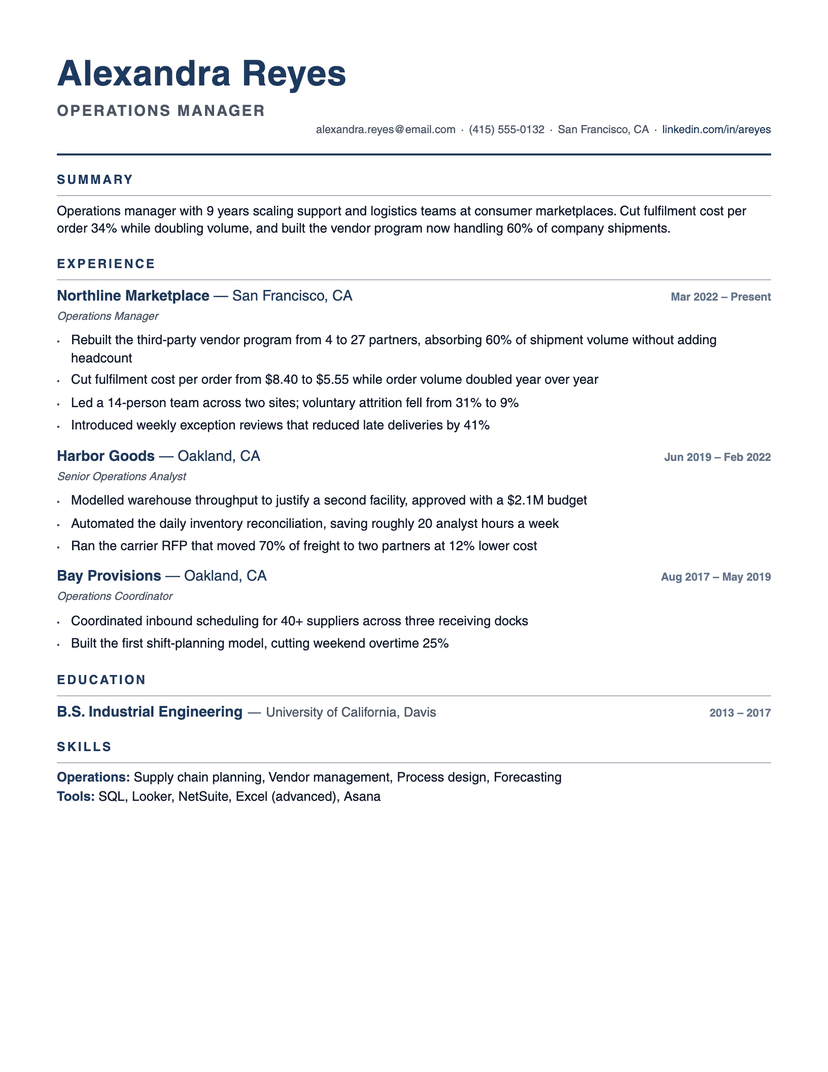
Compact Pro
- Word
- Google Docs
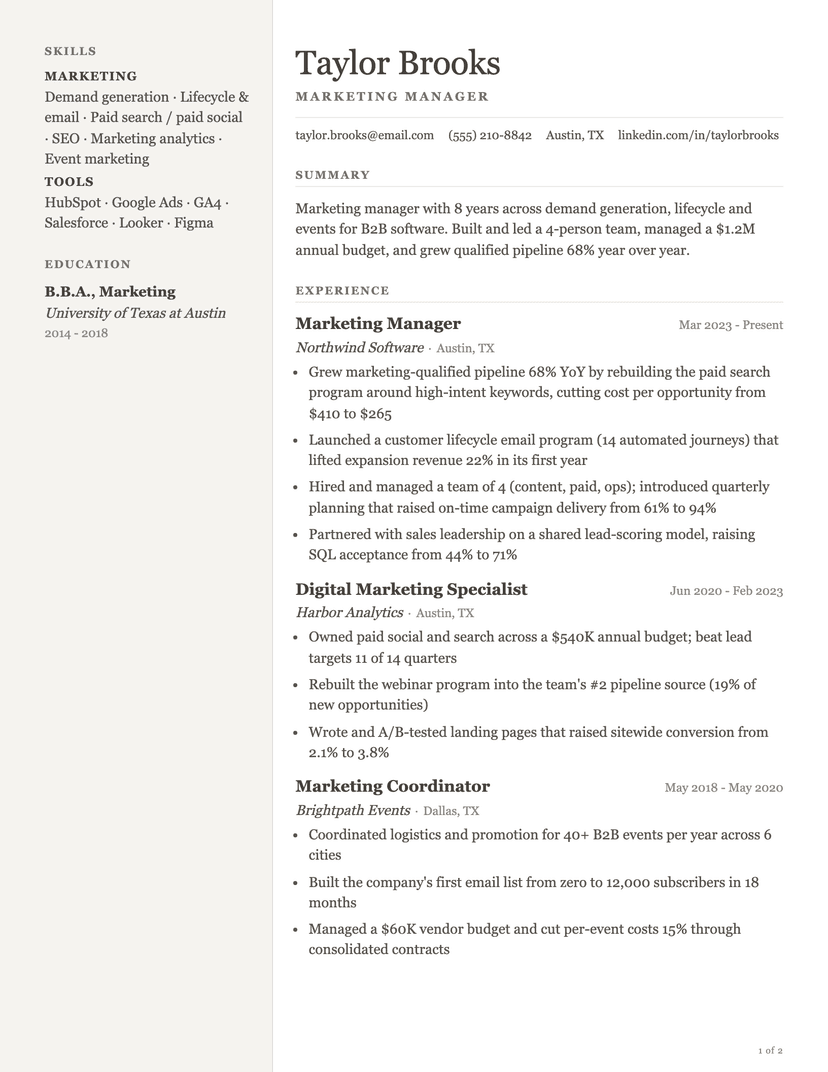
Pallas
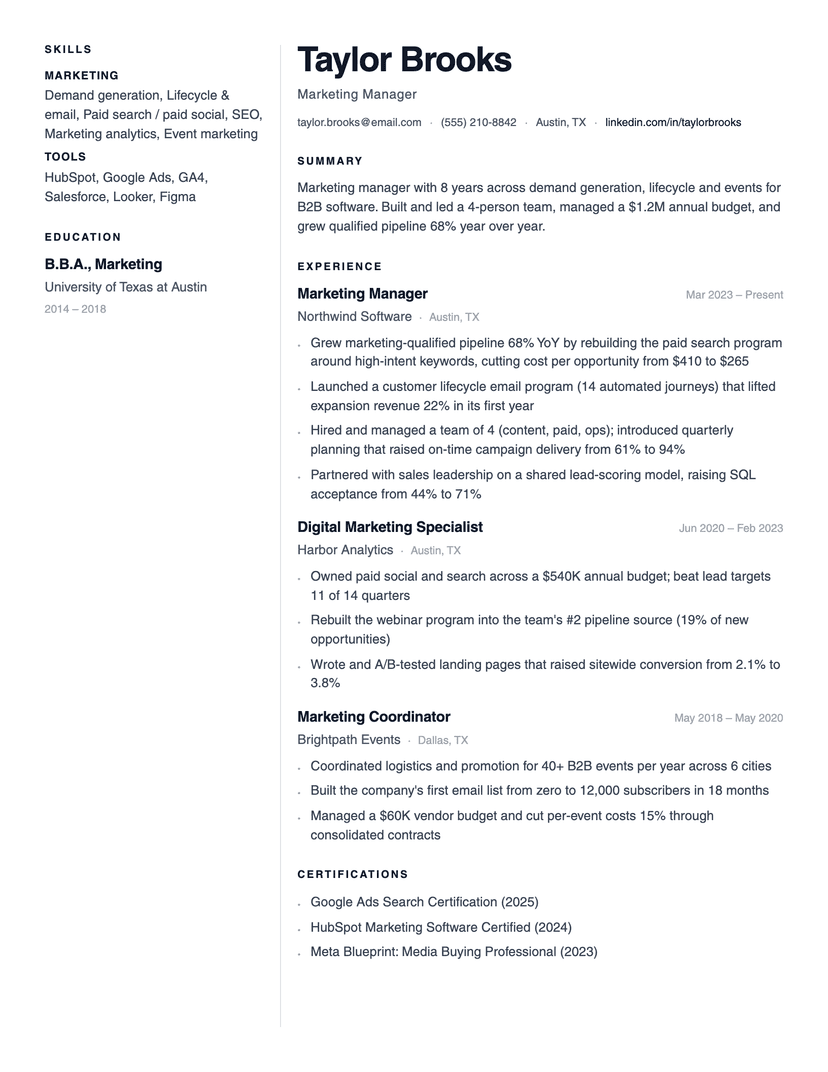
Lumen
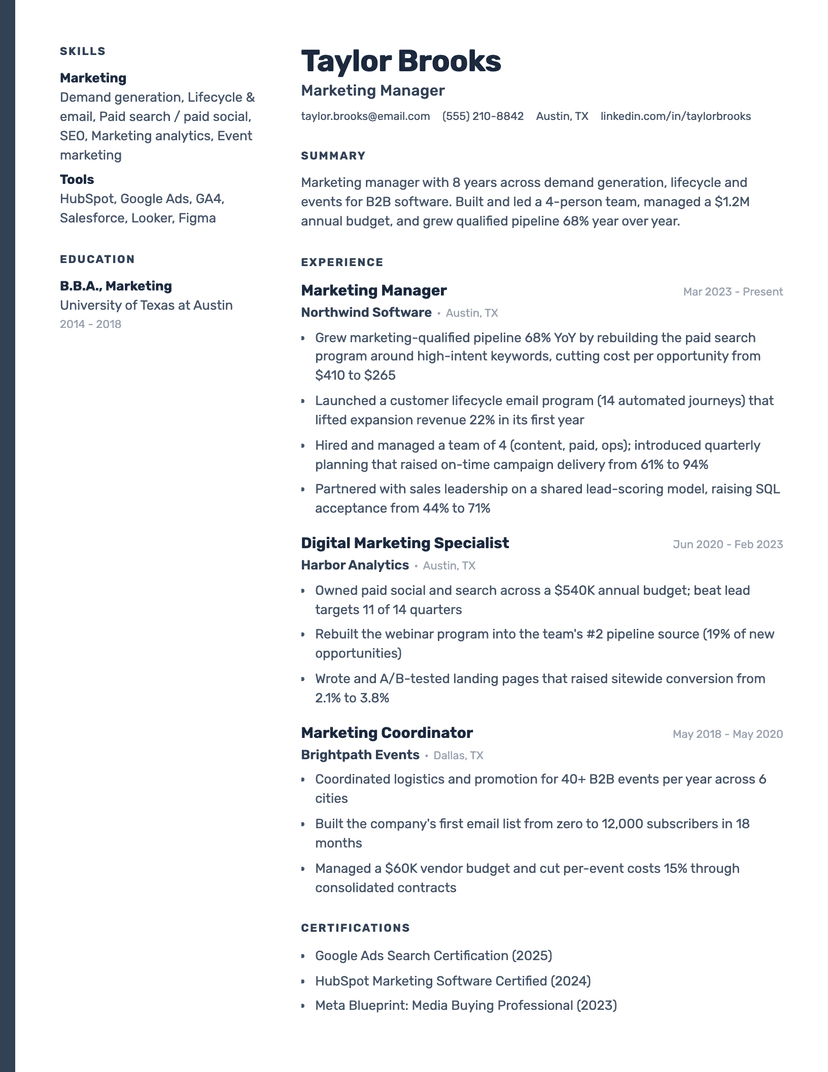
Slate Rail
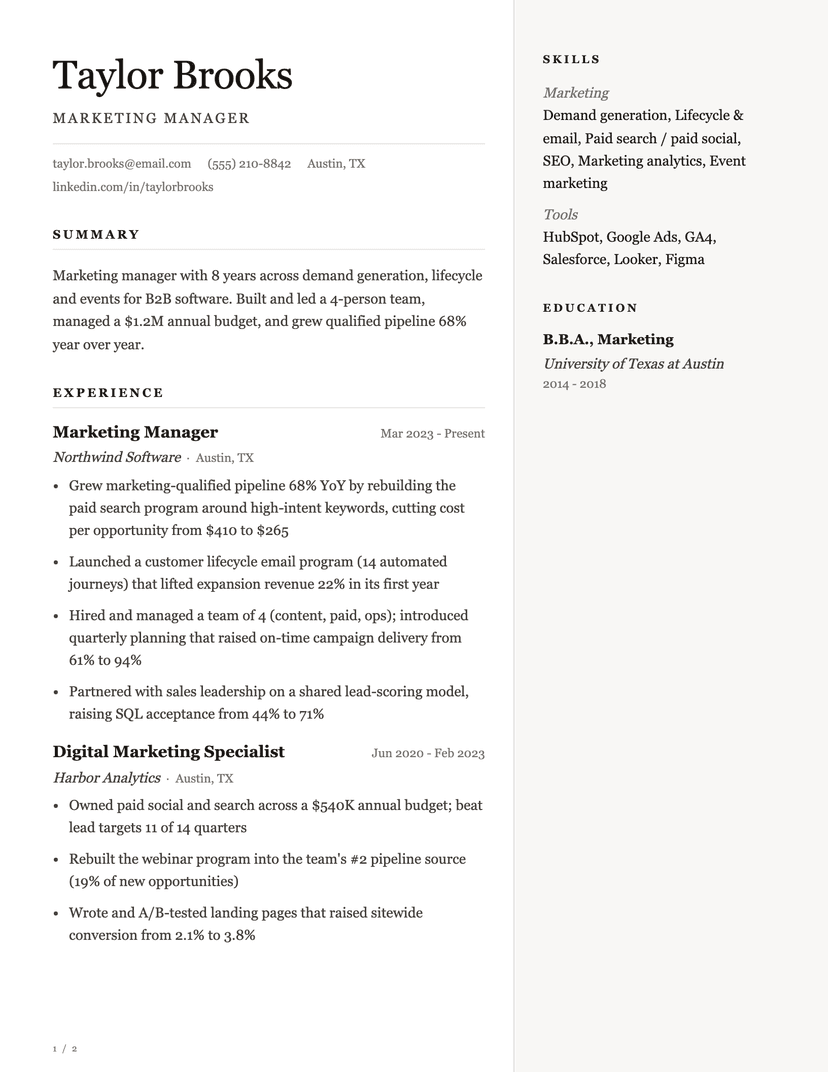
Ovation
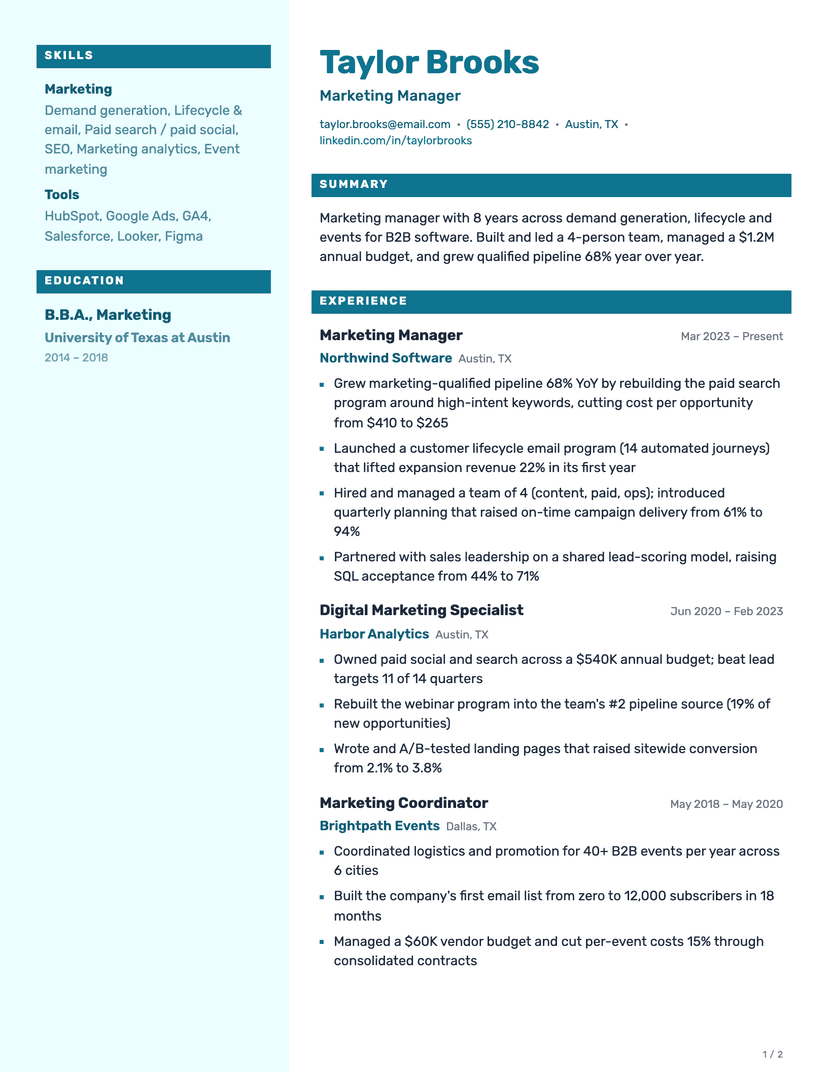
Fathom
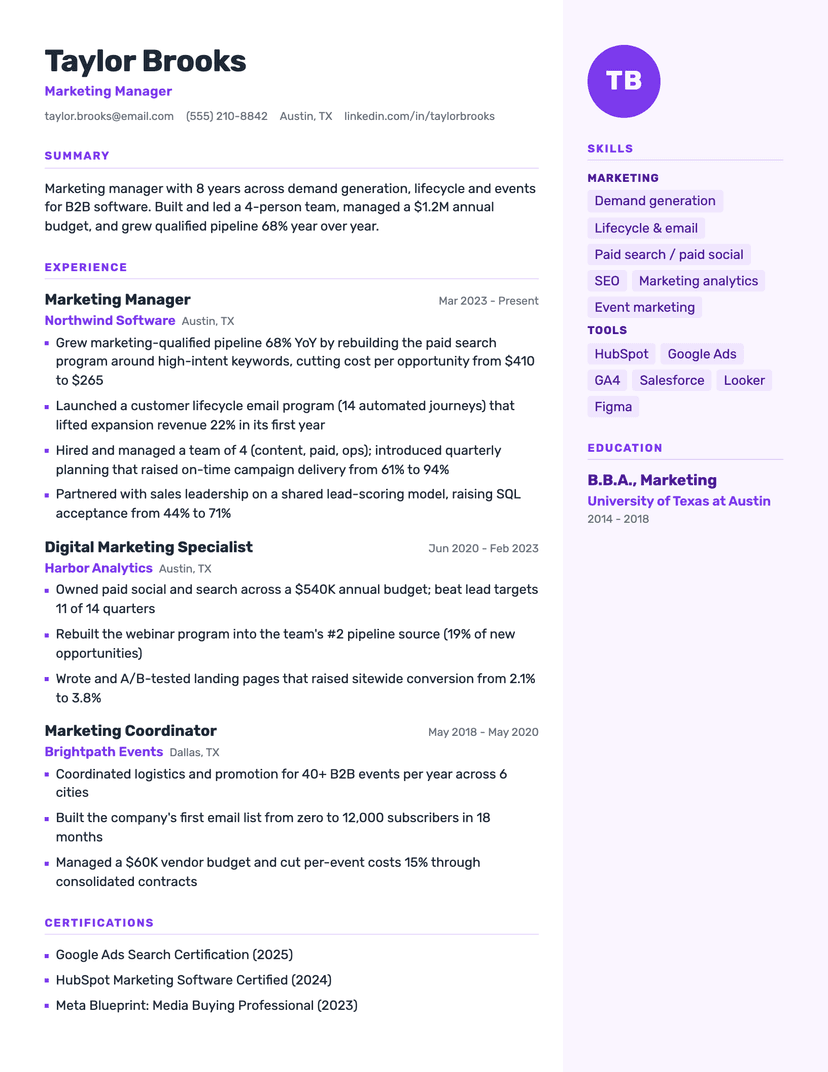
Aperture
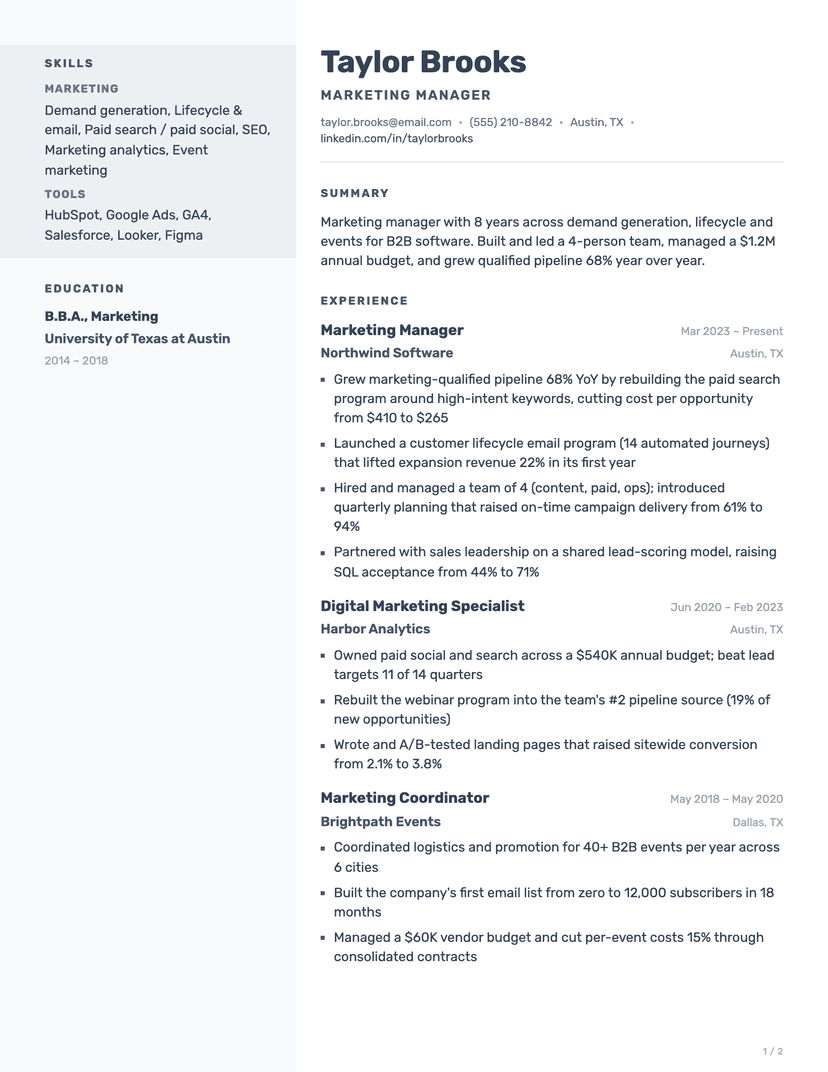
Cadence
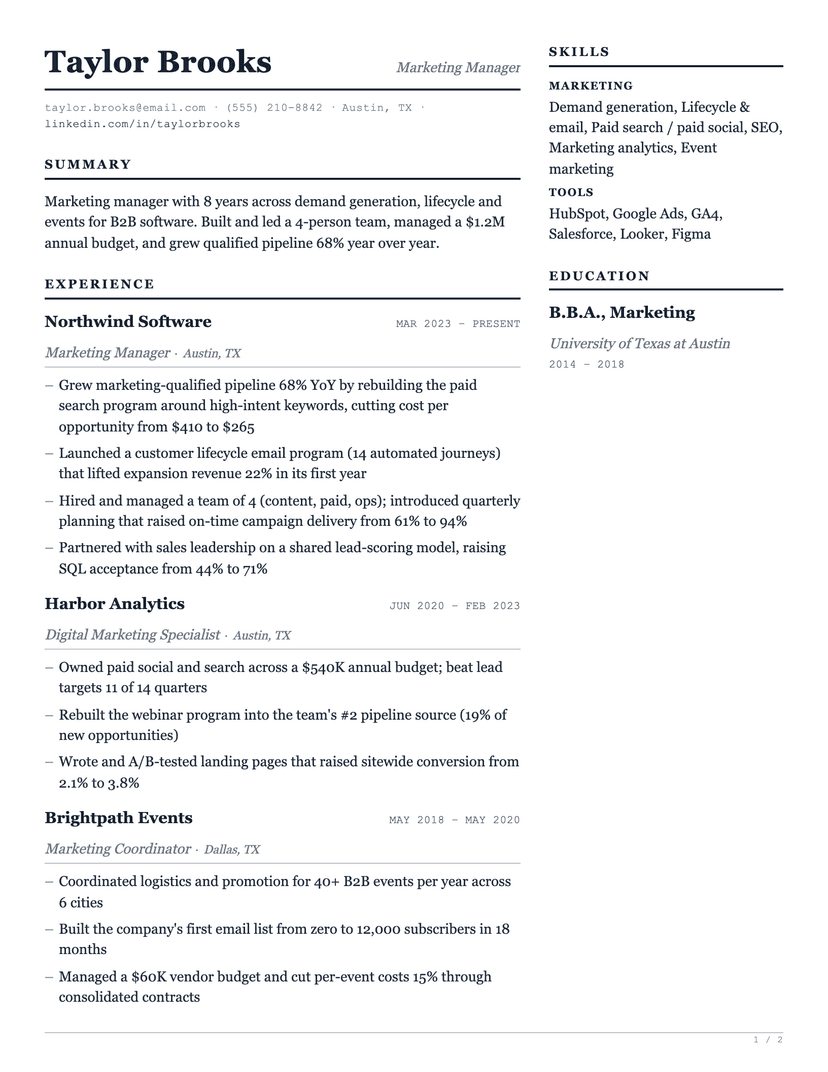
Ledger Two
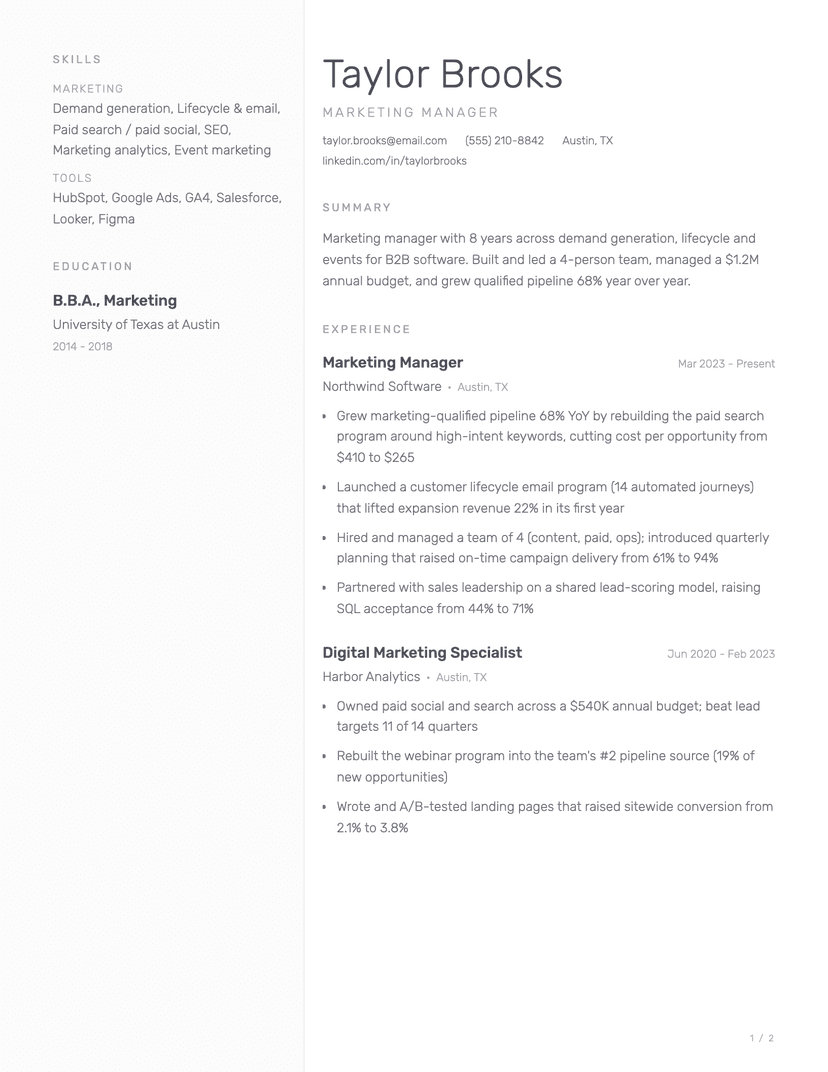
Porcelain
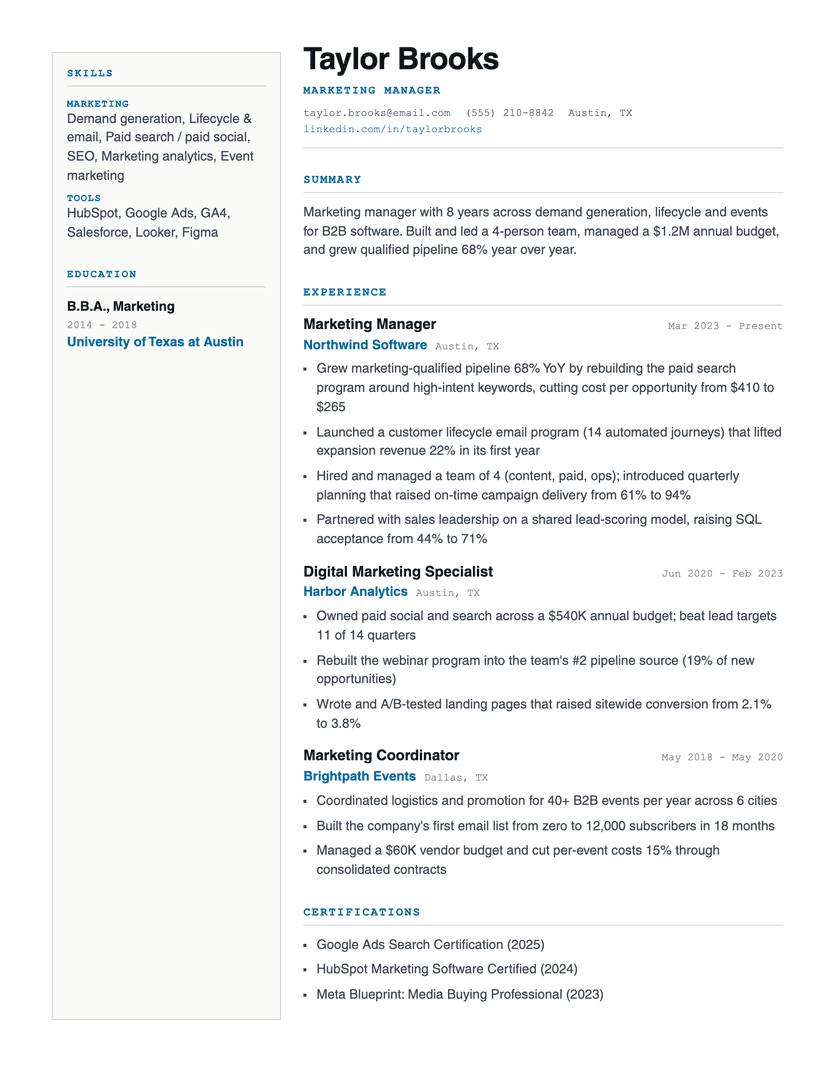
Foundry
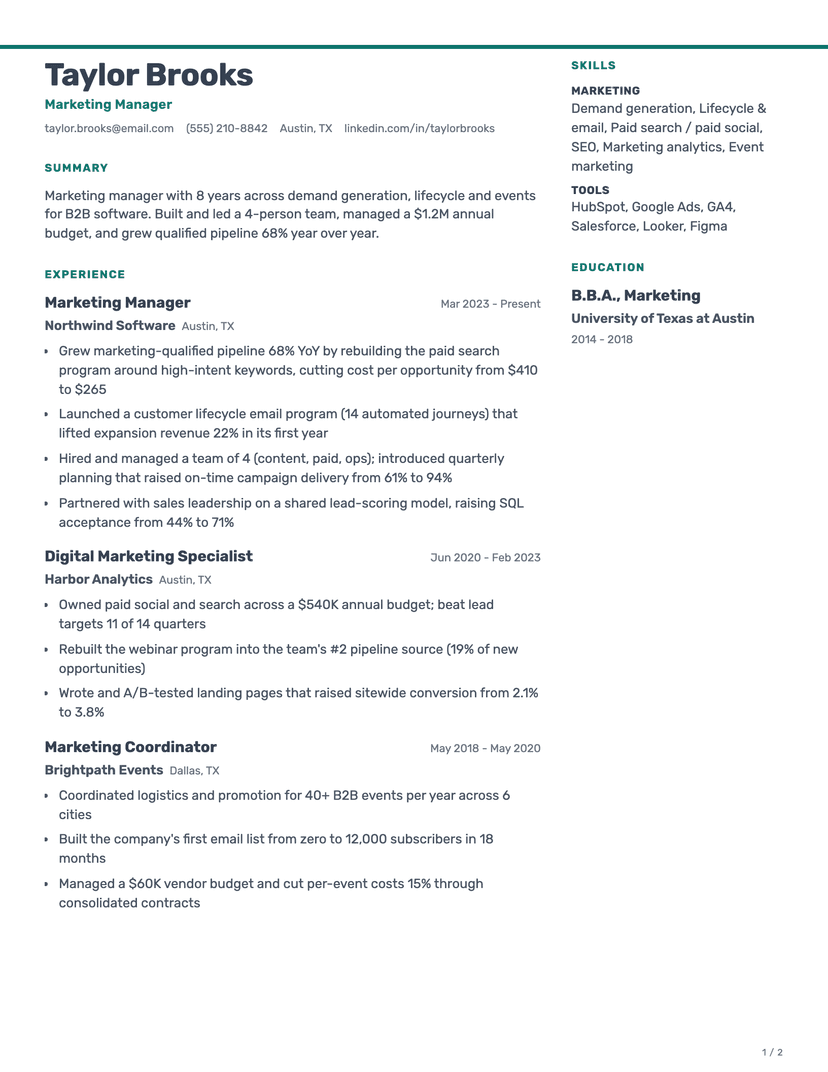
Halyard
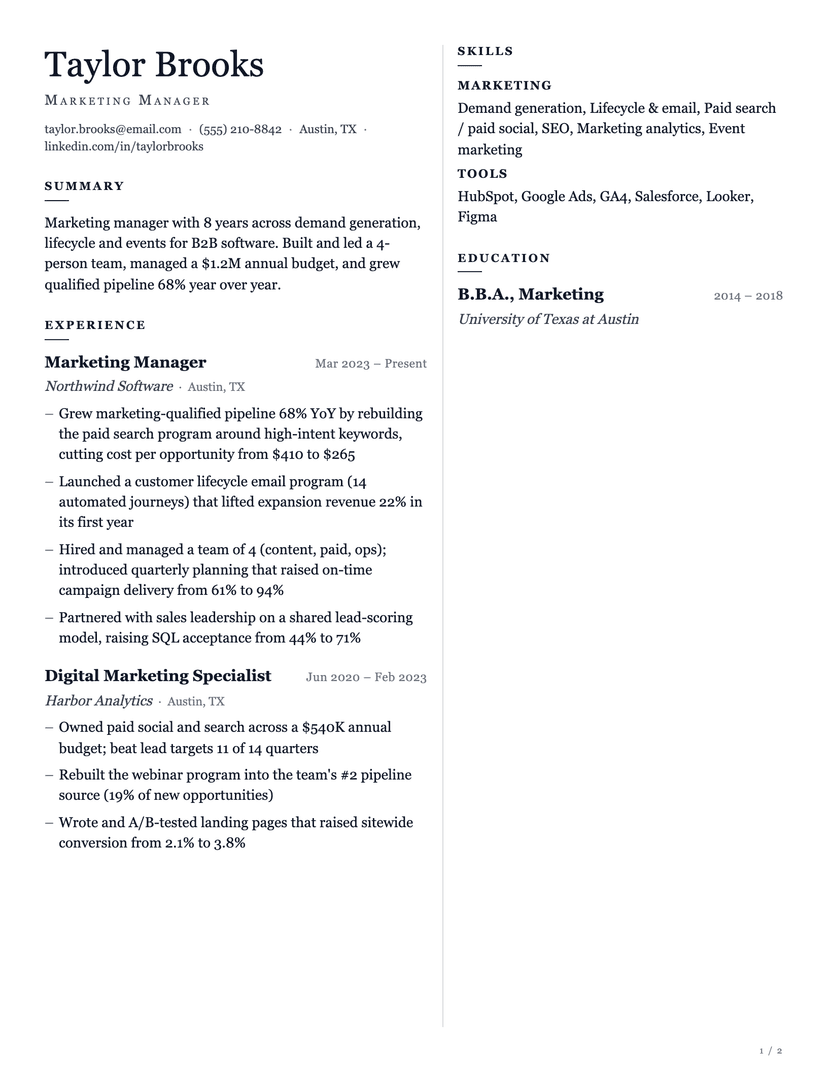
Corbel
Where to next
ATS-Friendly
Every design that parses cleanly through applicant tracking systems.
19 templates
Google Docs
One click copies the template straight into your Drive.
18 templates
Jake's Resume
The SWE-student default, typeset in the original Computer Modern.
Harvard Template
The career-office classic — roomy, conservative, widely recognised.
By style
By format
Where you are right now
Filled for a role
How to choose a resume template
Two decisions, in this order. First the shape of your history: early career or a dense projects-and-internships page wants a compact layout; fifteen years of leadership wants room for scope and a second page. Then the field you are applying into: tech, product and marketing read a contemporary page as attention to detail, while law, finance, government and academia read a conservative one as authority.
What should not enter the decision is which template looks most impressive. Recruiters spend seconds on a first pass and are reading your content, not your typography. The template's job is to stay out of the way — and, when your application goes through a portal, to survive being parsed.
The collections, and who each is for
Simple is the safe default for any industry: single column, nothing decorative, fastest to skim. Modern keeps that structure and adds contemporary typography — right for tech, product, design-adjacent and startup hiring. Executive is built for senior histories, with serif typography and room for scope, budget and headcount.
ATS-friendly cuts across all three: it collects every design that passes cleanly through applicant tracking systems. Google Docs and Word are format collections — the same designs, filtered to what actually opens in each tool.
Word vs. PDF vs. Google Docs
PDF is the default for applying: it locks your layout on every machine and every modern system reads it. Word (.docx) is for postings that explicitly request it and for recruiters who annotate — our .docx files use real heading styles and lists, not layout boxes. Google Docs is the best free editor: one click makes a copy in your Drive.
If you came for LaTeX typography, you do not need the toolchain: Jake's Resume here is typeset in the original Computer Modern and edits in the browser.
Frequently asked questions
Are these resume templates really free?+
Yes — every template downloads free in every format (PDF, Word, Google Docs) with no sign-up, no watermark and no locked 'premium' versions.
Which resume template should I use?+
Match it to your history and your field: compact layouts for early careers and dense project histories, executive formats for senior leadership, modern designs for tech and product, simple for anything conservative. Every template exports the same content, so switching later costs nothing.
Can I use my existing resume with these templates?+
Yes. Drop your current resume onto any template page — we parse it and re-render your content in that layout, so there is nothing to retype. Download the result as PDF, Word or Google Docs.
Do I need to sign up to download a template?+
No. Every format downloads directly, with no account, no email wall and no watermark.
Should I use a PDF or Word version?+
PDF unless the posting asks for Word. PDF guarantees your formatting survives on every machine; .docx is occasionally required by older systems and by external recruiters who annotate.
Already have a resume?
Drop it into any template above — we parse it and rebuild it in that layout. Nothing to retype.
Pick a template