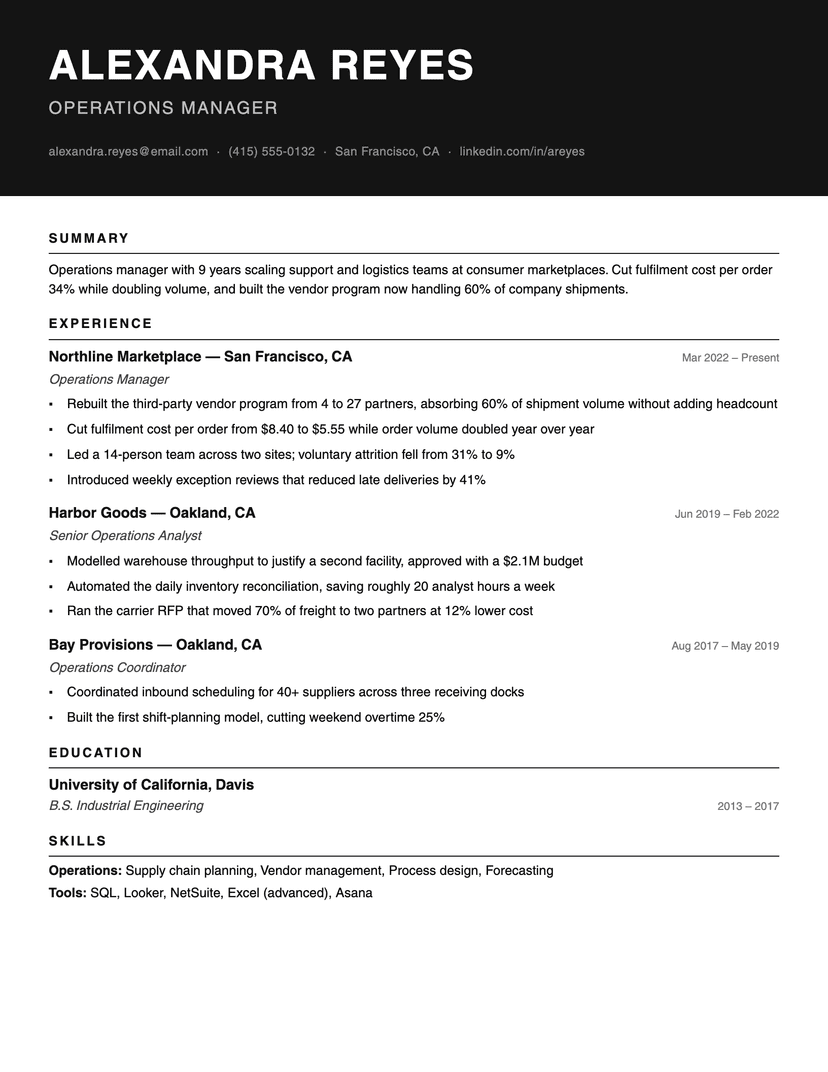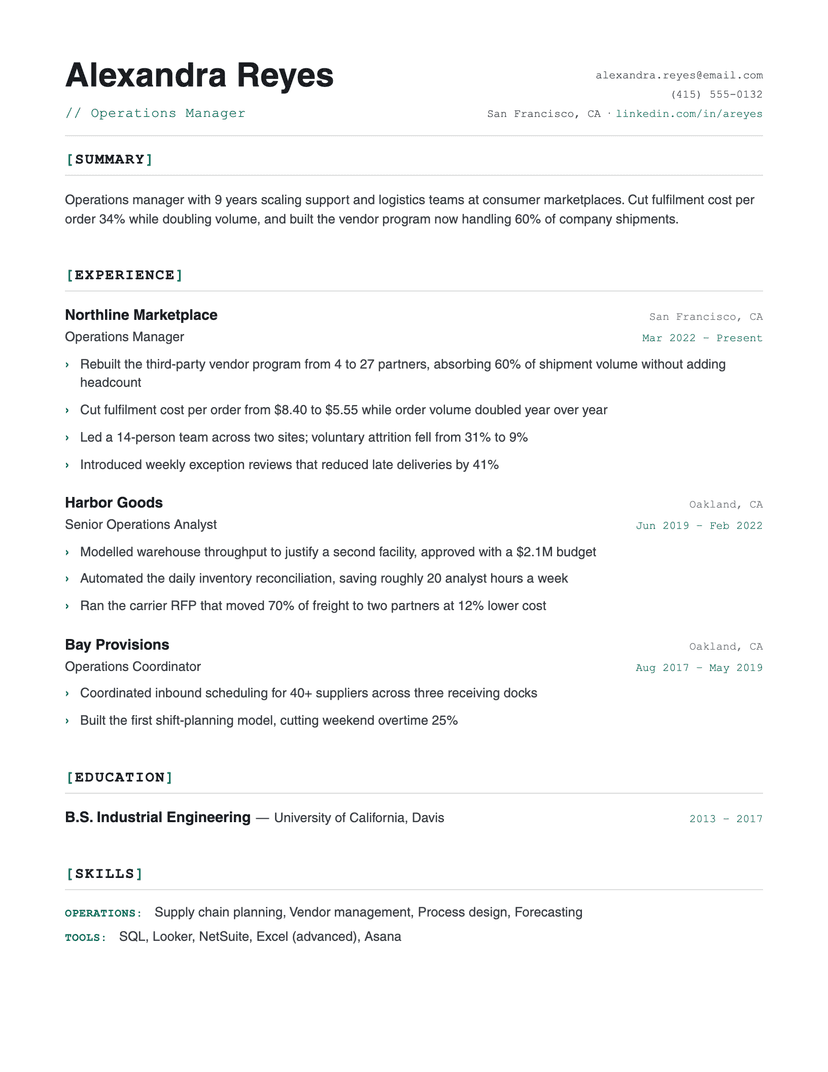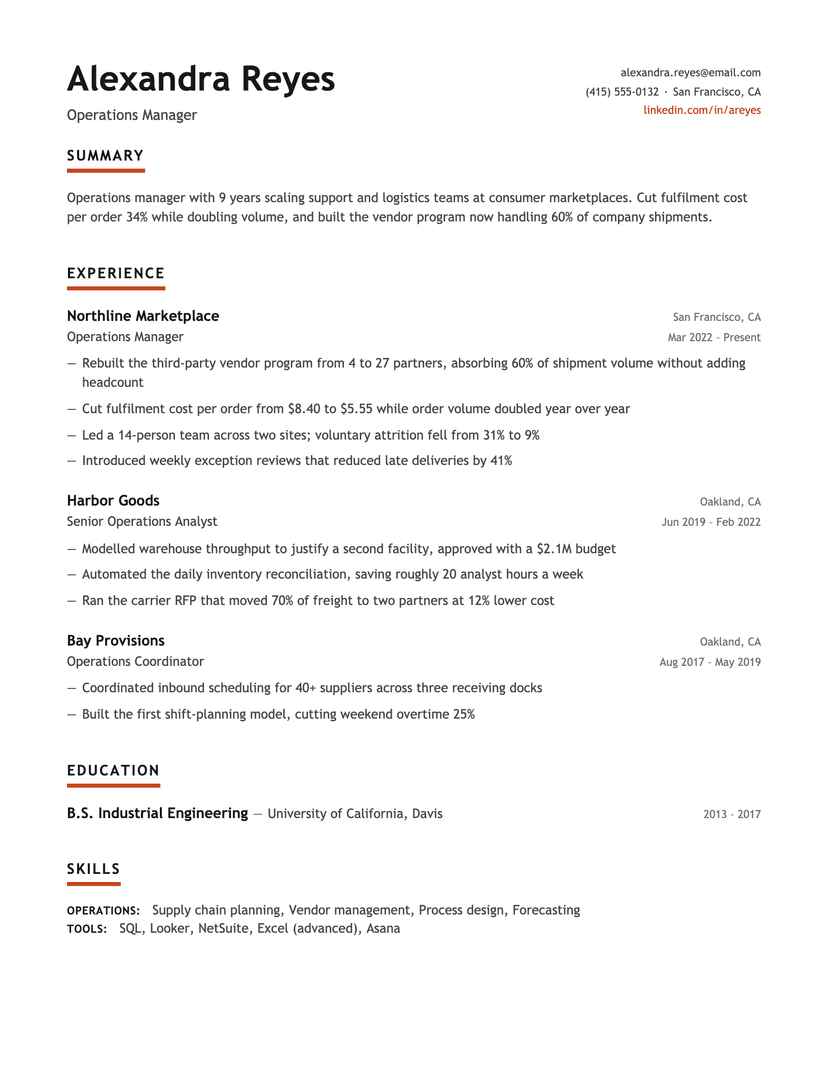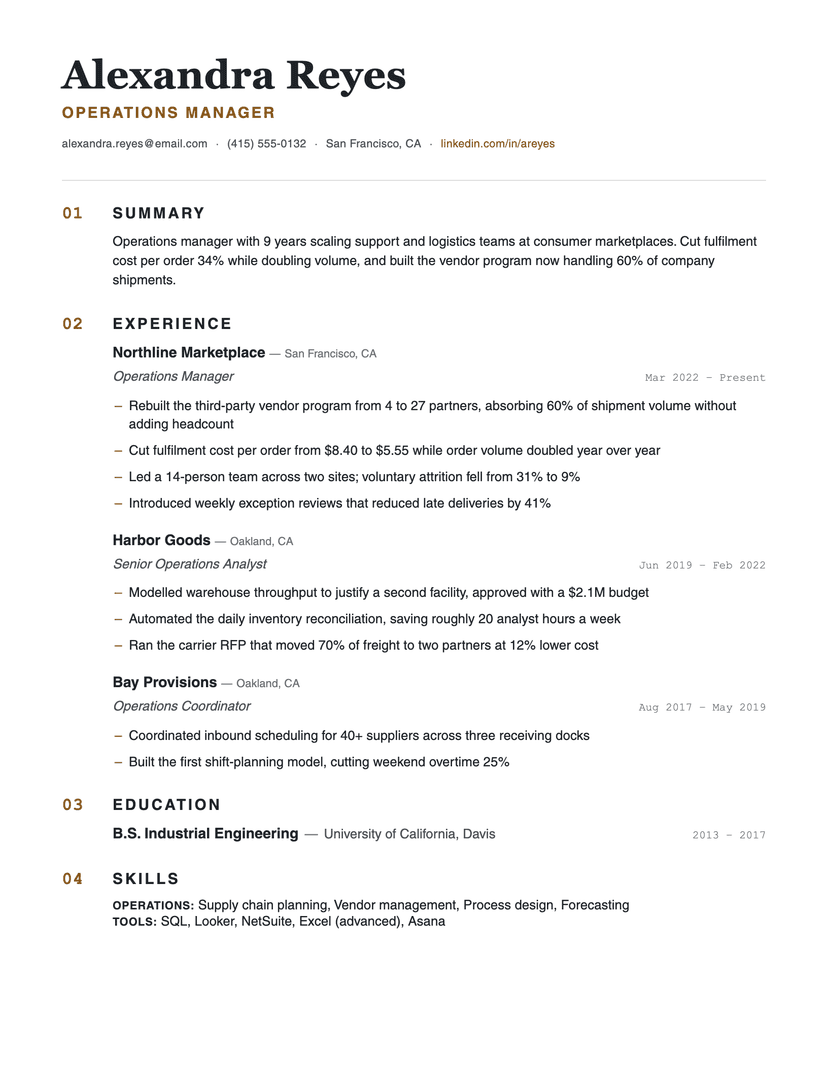
More resume templates
Browse allAbout the Timeline template
When a timeline helps (and when it doesn't)
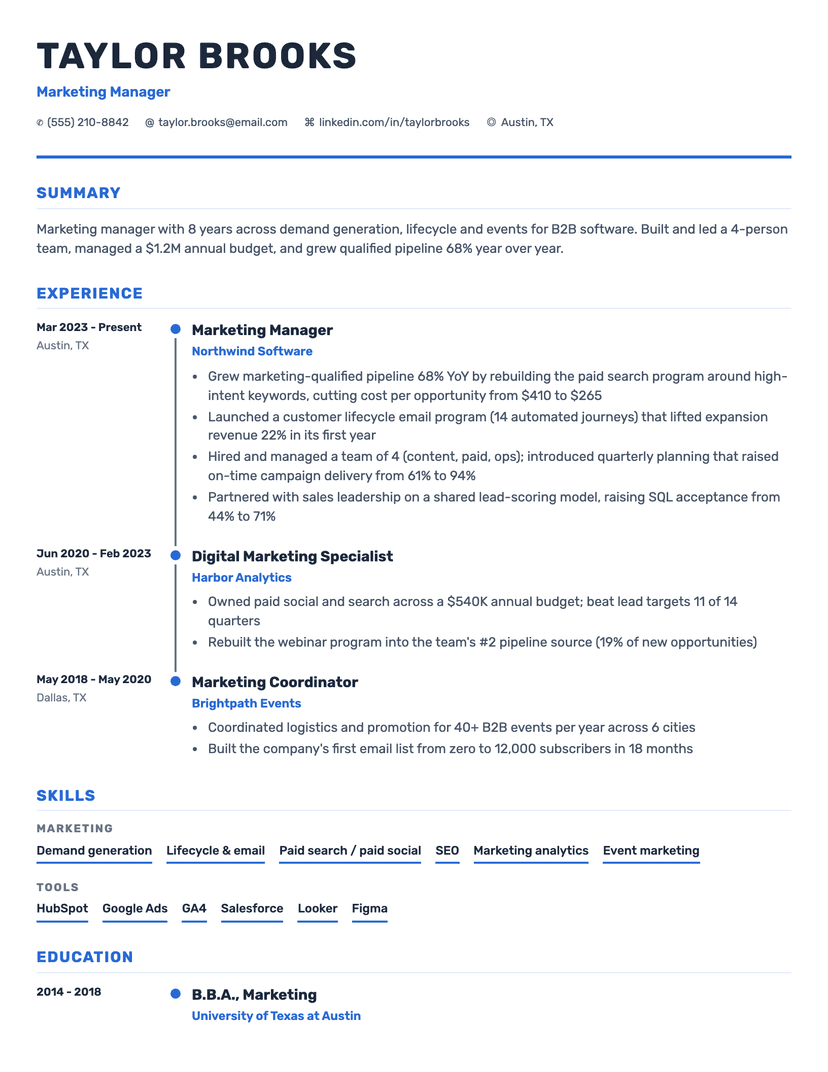
A timeline visualization makes trajectory legible at a glance: three roles at one company with rising titles reads as a climb, not a list. If your history is linear and gap-free, the marker column does silent advocacy for you.
The same feature works against choppy histories. Gaps and short stints become visually explicit on a timeline in a way a plain list softens. If you have employment gaps you'd rather contextualize in words than display graphically, use Classic or Minimalist instead — this is the rare case where the honest recommendation is against our own template.
Is a timeline resume ATS-safe?
Most aren't — the timeline resumes on design marketplaces are built as two-column layouts or graphics, both of which scramble parsers. This one is: the timeline is pure CSS decoration on a standard single-column document flow, so a parser sees an ordinary reverse-chronological resume. The PDF download preserves the timeline exactly as you see it; we deliberately don't offer a Word version, because Word can't draw the marker rail and a stripped-down approximation isn't the template you chose.
That distinction — decoration in the rendering, convention in the structure — is the entire trick, and it's why this page exists: "timeline resume" searchers are mostly offered infographic templates that will fail the exact systems they're applying through.
Who the Timeline template is for
Great fit
- Linear careers with visible progression — promotions, growing scope
- Long tenure at few companies (the timeline makes internal growth legible)
- Anyone who wants one distinctive visual element without ATS risk
Look elsewhere if
- Histories with gaps or many short stints — the timeline makes them explicit
- Career changers whose story runs across industries rather than up a ladder
Frequently asked questions
Are timeline resumes ATS-friendly?+
Infographic-style timeline resumes usually aren't — they rely on columns and graphics that parsers misread. This template is the exception: the timeline is styling on top of a standard single-column structure, so applicant tracking systems parse it like any conventional resume.
Can I download this template as a Word document?+
No — and that's deliberate. Word can't reproduce the timeline rail, and a version without it wouldn't be this template. Download the PDF for a pixel-perfect copy, or pick Classic or Minimalist if you specifically need an editable .docx.
Should I use a timeline resume with employment gaps?+
Probably not — a timeline makes gaps visually explicit. A standard list format (our Classic or Minimalist) lets you address gaps in words, on your terms, instead of displaying them graphically.
Already have a resume? See exactly what an ATS parses out of it.
Run the free ATS checker