
Free ATS-Friendly Resume Templates
Every template here is single-column and parser-safe by construction — no sidebars, no layout tables, no text inside graphics. Upload your existing resume and get it back in any of these layouts, then download it as PDF, Word or Google Docs. Free, no sign-up.
19 templates
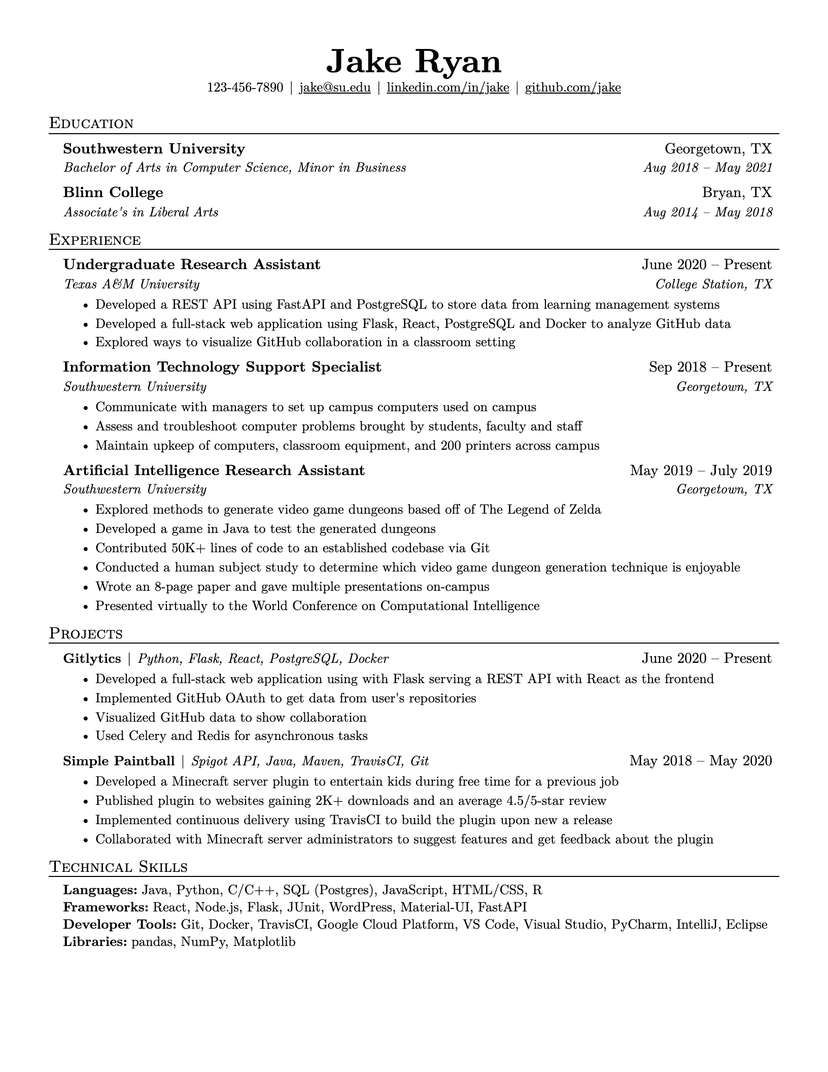
Jake's Resume
- Word
- Google Docs
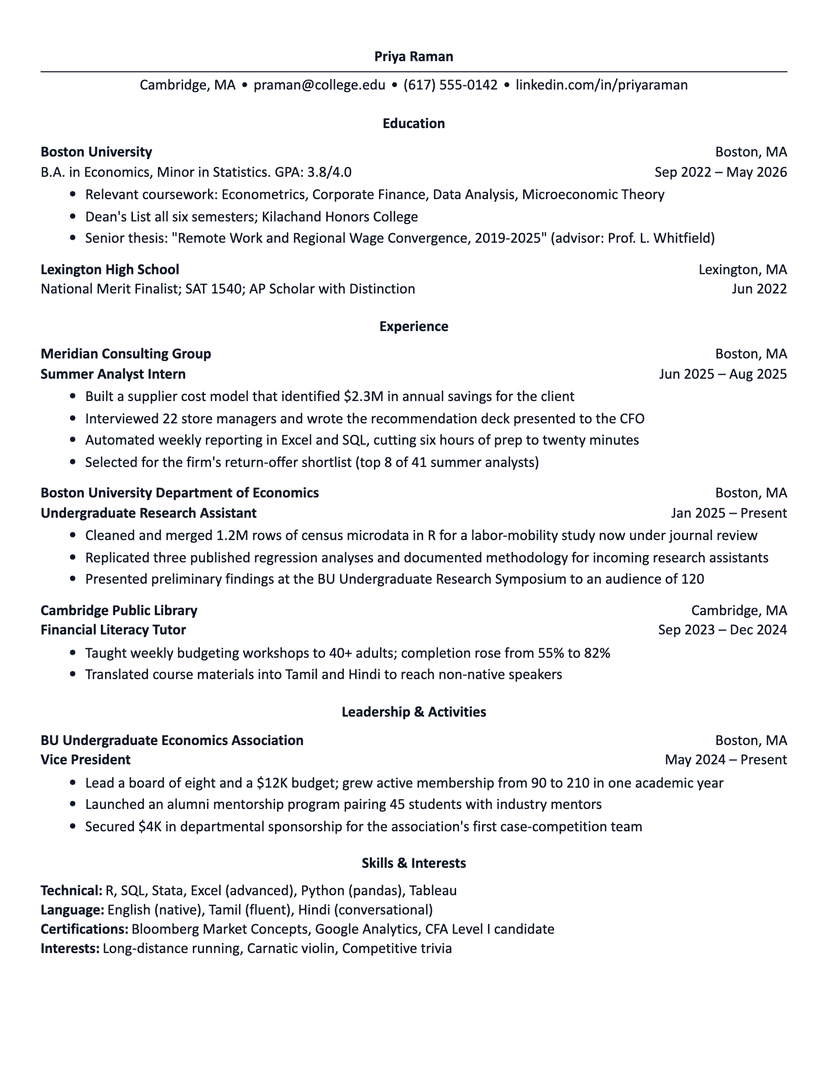
Harvard
- Word
- Google Docs
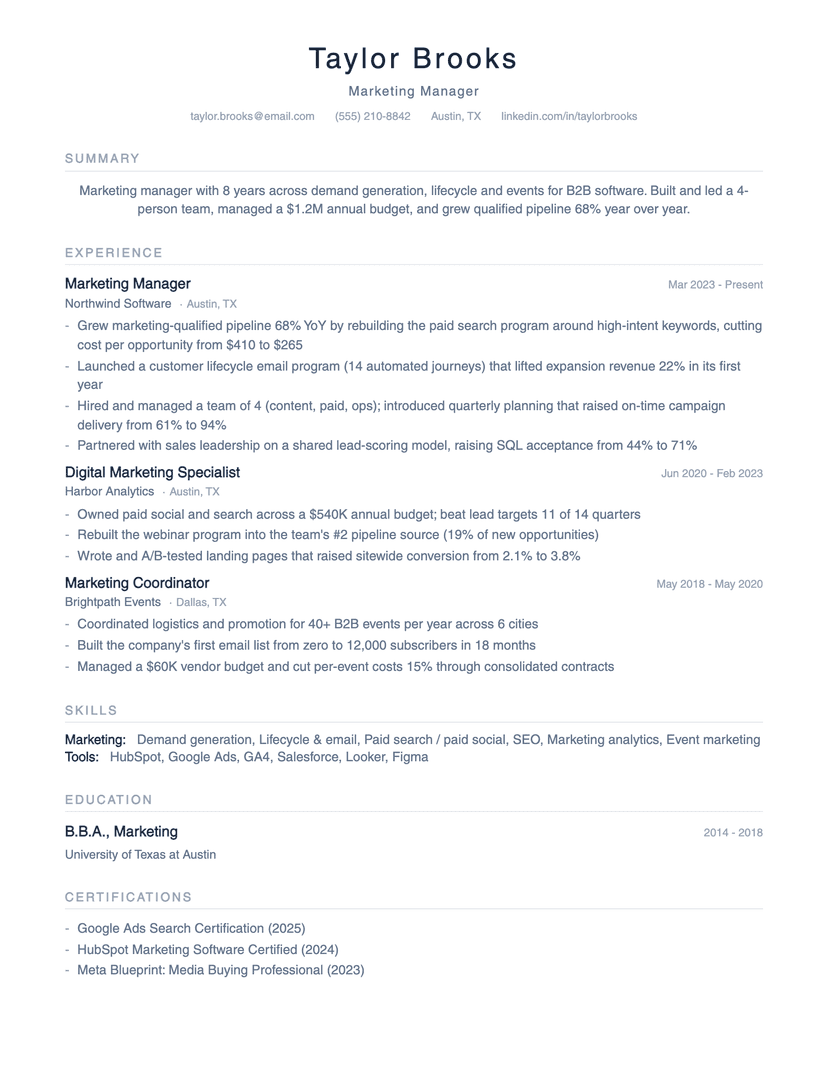
Minimalist
- Word
- Google Docs
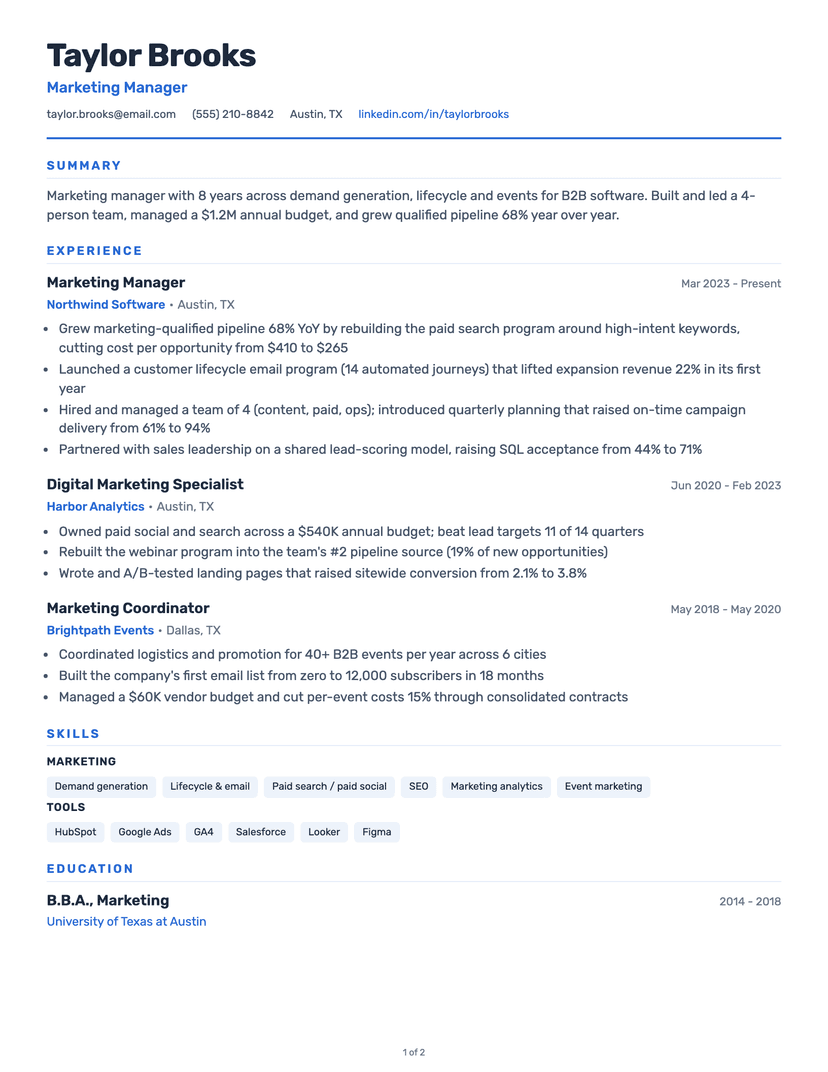
Classic
- Word
- Google Docs
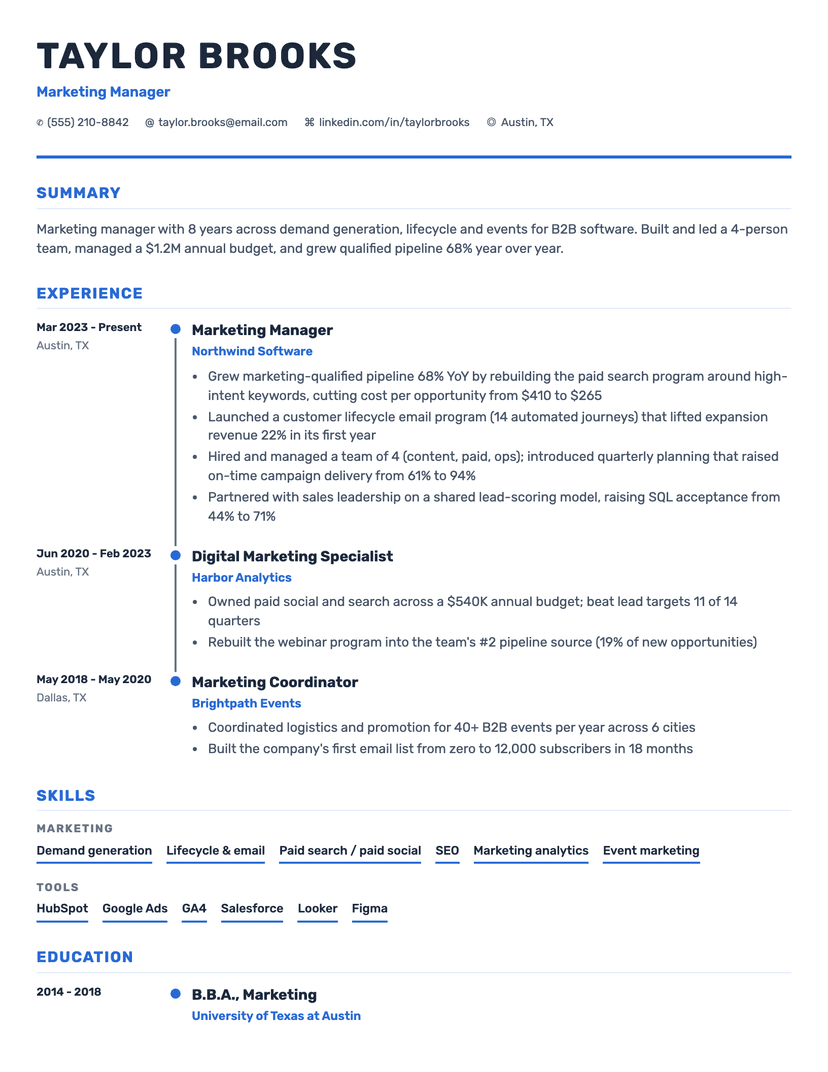
Timeline
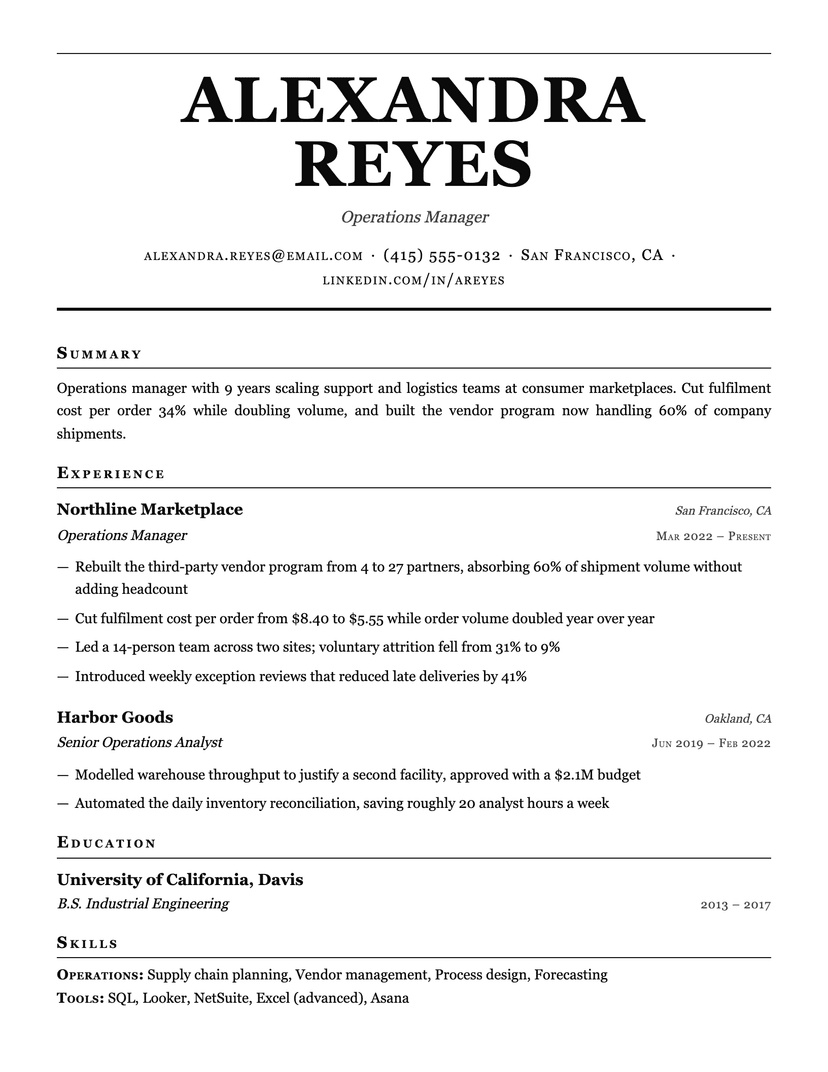
Broadsheet
- Word
- Google Docs
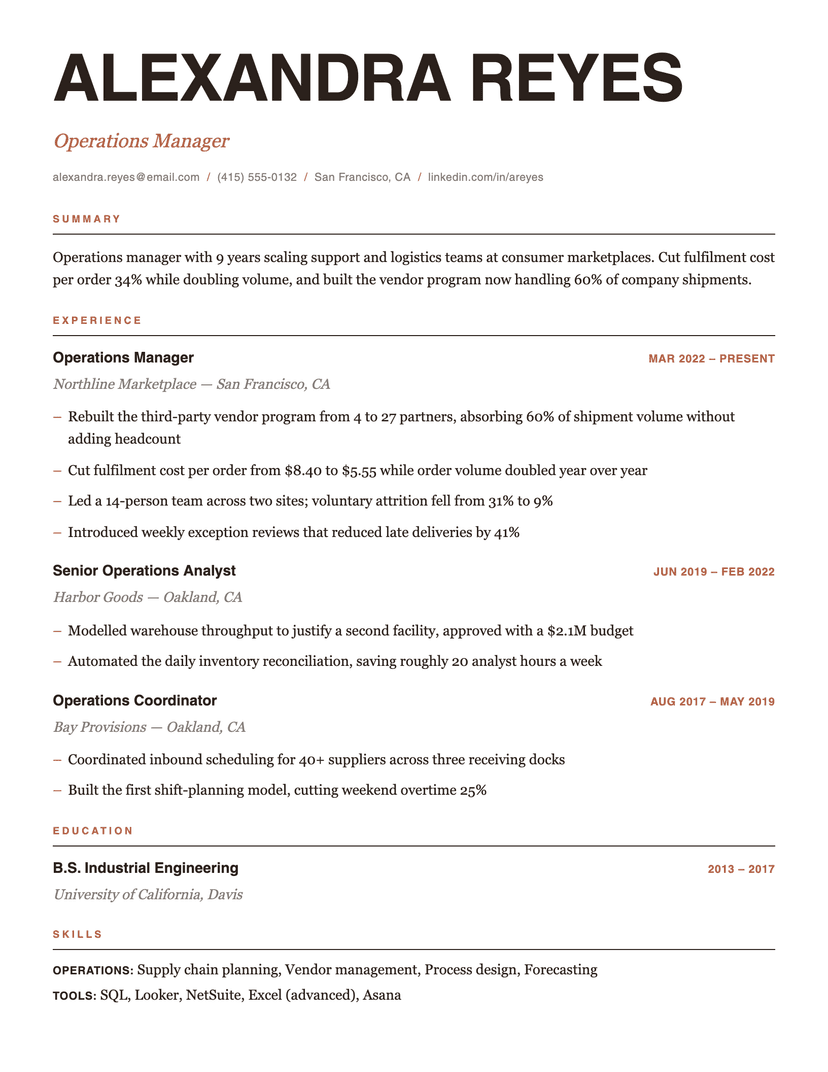
Editorial
- Word
- Google Docs
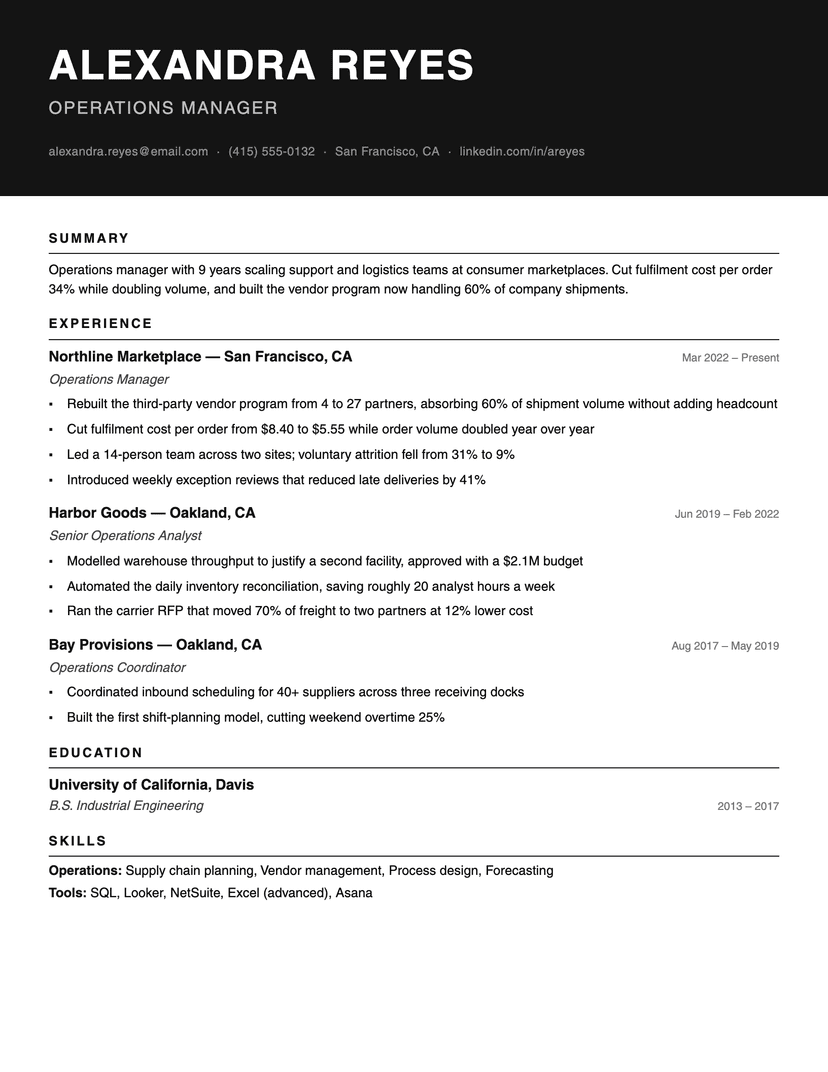
Ink Block
- Word
- Google Docs
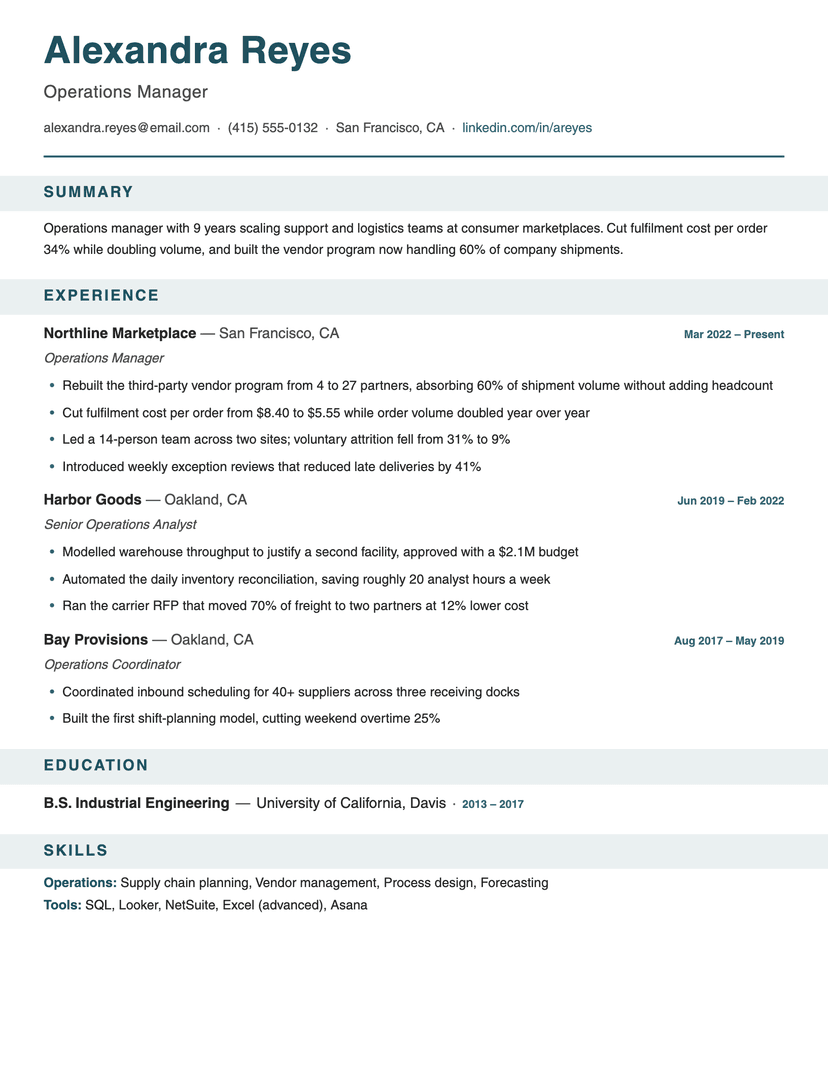
Banner
- Word
- Google Docs
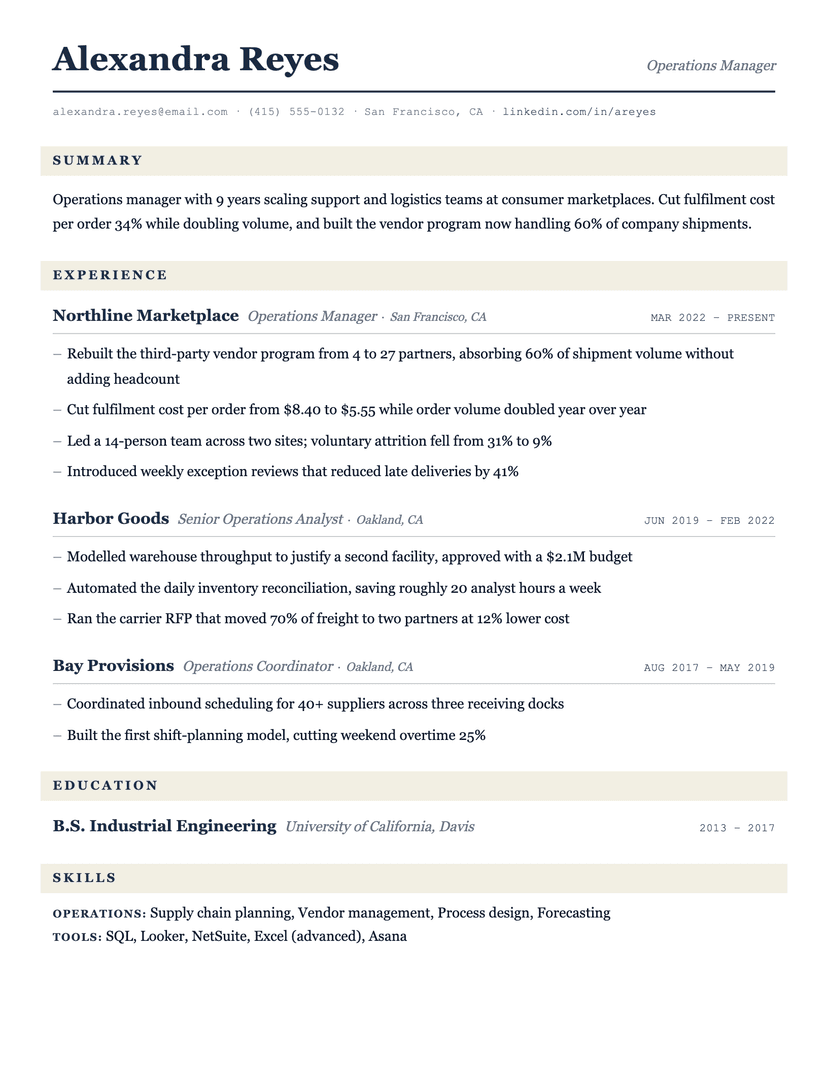
Ledger
- Word
- Google Docs
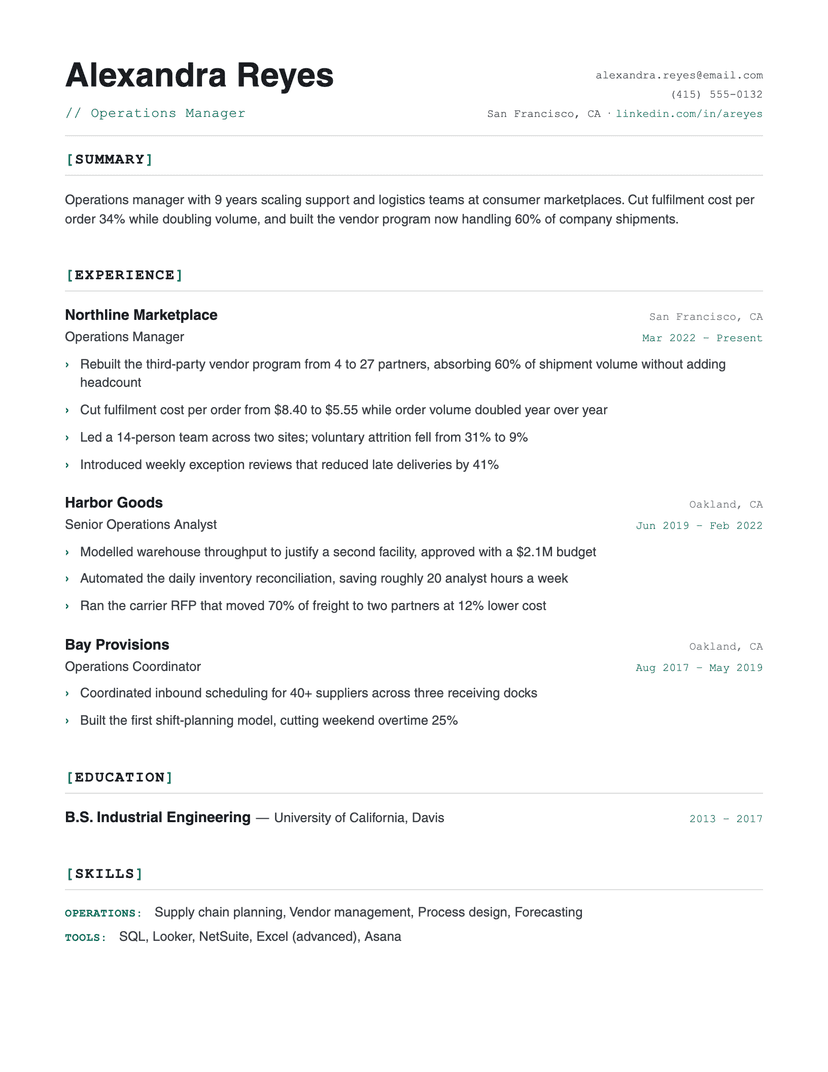
Bracket
- Word
- Google Docs
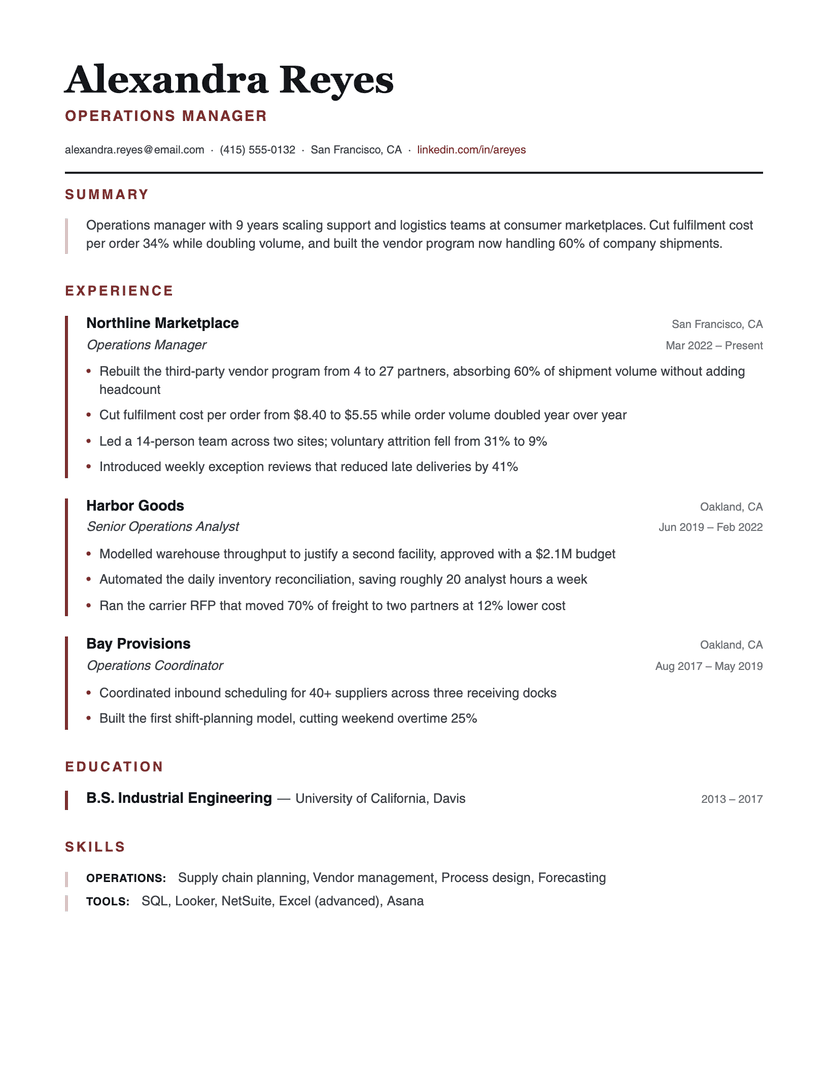
Left Rule
- Word
- Google Docs
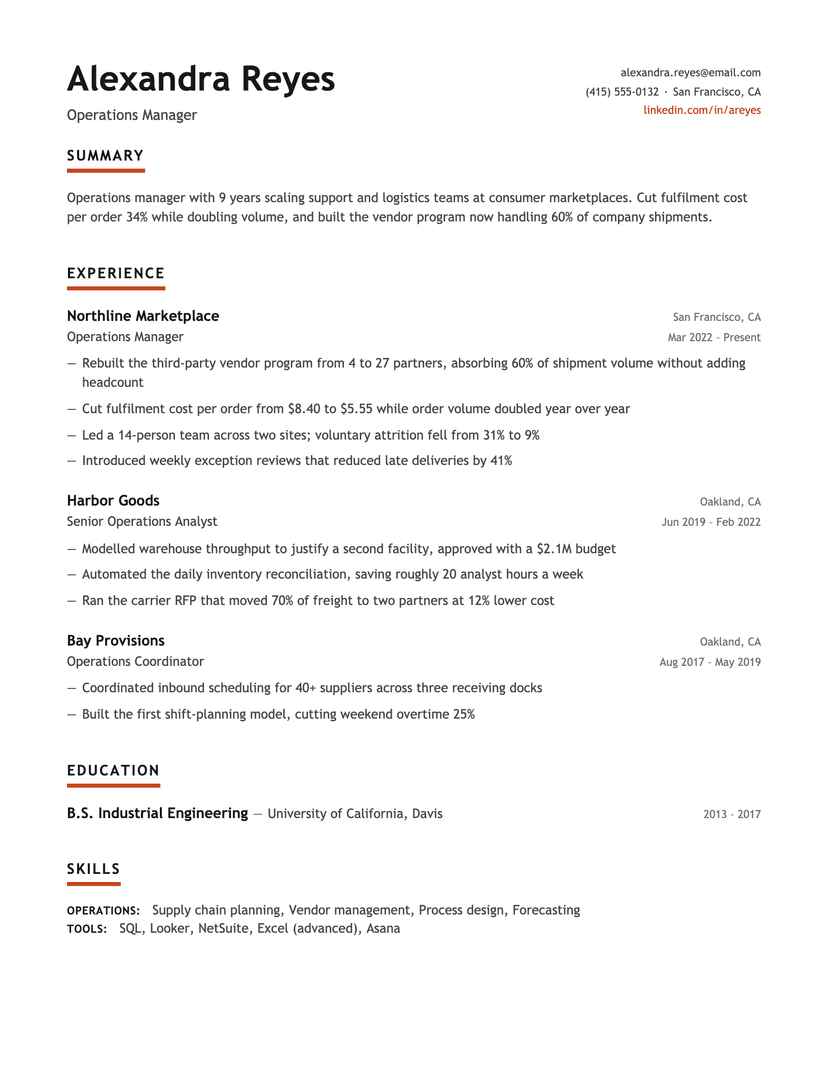
Underline Accent
- Word
- Google Docs
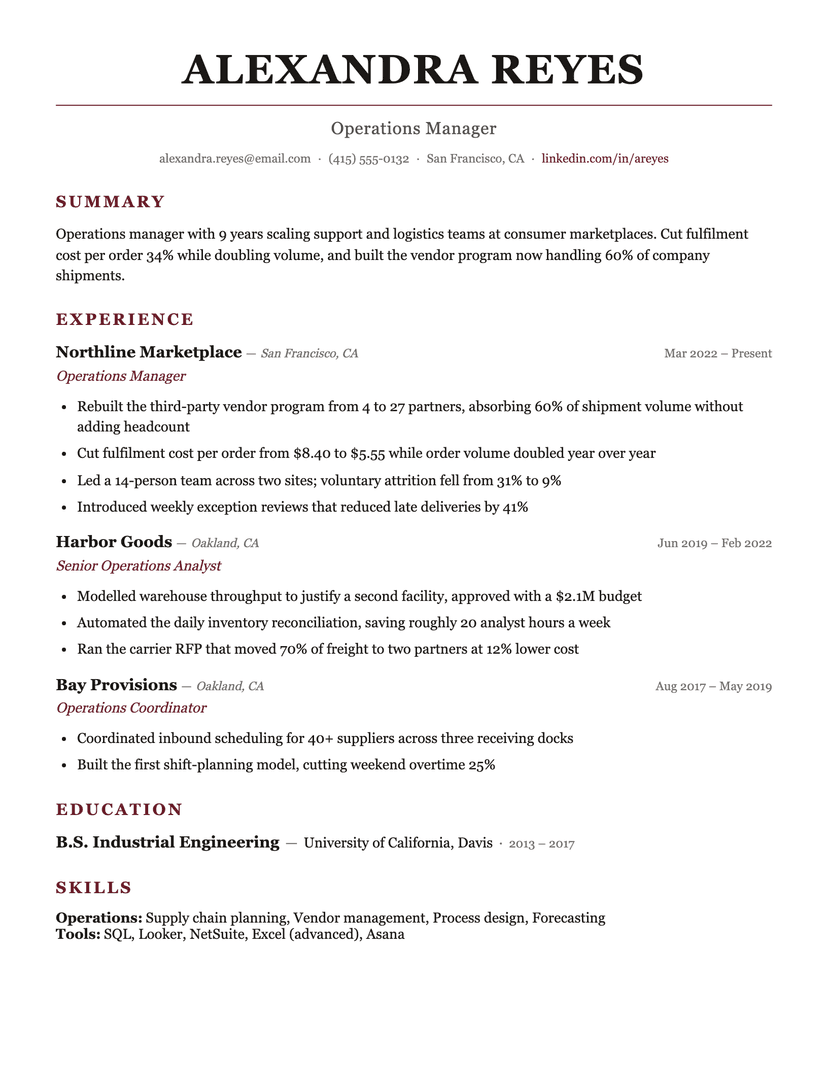
Burgundy
- Word
- Google Docs
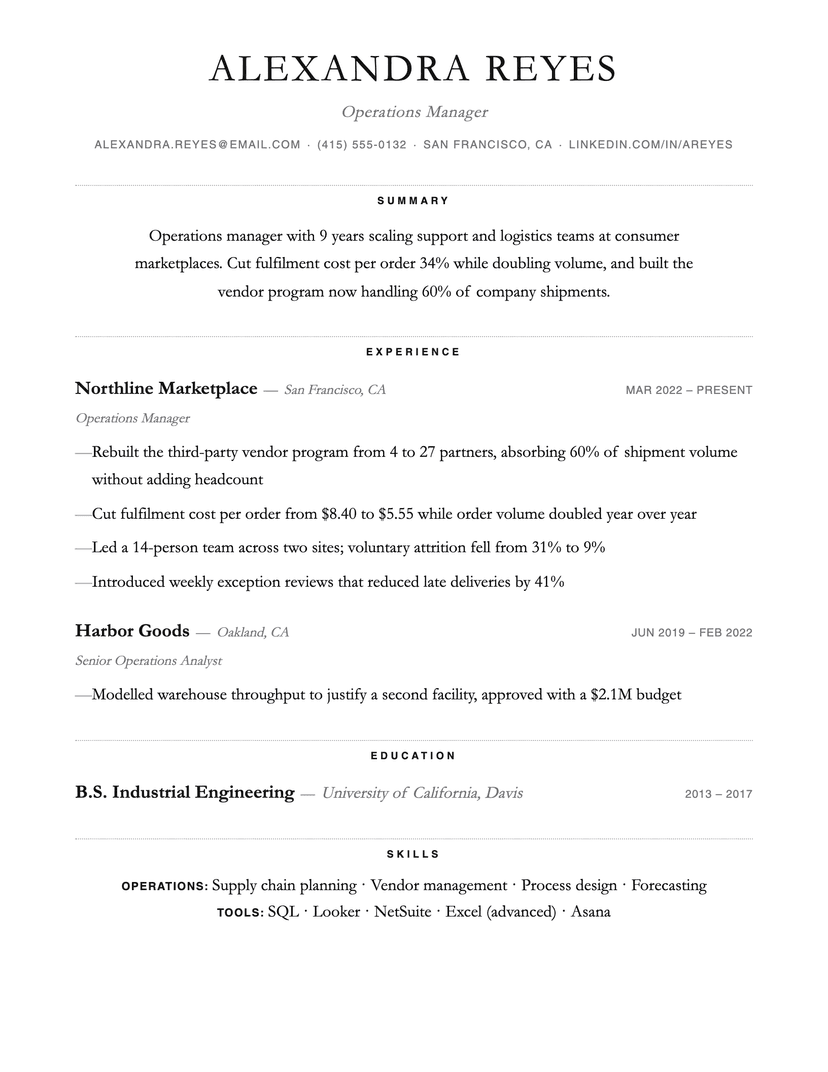
Dotted
- Word
- Google Docs
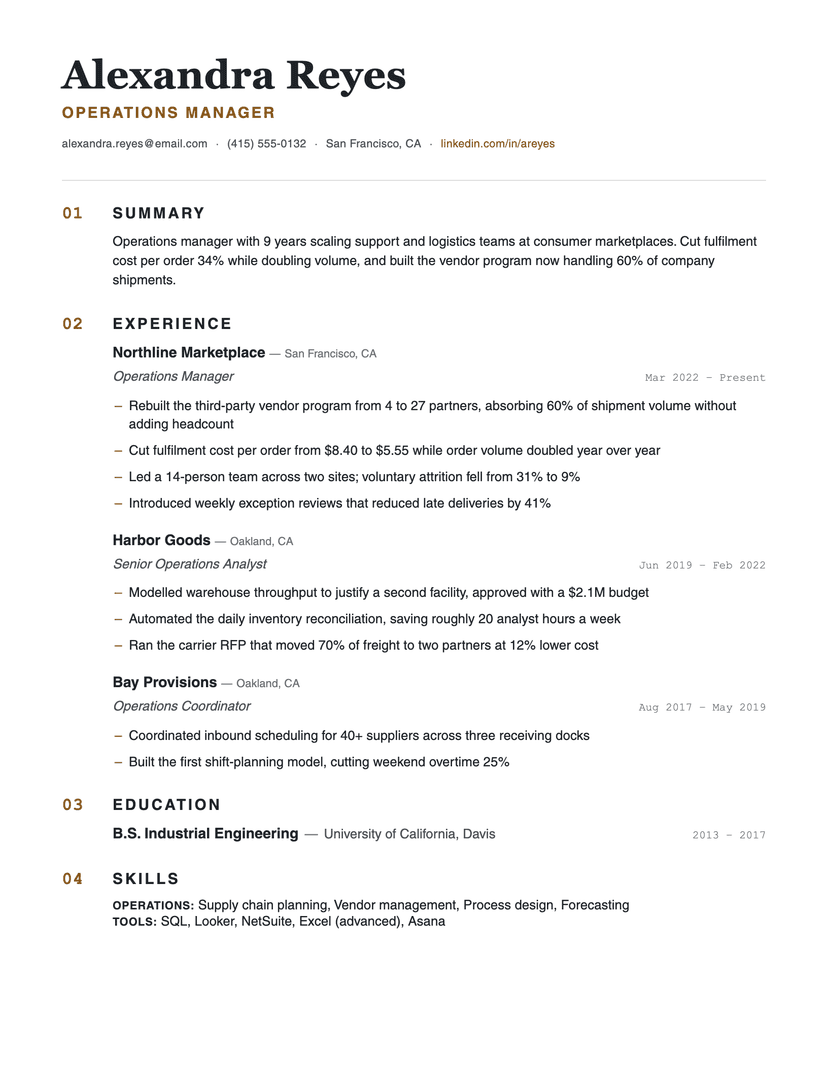
Numbered
- Word
- Google Docs
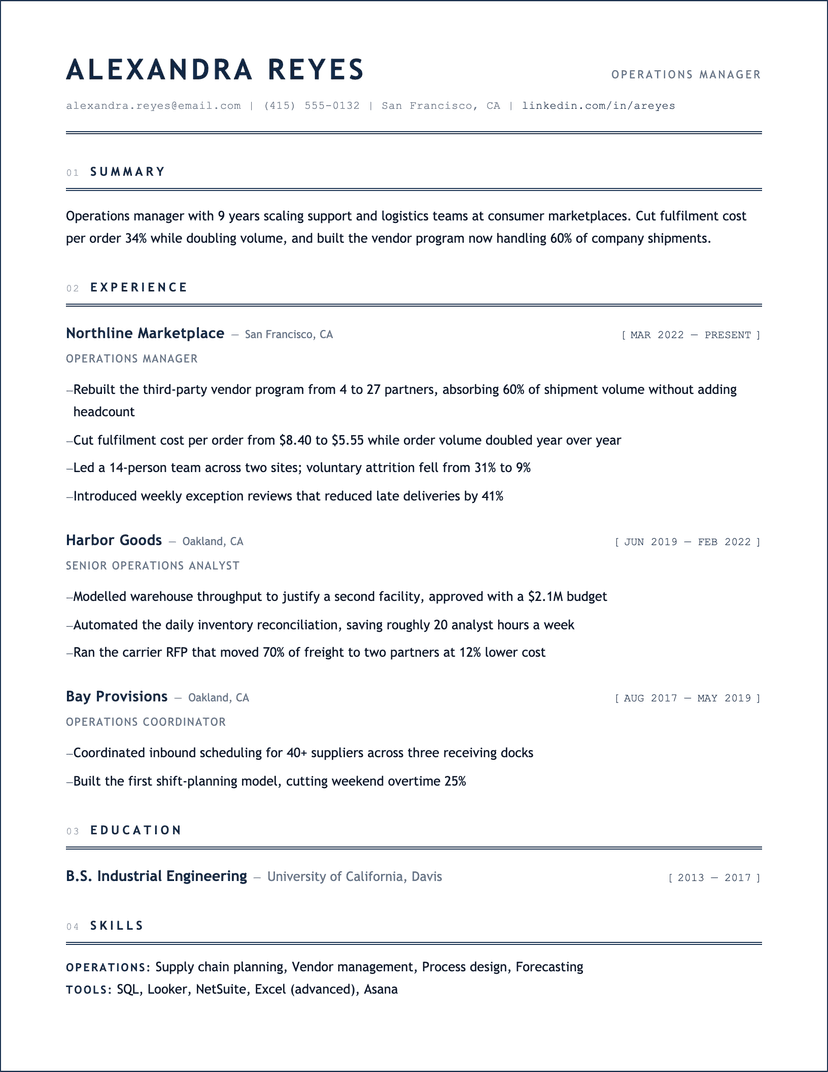
Blueprint
- Word
- Google Docs
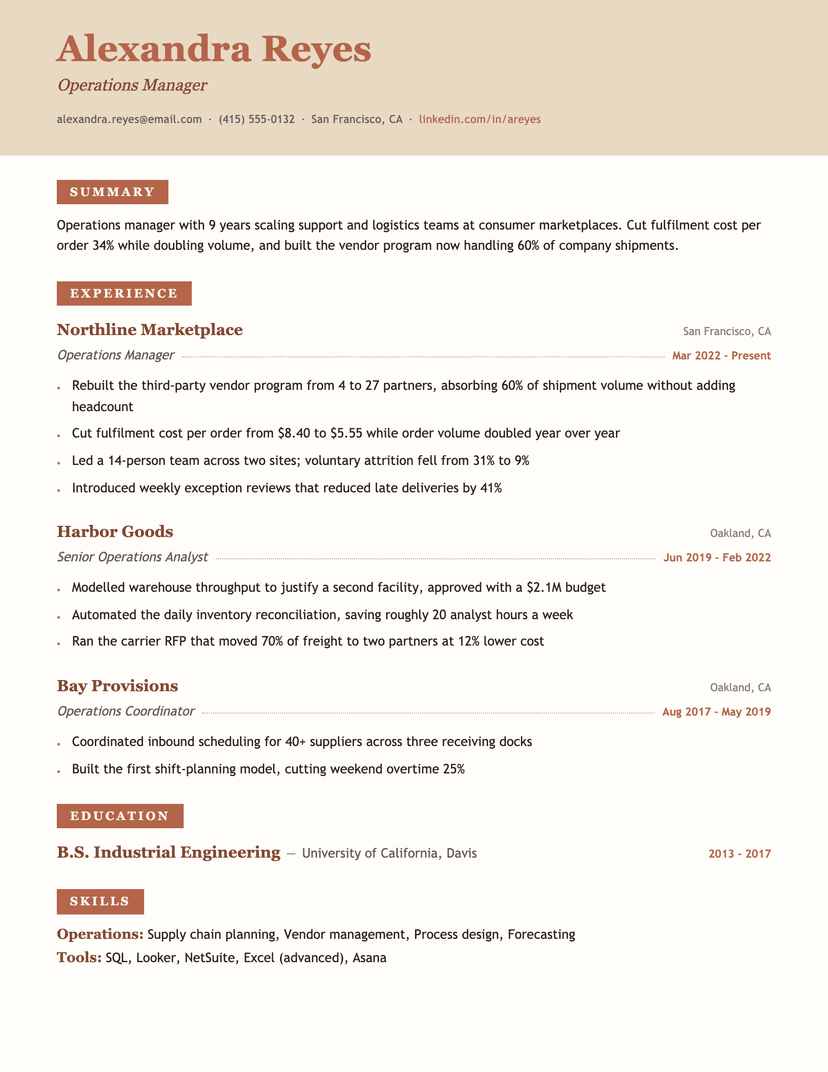
Terracotta
- Word
- Google Docs
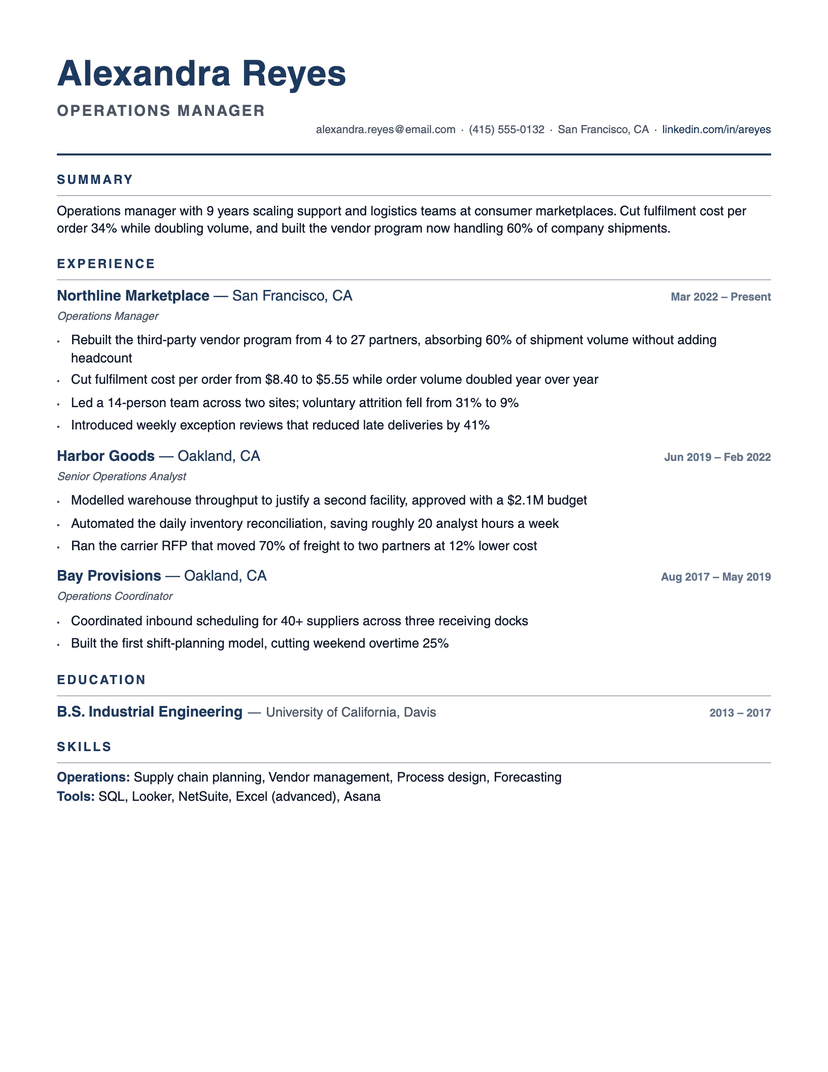
Compact Pro
- Word
- Google Docs
What makes a resume template ATS-friendly
An ATS-friendly template keeps parsing order identical to reading order. Concretely: a single-column layout (no sidebars, no multi-column tables), standard section headings (Experience, Education, Skills — the exact words parsers anchor on), common fonts, no photos, icons, charts or text boxes, and contact details in the document body rather than a header or footer block.
Every template on this page follows those rules by construction. The differences between them are typographic — density, whitespace, serif vs. sans — never structural, so choosing between them is a taste decision, not a risk decision.
How to tell whether your current resume parses
Open your PDF, select all, copy, and paste into a plain text editor. What you see is roughly what the parser sees. If the text arrives in the wrong order, if your job titles end up separated from their dates, or if whole blocks are missing, the layout is fighting the parser — and no amount of keyword tuning fixes a structural problem.
The usual culprits are the ones design tools encourage: a skills sidebar that interleaves itself into your work history, contact details stranded in a header, and icons standing in for words like "email" and "phone" that then parse as nothing at all.
Word vs. PDF vs. Google Docs
PDF is the default for applying: it locks your layout on every machine and every modern ATS reads it. Word (.docx) is for postings that explicitly request it and for recruiters who annotate — our .docx files use real heading styles and lists, not layout boxes, so they parse identically. Google Docs is the best free editor: one click makes a copy in your Drive.
Which of these should you pick?
Students and engineers with dense project histories: Jake's fits the most content per page. Most professionals, any industry: Classic is the all-purpose default. Strong, quantified bullets that deserve room: Minimalist. Senior roles and a long history to organise: the executive designs. Every template exports the same content, so switching later costs nothing.
Frequently asked questions
What is an ATS-friendly resume template?+
A template whose structure an applicant tracking system can parse without errors: single column, standard section headings, no tables, text boxes or graphics, and contact information in the document body. Every template on this page is built to that standard.
How do I convert my resume to ATS-friendly?+
Drop your existing resume onto any template page on this site — we parse it and re-render your content in that ATS-safe layout, and you can download the result as PDF, Word or Google Docs free.
Are these resume templates really free?+
Yes — every template downloads free in every format (PDF, Word, Google Docs) with no sign-up, no watermark and no locked 'premium' versions.
Are Canva or two-column resume templates ATS-friendly?+
Often not. Decorated templates from design tools typically rely on sidebars, layout tables, icons and photos — exactly the structures that scramble ATS parsing. They're fine for a resume you hand directly to a human; for portal applications, use a single-column layout like the ones here.
Do ATS systems reject resumes automatically?+
Not for formatting, no — that myth oversells them. What actually happens is quieter: a mangled parse fills the recruiter's search index with garbled fields, so your resume simply does not surface for the searches it should have matched. You are not rejected; you are invisible.
Should I use a PDF or Word version?+
PDF unless the posting asks for Word. Both formats here are ATS-clean; PDF guarantees your formatting survives, .docx is occasionally required by older systems and external recruiters.
Other collections
By style
By situation
Student Resume Templates
Coursework and projects carry the page.
6 templates
Internship Resume Templates
Built for people applying with little history.
5 templates
Entry-Level Resume Templates
First real job, minimal experience.
6 templates
Resume With No Experience — What to Put, and Free Templates
Volunteering, clubs and projects as evidence.
5 templates